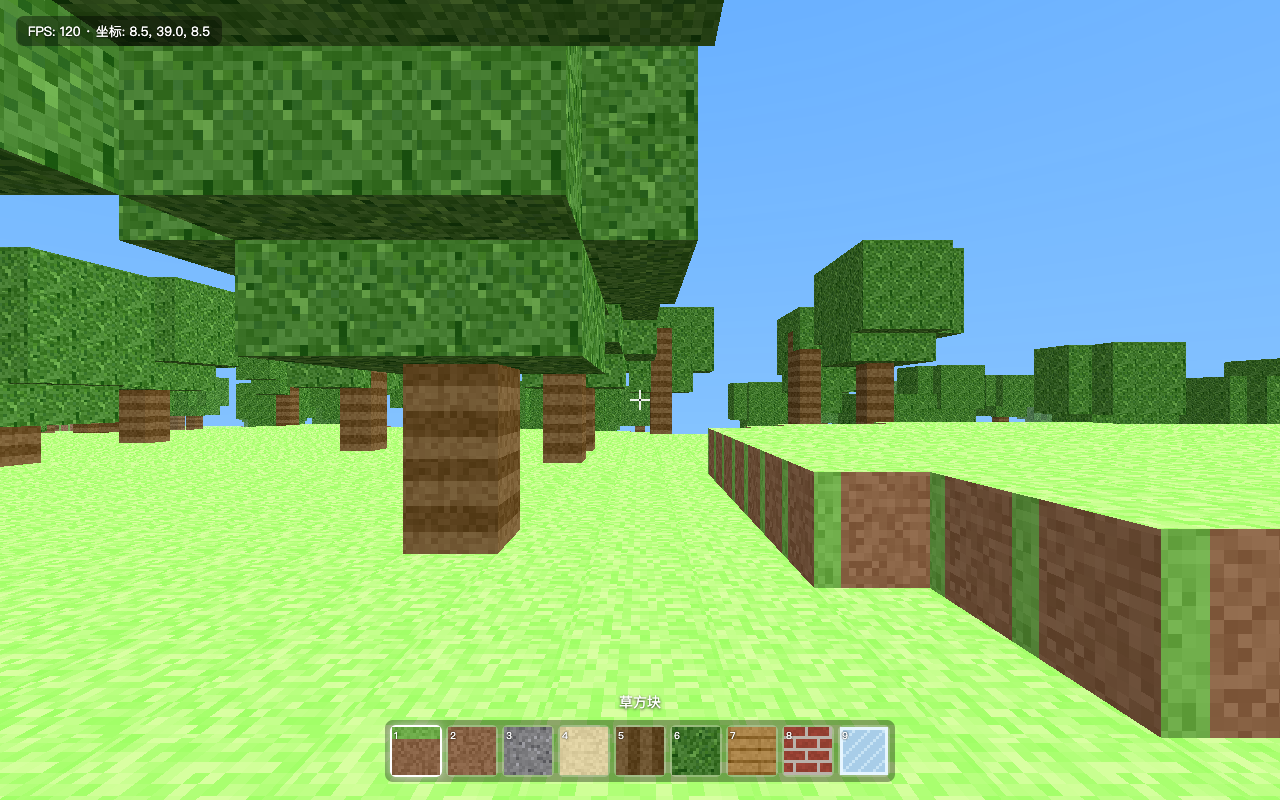
dsh-preview
Run the following command in DeepSeek Harness:
dsh plugin install Viger1/dsh-preview
Paste the following prompt into your AI chat to install this plugin:
Run dsh plugin install Viger1/dsh-preview in DeepSeek Harness to install this plugin, whose source is hosted at https://github.com/Viger1/dsh-preview
About this plugin
The most common failure mode after an agent ships frontend code is not that it cannot write the code, but that it never looks at the result. It re-reads its own source, declares the work done, and leaves you to open a browser, take a screenshot, and describe what broke to it. dsh-preview targets exactly that blind spot: it installs a deterministic verification loop on the agent that opens the page, inspects the console, asserts layout facts from computed styles, exercises the UI, saves screenshots as evidence, fixes what it finds, and re-verifies, all before it is allowed to claim completion.
The heart of the design is browser_read, which returns rendered text, outer HTML, and the bounding box plus key computed styles for a given selector in plain text. This lets a text-only model verify box sizes, color values, display properties, and rendered copy deterministically instead of hallucinating over pixels. browser_interact handles clicks, typing, and key presses and reports any console errors the interaction caused. browser_screenshot saves viewport, full-page, or single-element PNGs into the workspace for the human in the loop. All six tools serve one discipline: open, console, read, interact, screenshot, fix, re-verify. The bundled frontend-verify skill enforces that sequence and requires the agent to name what it could not verify rather than implying full coverage.
On the security side, localhost and 127.0.0.1 are always allowed because that is what frontend verification needs, while every other host is refused by default unless explicitly granted via allowedHosts. Local file paths are served read-only on an ephemeral loopback port with path containment. The skill forbids screenshotting pages that contain secrets and never types credentials. Known limitations include headless rendering differences from a desktop browser for pointer lock and certain GPU code paths, which the skill instructs the agent to flag explicitly. This plugin fits developers using dsh on frontend work who want their agent to actually open, check, and evidence its own output before reporting that the work is finished.
Screenshots
Use Cases
- After building a frontend page, the agent autonomously opens a browser, checks console errors and computed styles, and only reports completion after passing.
- While developing a local component, the agent clicks through interactions, reads computed styles, and fixes a CSS layout misalignment it detects.
- Before handing off a frontend task, the agent saves screenshots as evidence and explicitly states what it could not verify, such as GPU rendering fidelity.
Best For
- Engineers using dsh for frontend work who want their agent to actually open and check the page before declaring done.
- Teams embedding quality gates into agent workflows that need deterministic verification instead of pixel-guessing.
- Developers who want to eliminate the manual loop of opening a browser, screenshotting, and describing bugs back to the agent.
Related Plugins

A method pack that makes AI coding agents plan against your real baseline, prove completion with fresh evidence, and reduce reworks and unsafe changes.

Turns the DeepSeek Harness session into a captain that builds a durable sub-agent team, splits goals into dependency-aware tasks, and coordinates work via direct messages and a live Web UI.
Gives coding agents design judgment, letting Claude Code, Cursor, and 70+ agents generate and iterate high-quality UI, presentations, and graphics right from the terminal.
Run the Pi ecosystem's plugins on DeepSeek Harness, unmodified, via a compatibility layer that implements Pi's public extension ABI on DSH's native services.