dsh-llm-volcengine-plans
Run the following command in DeepSeek Harness:
dsh plugin install lionXiao/dsh-llm-volcengine-plans
Paste the following prompt into your AI chat to install this plugin:
Run dsh plugin install lionXiao/dsh-llm-volcengine-plans inside DeepSeek Harness to install this bundle, whose source is hosted at https://github.com/lionXiao/dsh-llm-volcengine-plans .
About this plugin
Integrating Volcengine Ark Agent Plan and Coding Plan into DeepSeek Harness has historically meant relying on a legacy standalone package or hand-wiring OpenAI compatibility parameters, while DSH rc.6 introduced a regression where third-party Models editor registration breaks the Add provider dialog. dsh-llm-volcengine-plans bundles both plans into a single community DSH package so that route registration, gateway switches, and the credential pipeline all live under one maintainable manifest, eliminating route conflicts with the legacy bundle.
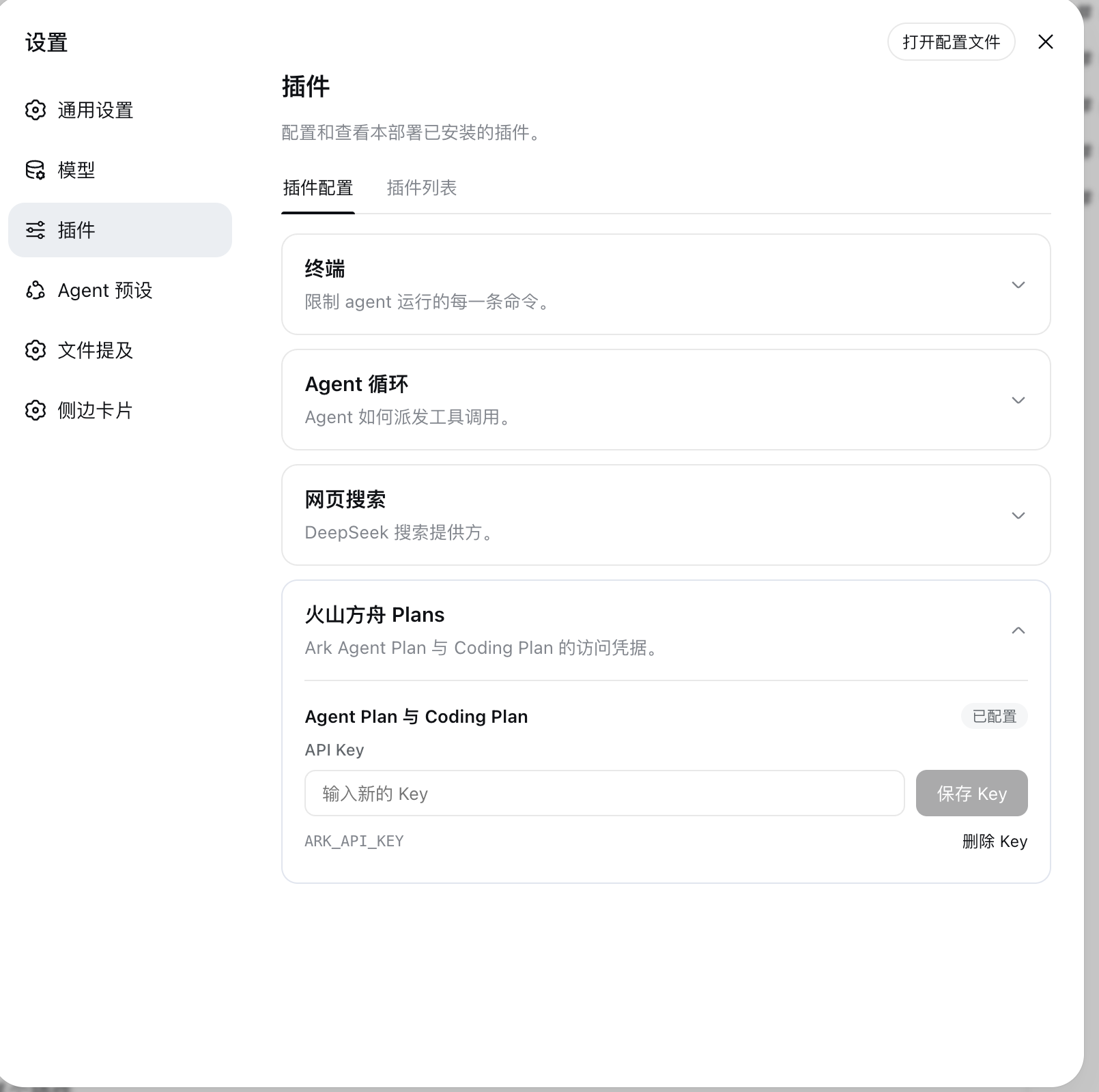
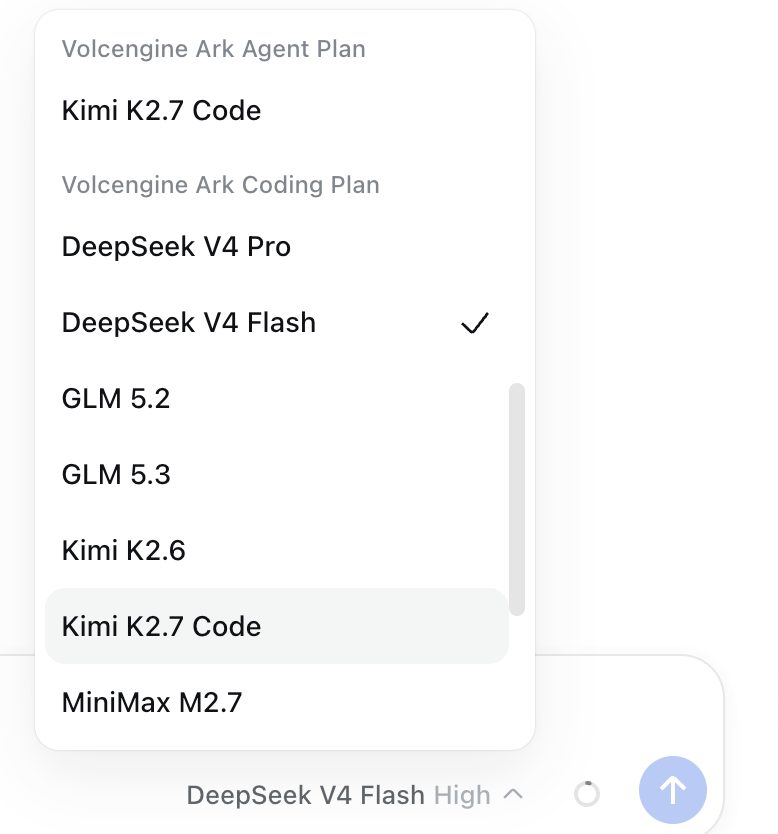
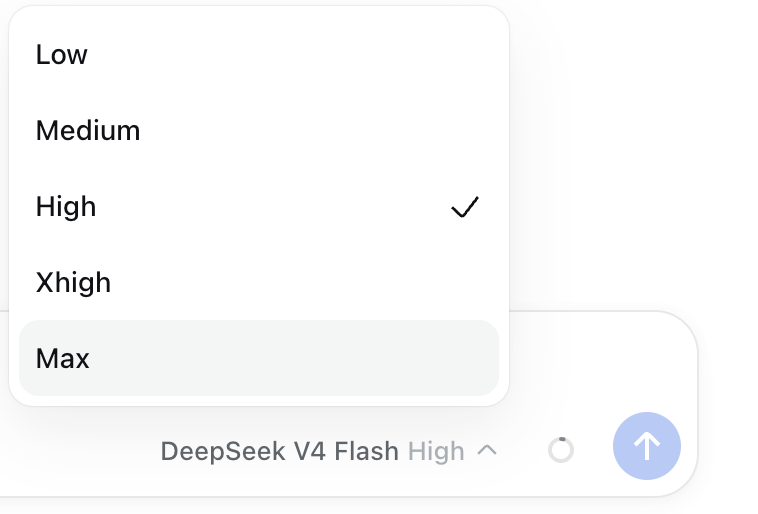
Key capabilities include registering two isolated route families (volcengine-plan/ and volcengine-coding/) with per-model context window, output limit, modality, and thinking-level metadata; automatically applying the OpenAI compatibility field switches the Coding Plan gateway expects; resolving ARK_API_KEY through the DSH credential service on every request with legacy environment-variable fallbacks; exposing a ready-to-use key form under Settings → Plugins → Plugin configuration that stores the secret in $DSH_HOME/.credentials.yaml without ever returning it to the browser; and supporting validated, live-reloadable configuration for routes, endpoints, headers, timeouts, retries, and default reasoning level so changes take effect without a restart.
This package is well suited for developers and teams managing multi-model workflows with DSH who need a stable, consolidated connection to Volcengine Ark services, particularly those using both Agent Plan and Coding Plan and wanting to retire the legacy bundle while keeping all configuration in one place.
Screenshots
Use Cases
- Connect both Ark Agent Plan and Coding Plan in DeepSeek Harness with unified routing and credentials.
- Replace the legacy standalone Volcengine plugin to eliminate route conflicts and centralize configuration.
- Pick volcengine-coding models in the DSH model picker and configure thinking levels directly.
Best For
- Developers managing multi-model workflows in DSH.
- Teams using both Volcengine Agent Plan and Coding Plan.
- DSH users wanting to retire the legacy plugin and centralize credentials and routing.
Related Plugins

A method pack that makes AI coding agents plan against your real baseline, prove completion with fresh evidence, and reduce reworks and unsafe changes.

Turns the DeepSeek Harness session into a captain that builds a durable sub-agent team, splits goals into dependency-aware tasks, and coordinates work via direct messages and a live Web UI.
Gives coding agents design judgment, letting Claude Code, Cursor, and 70+ agents generate and iterate high-quality UI, presentations, and graphics right from the terminal.
Run the Pi ecosystem's plugins on DeepSeek Harness, unmodified, via a compatibility layer that implements Pi's public extension ABI on DSH's native services.