dsh-kernel-mesh
Run the following command in DeepSeek Harness:
dsh plugin install oppnc/dsh-kernel-mesh
Paste the following prompt into your AI chat to install this plugin:
Run dsh plugin install oppnc/dsh-kernel-mesh in the DeepSeek Harness terminal to install this plugin; the full source repository is at https://github.com/oppnc/dsh-kernel-mesh.
About this plugin
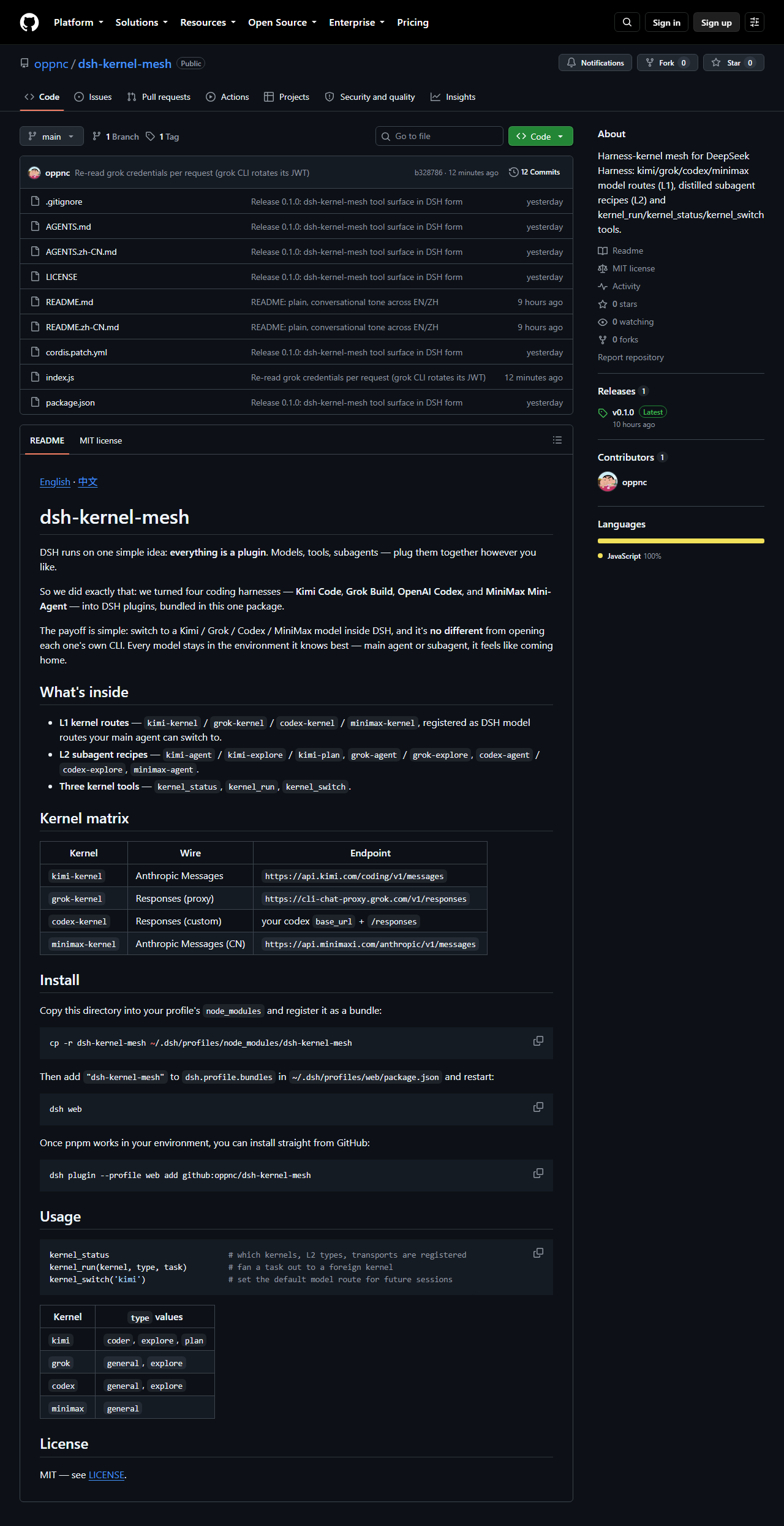
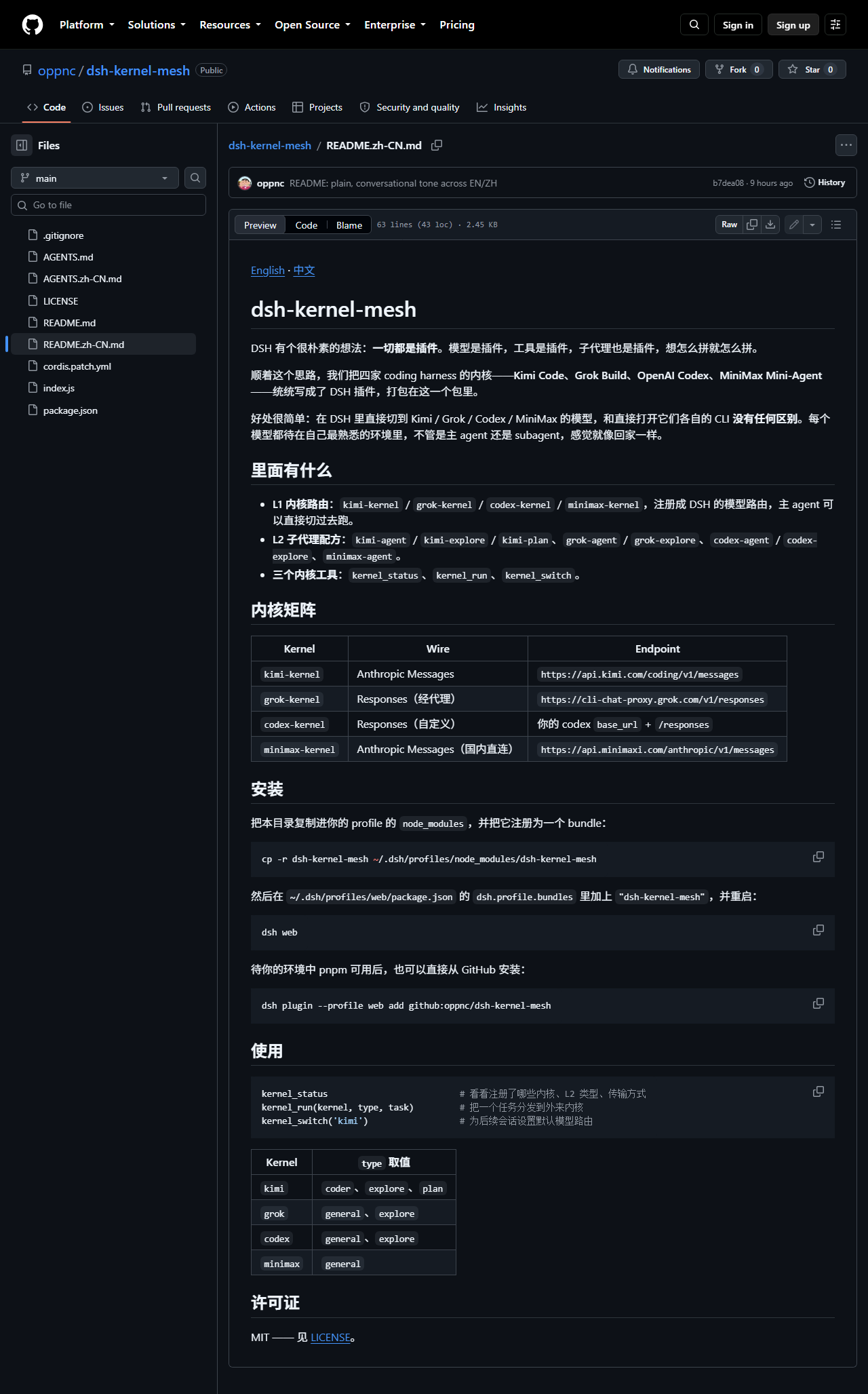
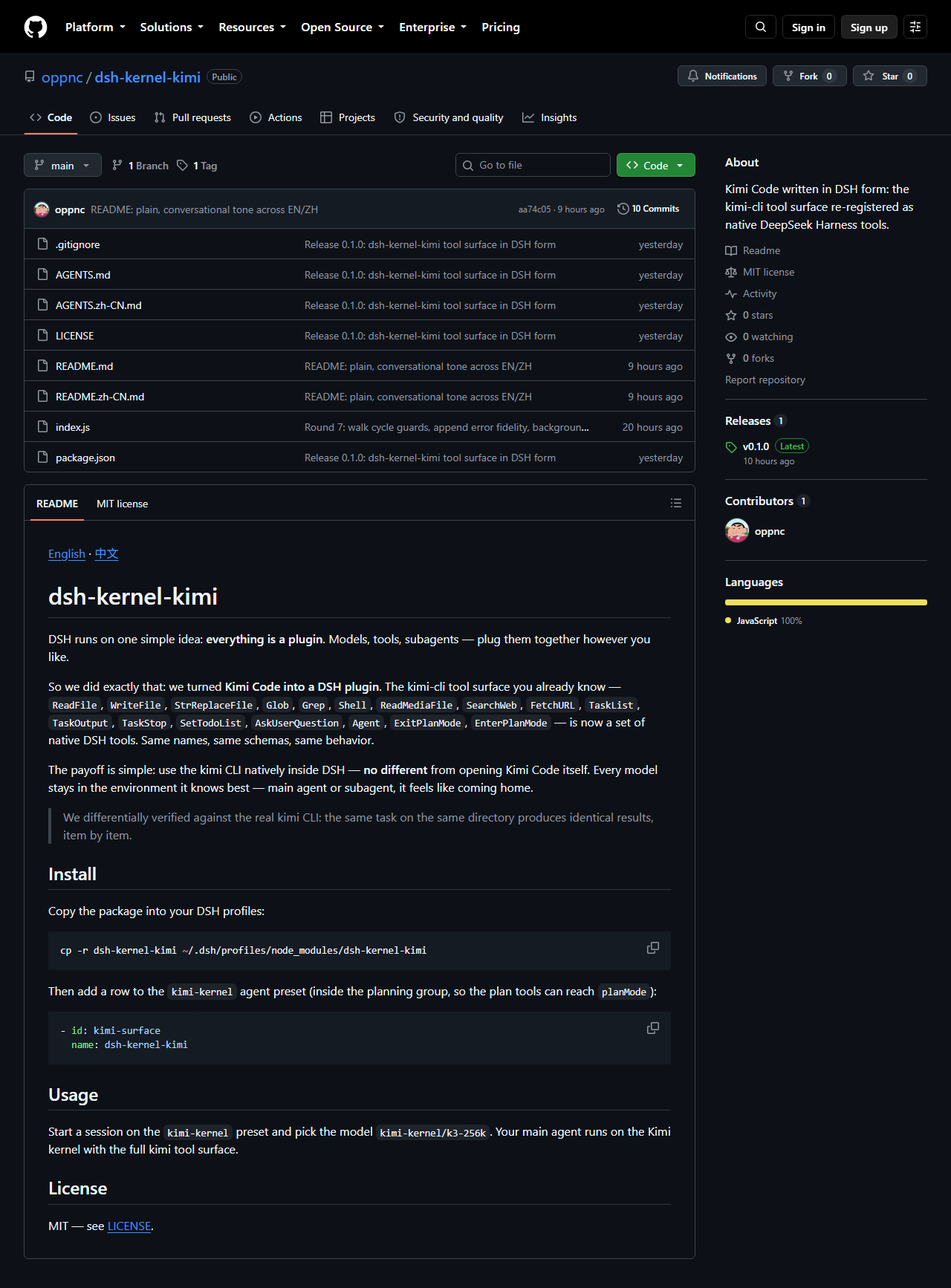
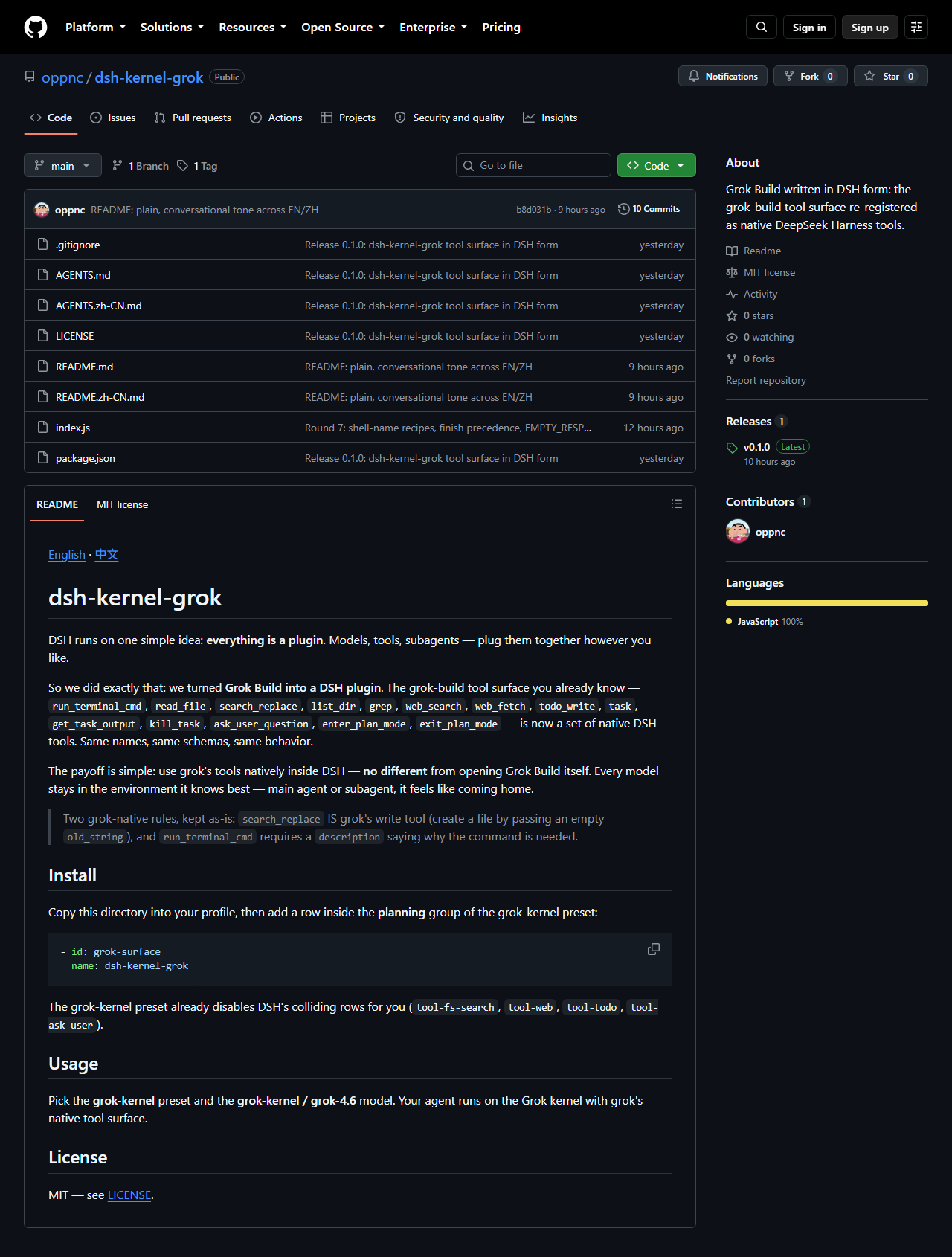
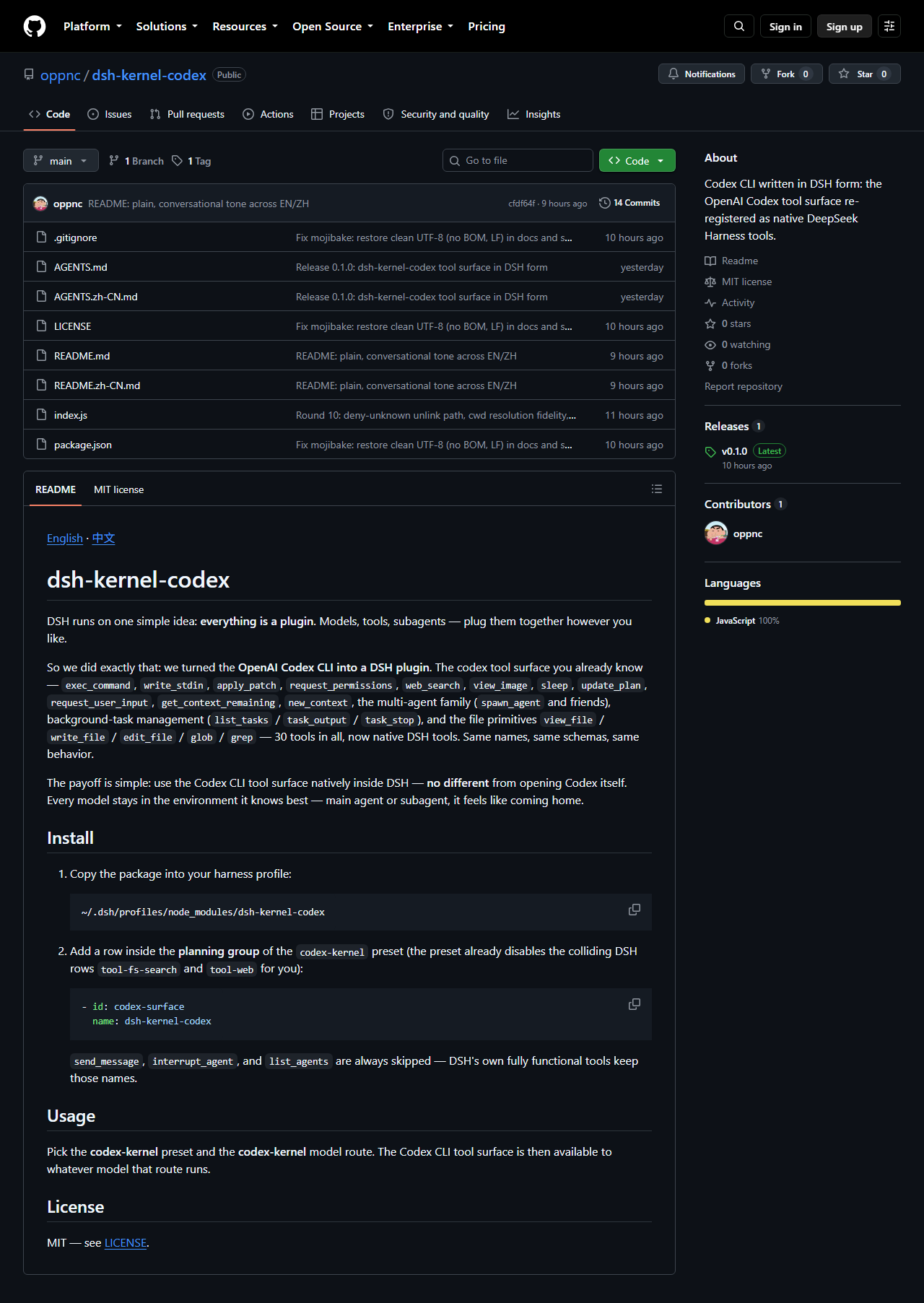
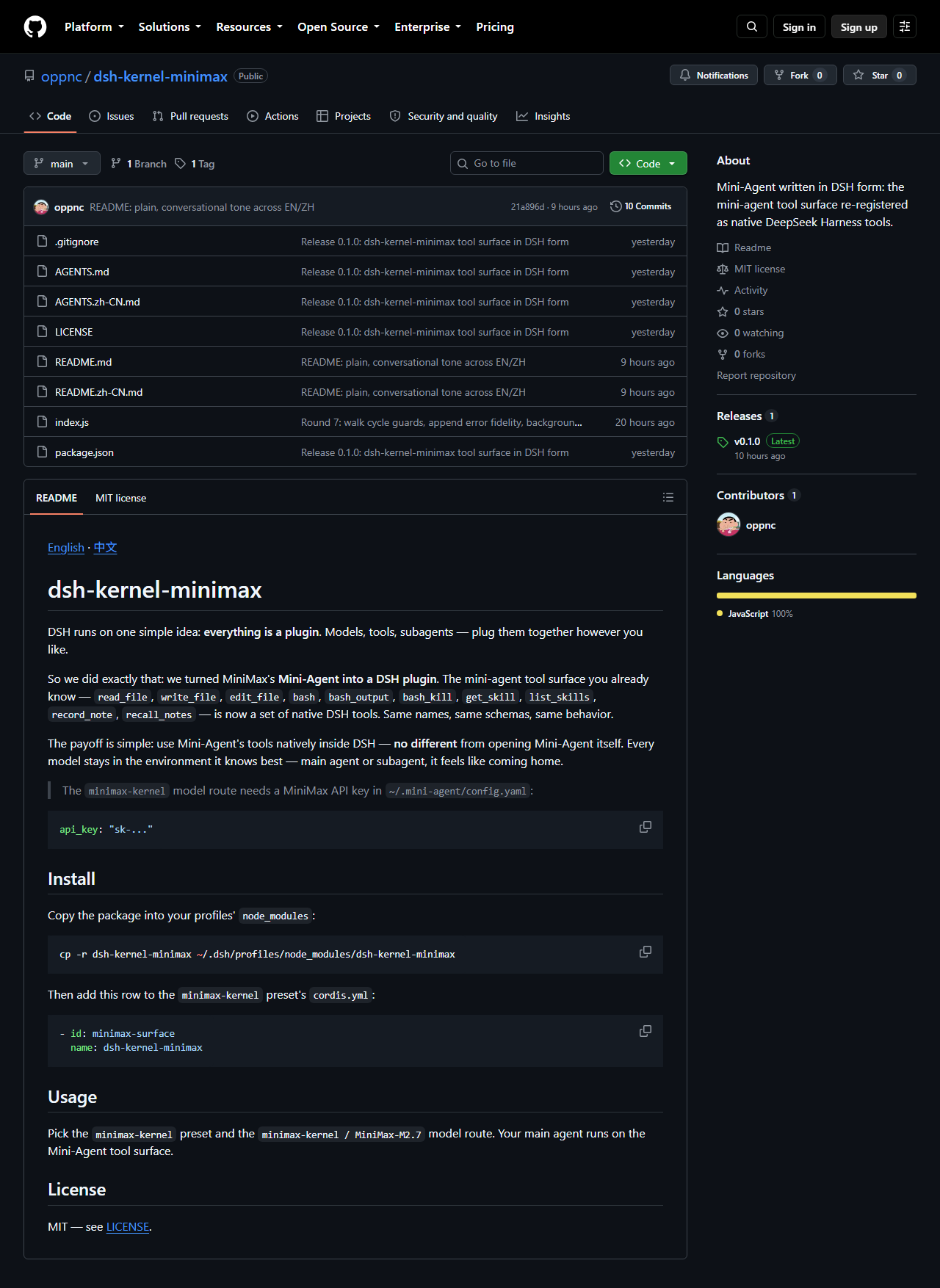
Switching coding models inside a DSH workflow usually means tearing down and rebuilding the entire environment. Prompts change, tool sets change, subagent behavior changes. dsh-kernel-mesh packages four major coding harnesses-Kimi Code, Grok Build, OpenAI Codex, and MiniMax Mini-Agent-into a single DSH plugin so each model runs inside its own native system prompt and tool whitelist. Whether it serves as the main agent or a subagent, flipping to the matching kernel feels like coming home.
The bundle ships four L1 kernel routes, vendor-native L2 subagent recipes (kimi-coder, grok-plan, codex-worker, and more), three kernel scheduling tools (kernel_status, kernel_run, kernel_switch), and four ready-to-use agent presets. A kernel session loads only the vendor upstream system prompt with no DSH runtime context mixed in, guaranteeing behavior identical to the official CLI. An opt-in fallback route via Ollama or opencode-go keeps the workflow alive when an official API quota runs dry.
Best suited for senior engineers who drive multiple coding models inside DSH and want each one to run in its native environment-uniform dispatch on top, full-harness prompts and tooling underneath.
Screenshots
Use Cases
- Switch between Kimi, Grok, Codex, and MiniMax coding models in DSH with a single command, each running its native prompt and tool whitelist
- Assign vendor-native subagent recipes per task, such as kimi-plan for planning or codex-worker for execution
- Automatically fall back to Ollama or opencode-go local models when an official API quota is exhausted, keeping the workflow alive
Best For
- Senior developers driving multiple coding models who demand native-harness fidelity
- Platform engineers unifying multi-harness tooling and dispatch layers
- AI engineers building multi-model collaboration pipelines inside DSH workflows
Related Plugins

A method pack that makes AI coding agents plan against your real baseline, prove completion with fresh evidence, and reduce reworks and unsafe changes.

Turns the DeepSeek Harness session into a captain that builds a durable sub-agent team, splits goals into dependency-aware tasks, and coordinates work via direct messages and a live Web UI.
Gives coding agents design judgment, letting Claude Code, Cursor, and 70+ agents generate and iterate high-quality UI, presentations, and graphics right from the terminal.
Run the Pi ecosystem's plugins on DeepSeek Harness, unmodified, via a compatibility layer that implements Pi's public extension ABI on DSH's native services.