dsh-coding-remote-kit
Run the following command in DeepSeek Harness:
dsh plugin install lninghaha/dsh-coding-remote-kit
Paste the following prompt into your AI chat to install this plugin:
Run dsh plugin install lninghaha/dsh-coding-remote-kit in the DeepSeek Harness terminal to install this plugin; the source repository is https://github.com/lninghaha/dsh-coding-remote-kit
About this plugin
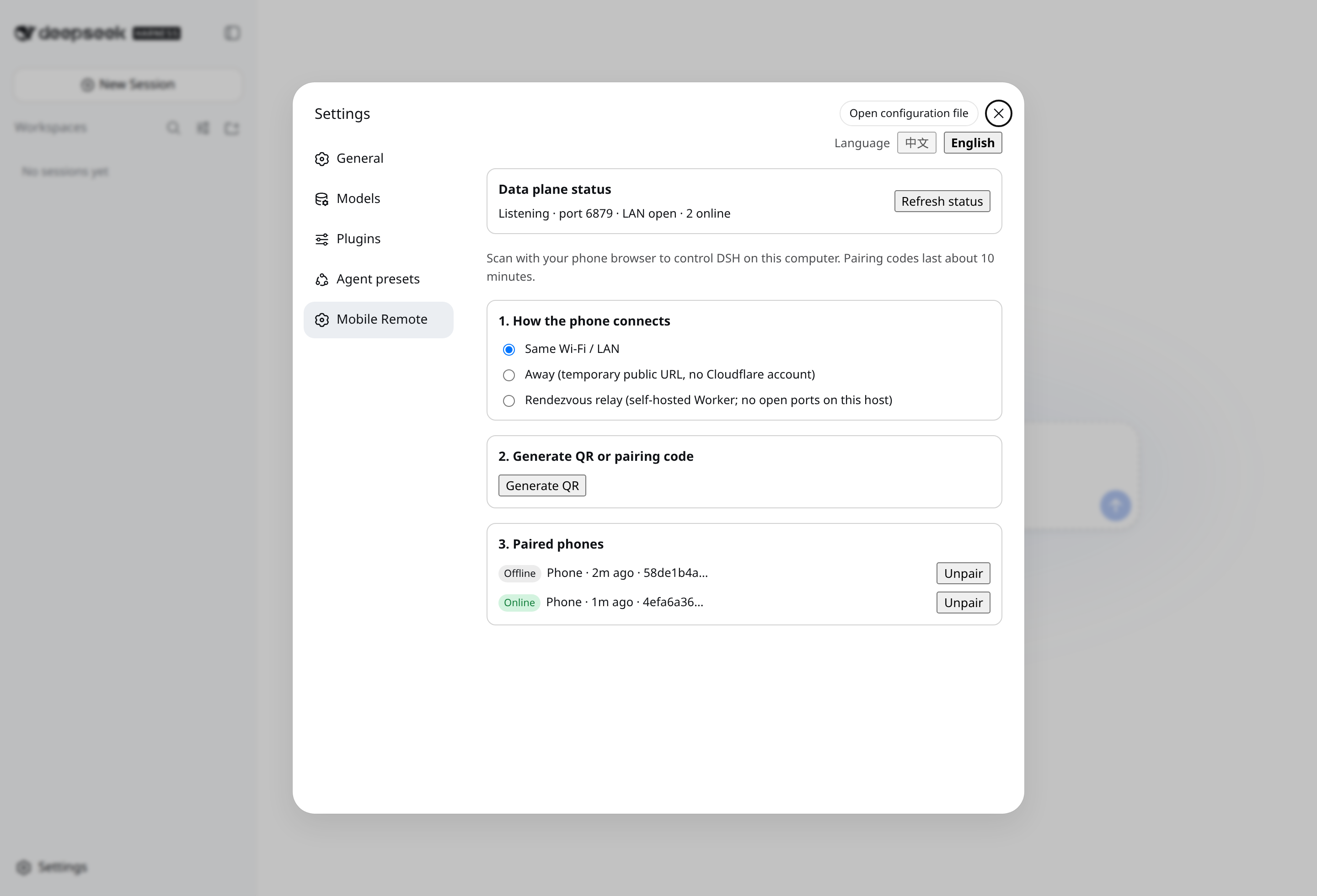
DeepSeek Harness ships without a first-class phone companion, and the usual community workaround — mirroring the entire Web UI into a mobile browser — means publishing a wide, unauthenticated API surface on top of whatever link the phone is on. dsh-coding-remote-kit takes a more disciplined route: after a one-time QR-scan or PIN pairing, the phone receives only a narrow, end-to-end-encrypted data channel. The management plane stays locked to the desktop loopback, unauthenticated sockets never touch session content, and every write is constrained to an explicit RPC allowlist — observe a session, answer an approval prompt, send a short reply, or cancel a run; everything else is refused. Heavy editing remains on the desktop. The data-plane port binds to the LAN by default; an optional Cloudflare Quick Tunnel forwards only the /m data endpoint and never port 3080, and an opt-in self-hosted rendezvous Worker lets both sides connect outbound while business frames stay end-to-end encrypted.
It is a good fit for developers who want to glance at DSH session progress between meetings, tap approve on a pending question, or nudge a stalled response without opening a laptop — especially in team LAN or Tailscale environments where publishing the full Web admin UI to the public internet is off the table, while pulling out a single minimal encrypted data channel hits the sweet spot. The plugin follows the standard Cordis shape, pairs once and survives restarts, cleans up fully on unload, and remains completely independent of the @deepseek-ai/dsh core.
Screenshots
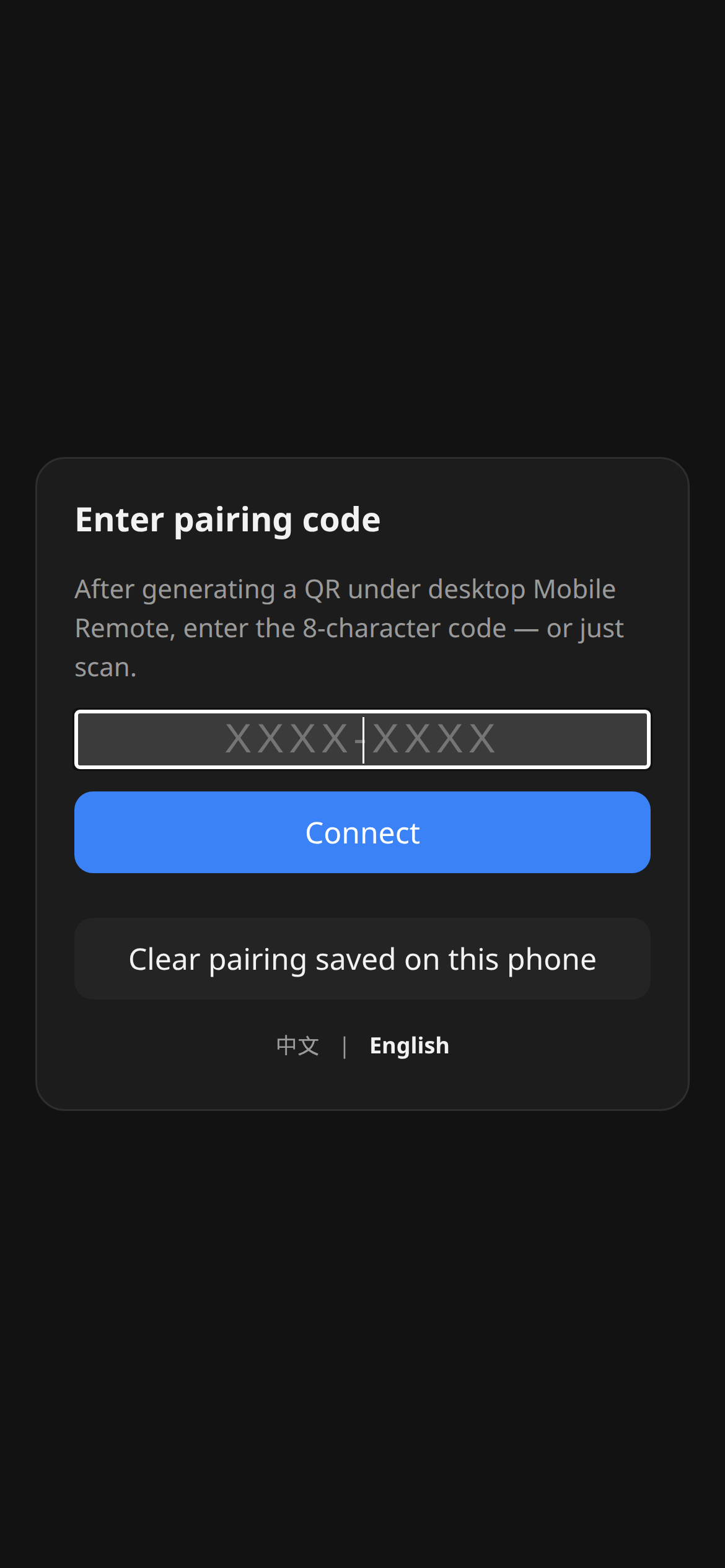
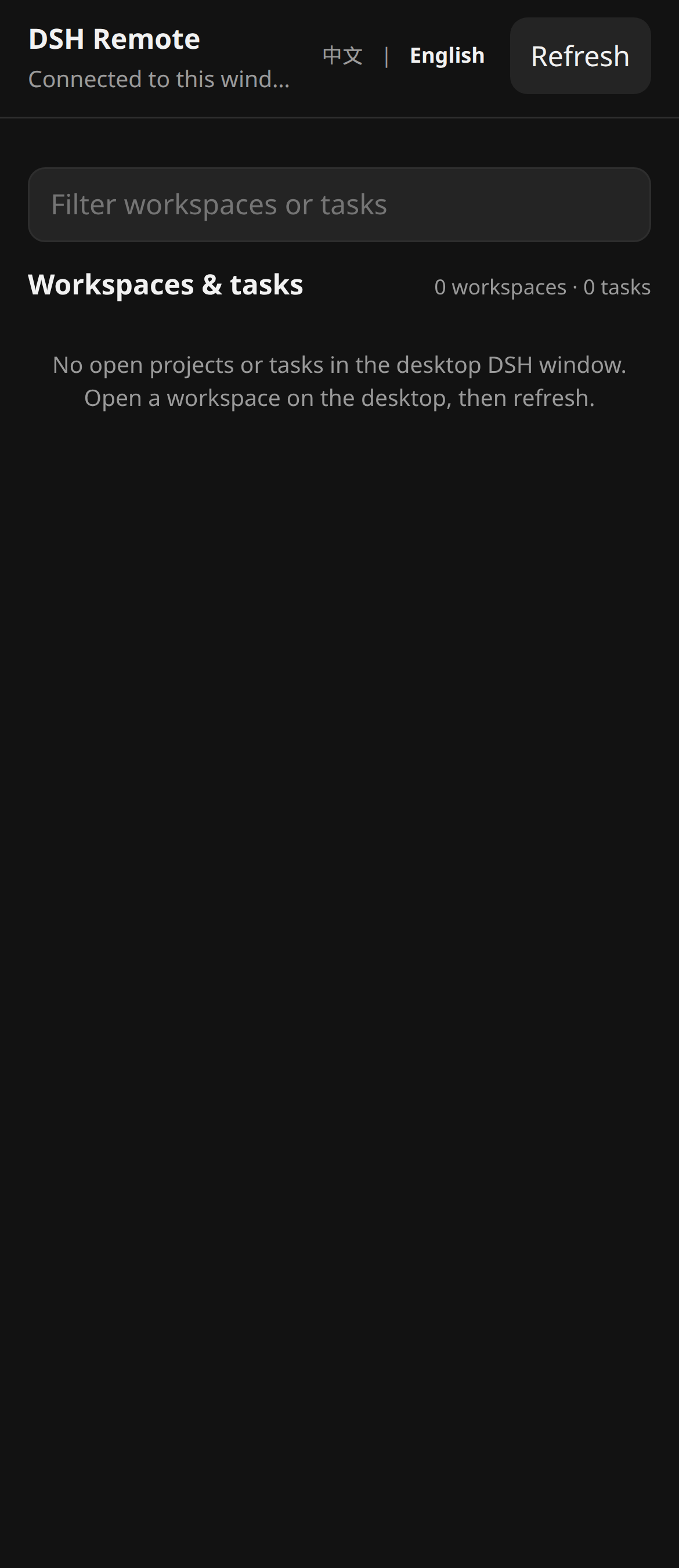
Use Cases
- Glancing at DSH session progress and tapping approve during a meeting break
- Cancelling a stalled DSH run from your phone when you are away from the desk
- Accessing a local DSH instance securely over Tailscale or a Quick Tunnel
Best For
- Solo developers who need to monitor and act on DSH sessions from a phone
- Teams on LAN or Tailscale that refuse to publish the full Web admin UI publicly
- DeepSeek Harness users who prefer least-privilege, E2EE remote access over open API exposure
Related Plugins

Adds an Auto approval mode on the official workspace-write sandbox, classifying semantic risks, asking when ambiguous, and denying destructive operations.

Undo/rollback system for DSH: config & plugin snapshots, one-click undo/redo/restore, message-level revert, secret masking, safe mode, and offline WebUI/GUI/CLI rescue tools for when DSH won't start.
Packages all 87 SKILL.md files from upstream reverse-skill as a DeepSeek Harness plugin that auto-registers them for authorized reverse engineering, penetration testing, and security research.
Dockyard DSH is a native DeepSeek Harness plugin that unifies official OAuth/client sessions for Codex, Antigravity, Grok, Claude, and Cursor, providing account pool, model catalog, and quota status.