dsh-updater
Run the following command in DeepSeek Harness:
dsh plugin install Takinggg/dsh-updater
Paste the following prompt into your AI chat to install this plugin:
Run dsh plugin install Takinggg/dsh-updater in your terminal; the full source is at https://github.com/Takinggg/dsh-updater
About this plugin
A full npm install of DeepSeek Harness rebuilds a 200-plus package monorepo in memory and can easily exceed a 1 GB heap limit inside Docker or other constrained environments. Re-resolving the entire dependency universe on every minor version bump is slow, wasteful, and brittle.
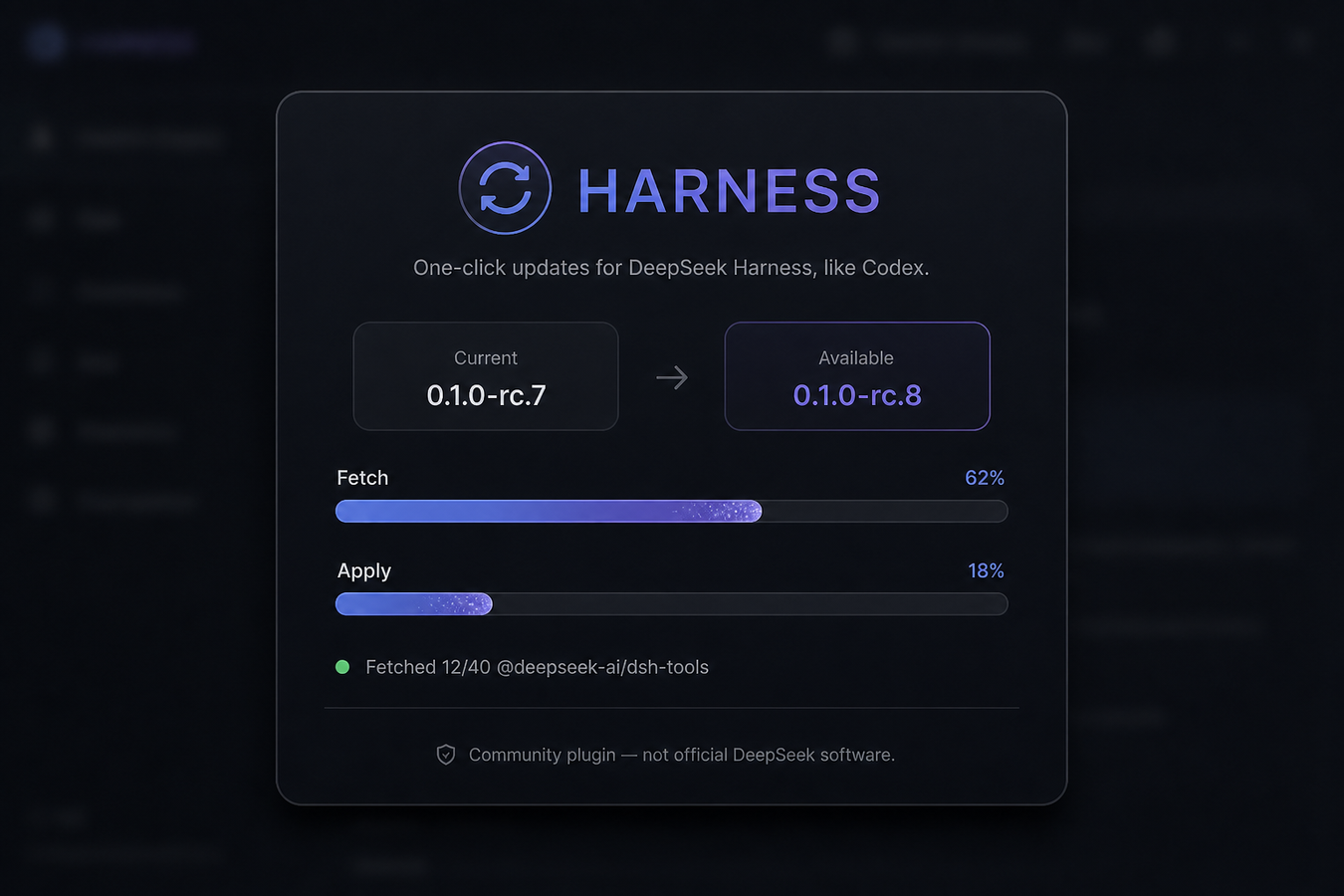
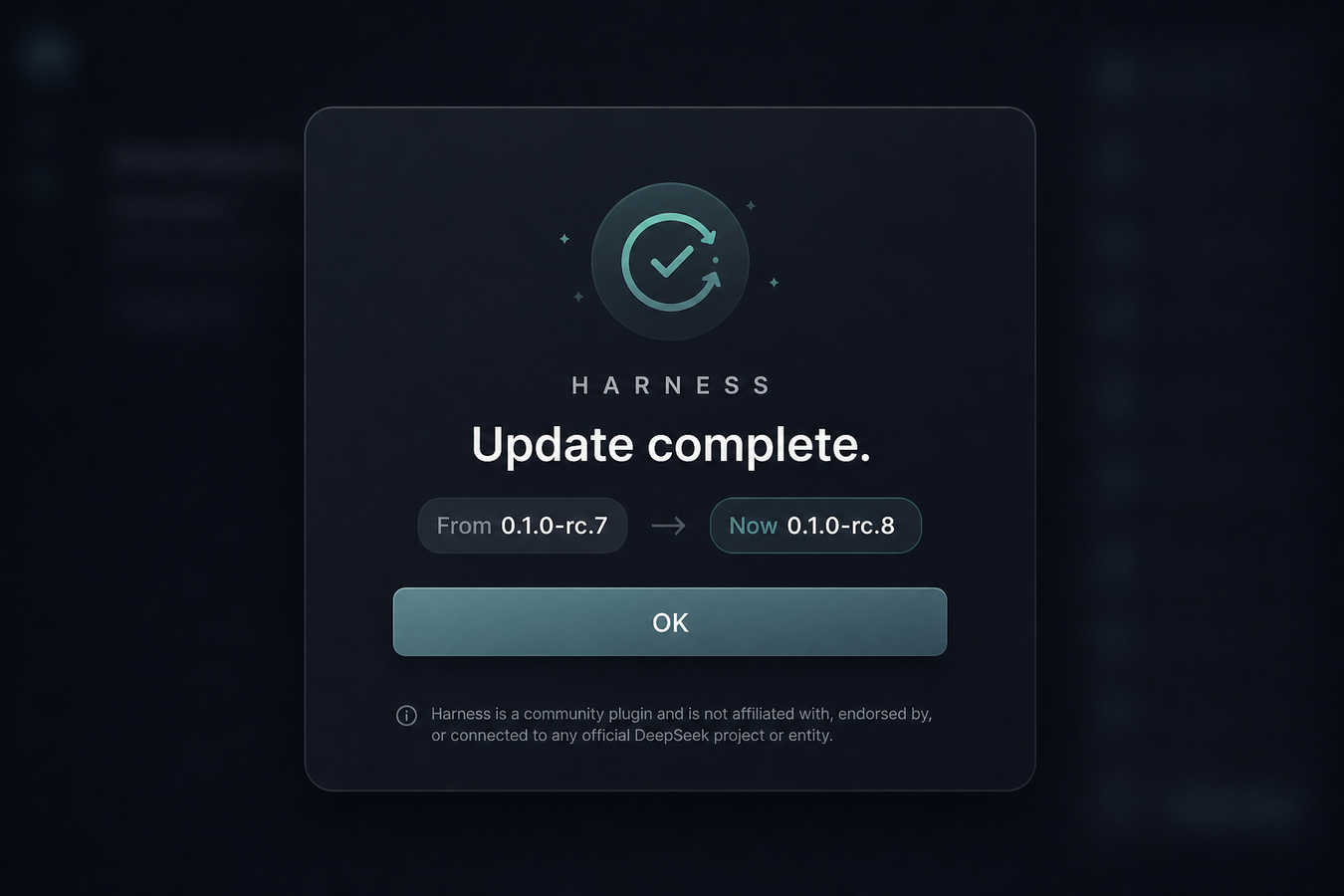
dsh-updater takes a narrower, safer path. It fetches only the changed @deepseek-ai/* tarballs from the npm registry, reuses node_modules and native addons already on disk, and skips third-party dependencies whose versions have not shifted. Before touching the running engine it writes a full backup to engine-bak, and if post-update verification fails it rolls back automatically. The whole flow avoids sudo, curl-pipe-bash, and live npm -g installs into a container volume. A Settings panel and a sidebar button make the update one click, and the restart strategy adapts to the environment: it exits cleanly so Compose can respawn the container, or it prompts you to quit and relaunch on a laptop without killing your session.
This plugin is ideal for anyone running DSH in Docker, nvm, pnpm or yarn global, Windows npm global, npx cache, or any other writable prefix — especially teams tracking the next dist-tag across private or scoped registries. It has zero runtime dependencies and only requires Node 20 or later.
Screenshots

Use Cases
- Updating DSH inside a Docker container without OOM
- Safe version upgrades against a private npm registry
- Frequent small-step iteration following the next dist-tag
Best For
- Developers running DSH in Docker, nvm, or pnpm/yarn global prefixes
- Product teams iterating on a next-dist-tag cadence
- Organizations enforcing no-sudo and no-curl-pipe-bash policies
Related Plugins

A method pack that makes AI coding agents plan against your real baseline, prove completion with fresh evidence, and reduce reworks and unsafe changes.

Turns the DeepSeek Harness session into a captain that builds a durable sub-agent team, splits goals into dependency-aware tasks, and coordinates work via direct messages and a live Web UI.
Gives coding agents design judgment, letting Claude Code, Cursor, and 70+ agents generate and iterate high-quality UI, presentations, and graphics right from the terminal.
Run the Pi ecosystem's plugins on DeepSeek Harness, unmodified, via a compatibility layer that implements Pi's public extension ABI on DSH's native services.