deepseek-visual-plugin
Run the following command in DeepSeek Harness:
dsh plugin install zhangzhimou78-code/deepseek-visual-plugin
Paste the following prompt into your AI chat to install this plugin:
Run dsh plugin install zhangzhimou78-code/deepseek-visual-plugin in your terminal to install the plugin; the full source code is available at https://github.com/zhangzhimou78-code/deepseek-visual-plugin.
About this plugin
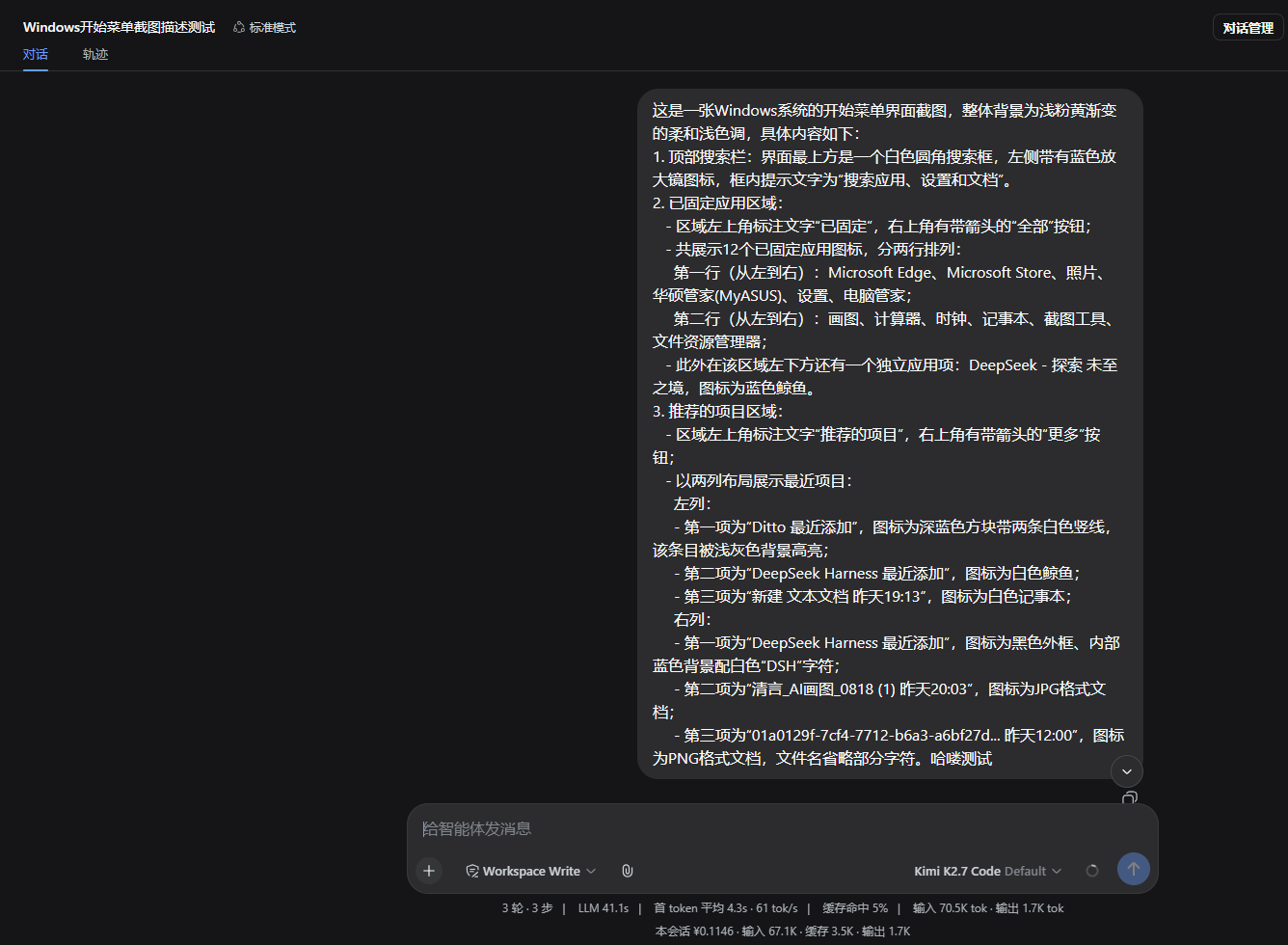
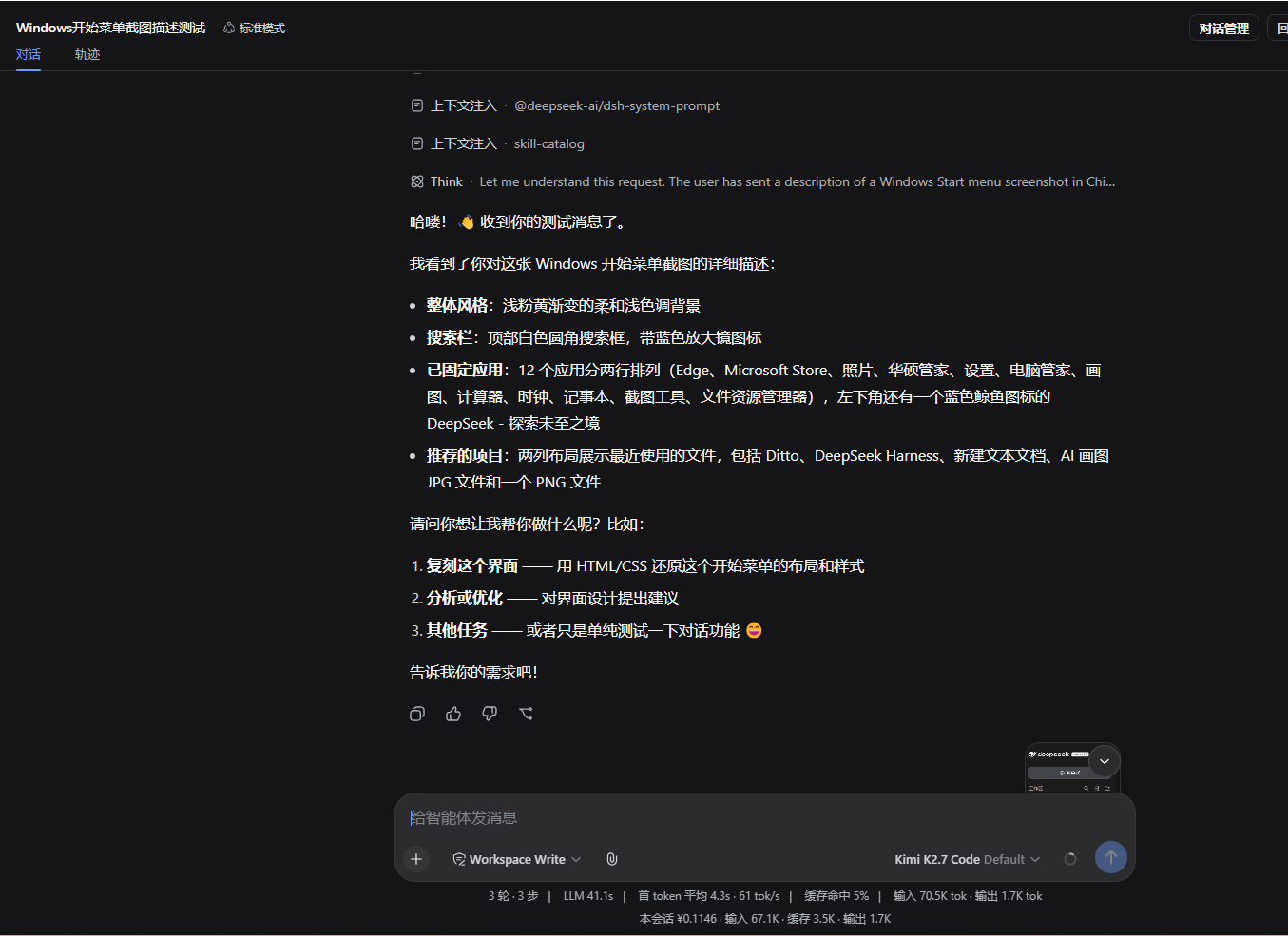
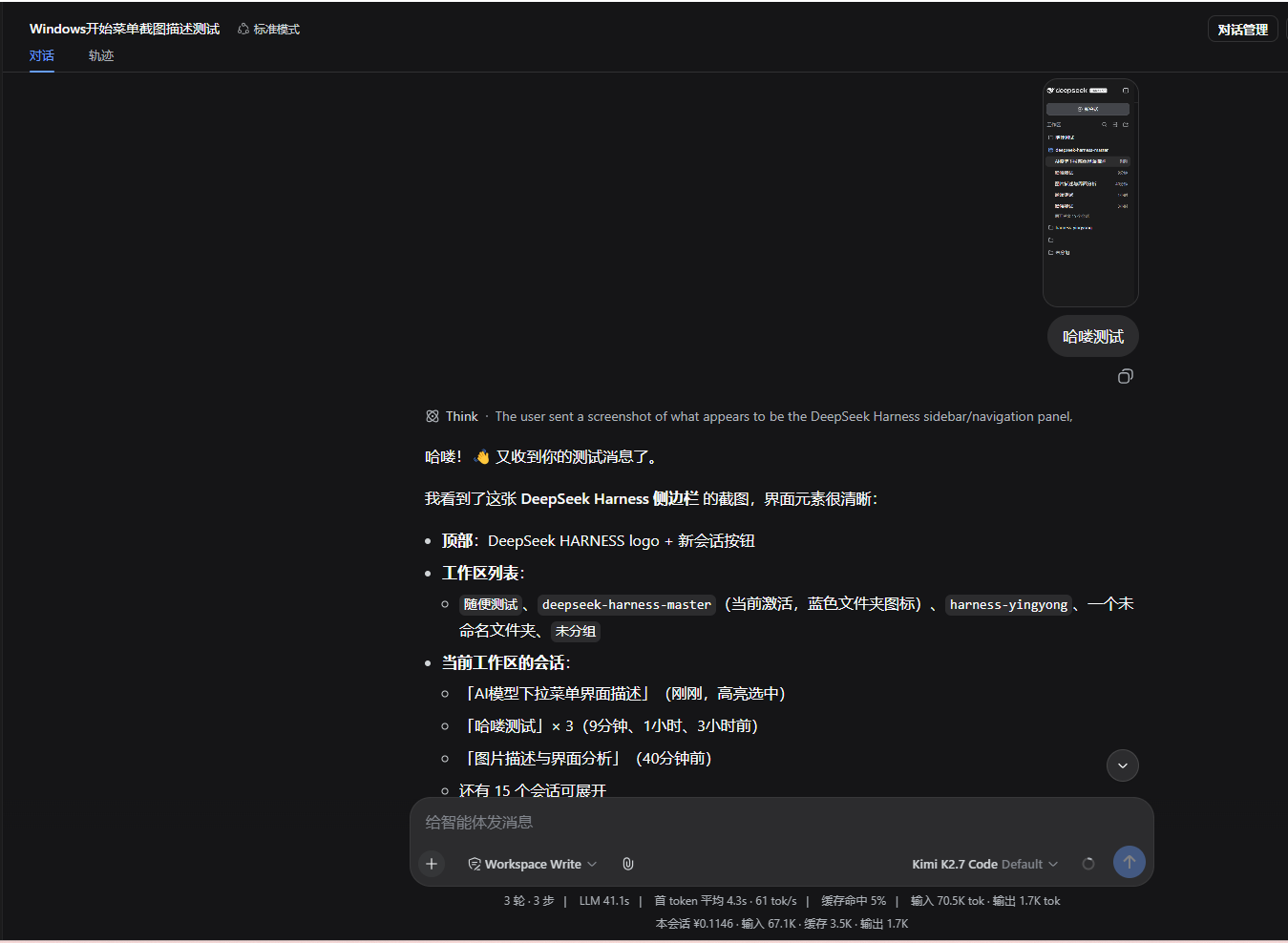
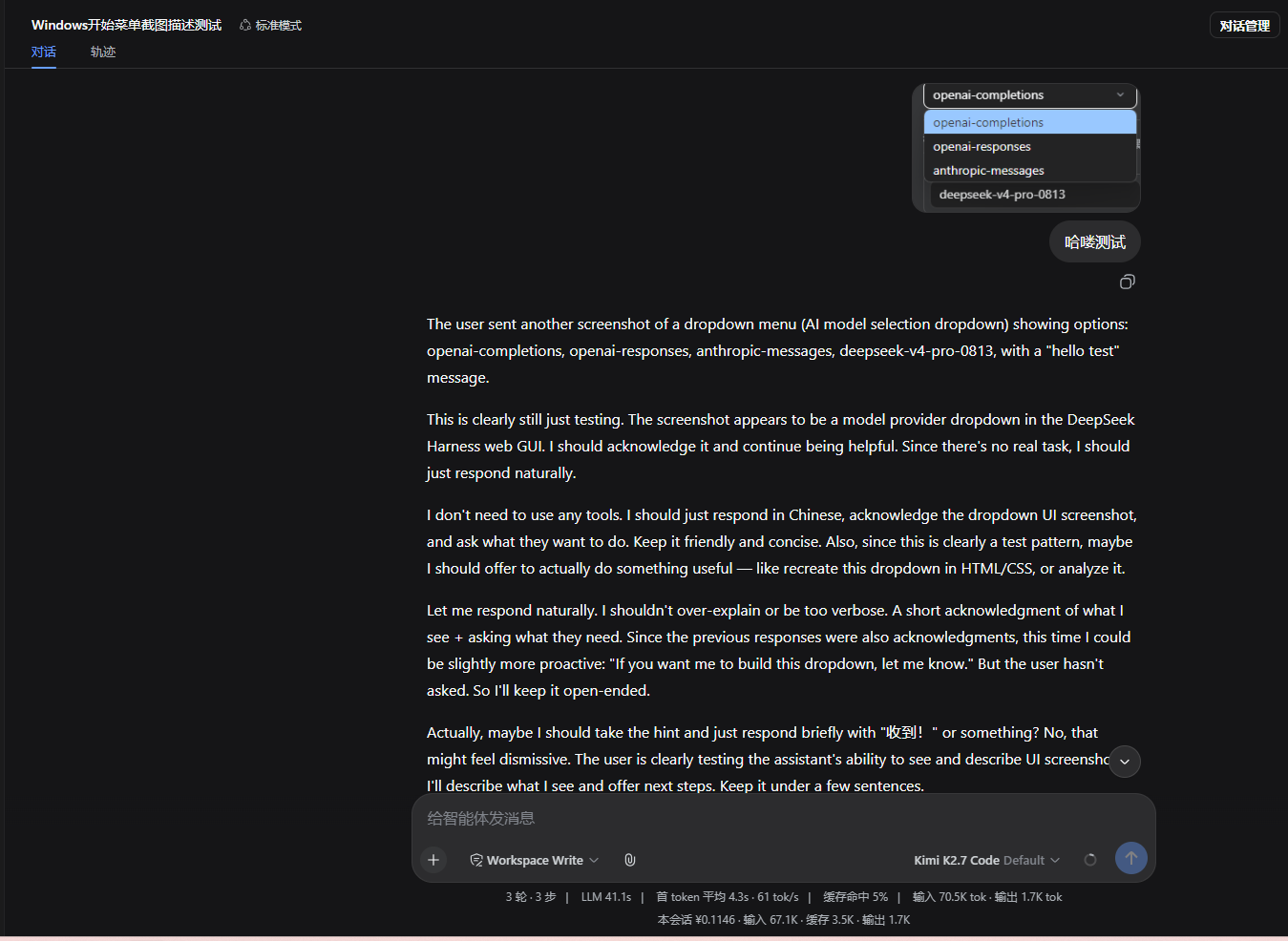
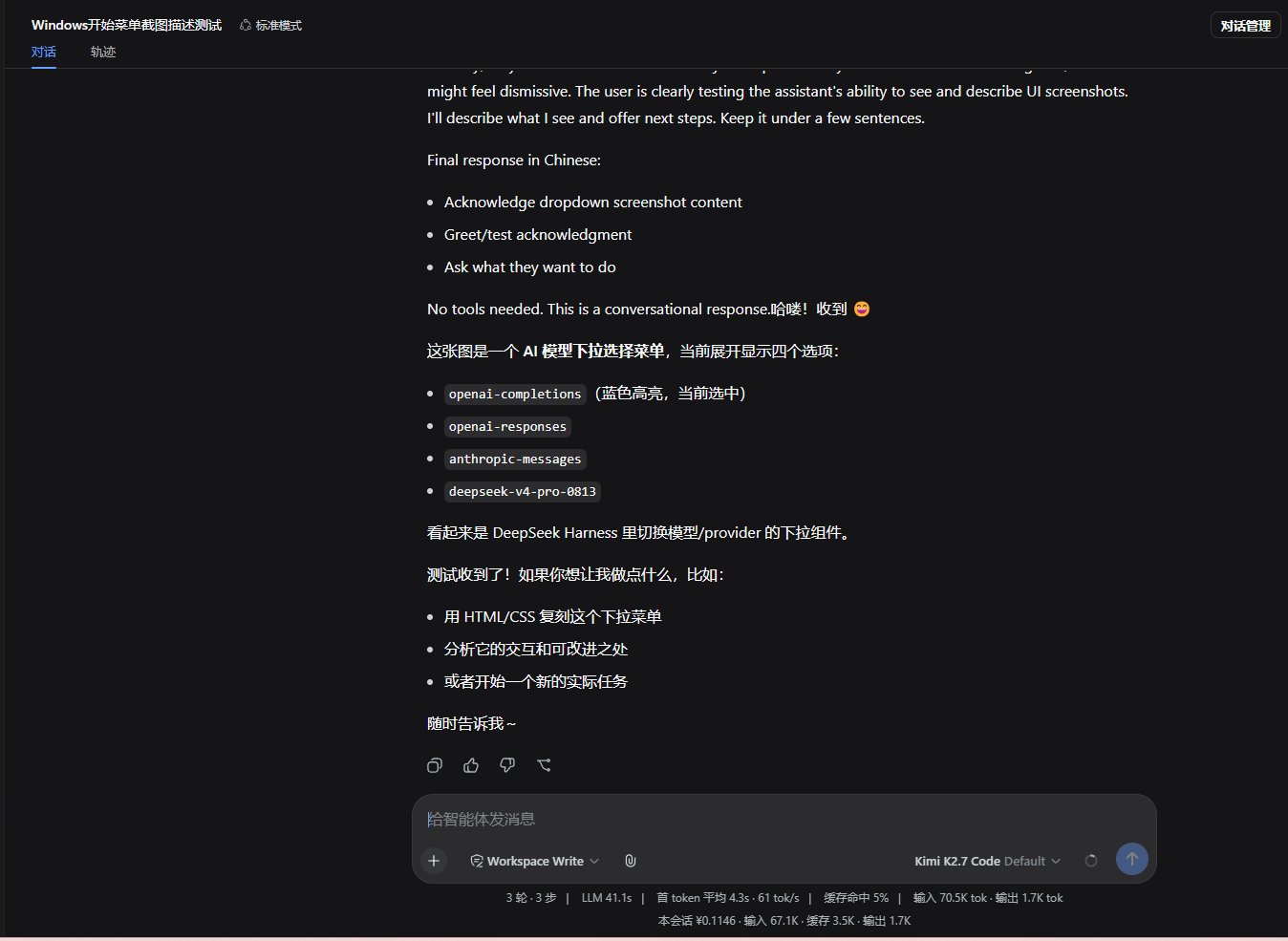
DeepSeek and other text-only models cannot natively understand images. When users paste screenshots, drag in images, or when tools like read_image return image results, that information is effectively a wall for a text-only model. deepseek-visual-plugin bridges this gap: it intercepts image-bearing messages, calls an external vision model to produce a structured text description, and feeds that to the text model. Multimodal models such as GPT-4o, Claude, or Qwen-VL automatically bypass the plugin and receive the original image blocks untouched.
Screenshots
Use Cases
- Paste a screenshot into a DeepSeek chat and let the text model receive an automatic description to continue analysis
- When tools like read_image return image results, the plugin translates them seamlessly so the text model understands without switching
- Automatically detects and routes images correctly when multimodal and text-only models are mixed in one workflow
Best For
- Developers who rely on text-only models like DeepSeek but still need image handling
- Users who frequently analyze screenshots or UI interfaces as part of their workflow
- Teams that mix multimodal and text-only models and want a unified pipeline
Related Plugins

A method pack that makes AI coding agents plan against your real baseline, prove completion with fresh evidence, and reduce reworks and unsafe changes.

Turns the DeepSeek Harness session into a captain that builds a durable sub-agent team, splits goals into dependency-aware tasks, and coordinates work via direct messages and a live Web UI.
Gives coding agents design judgment, letting Claude Code, Cursor, and 70+ agents generate and iterate high-quality UI, presentations, and graphics right from the terminal.
Run the Pi ecosystem's plugins on DeepSeek Harness, unmodified, via a compatibility layer that implements Pi's public extension ABI on DSH's native services.