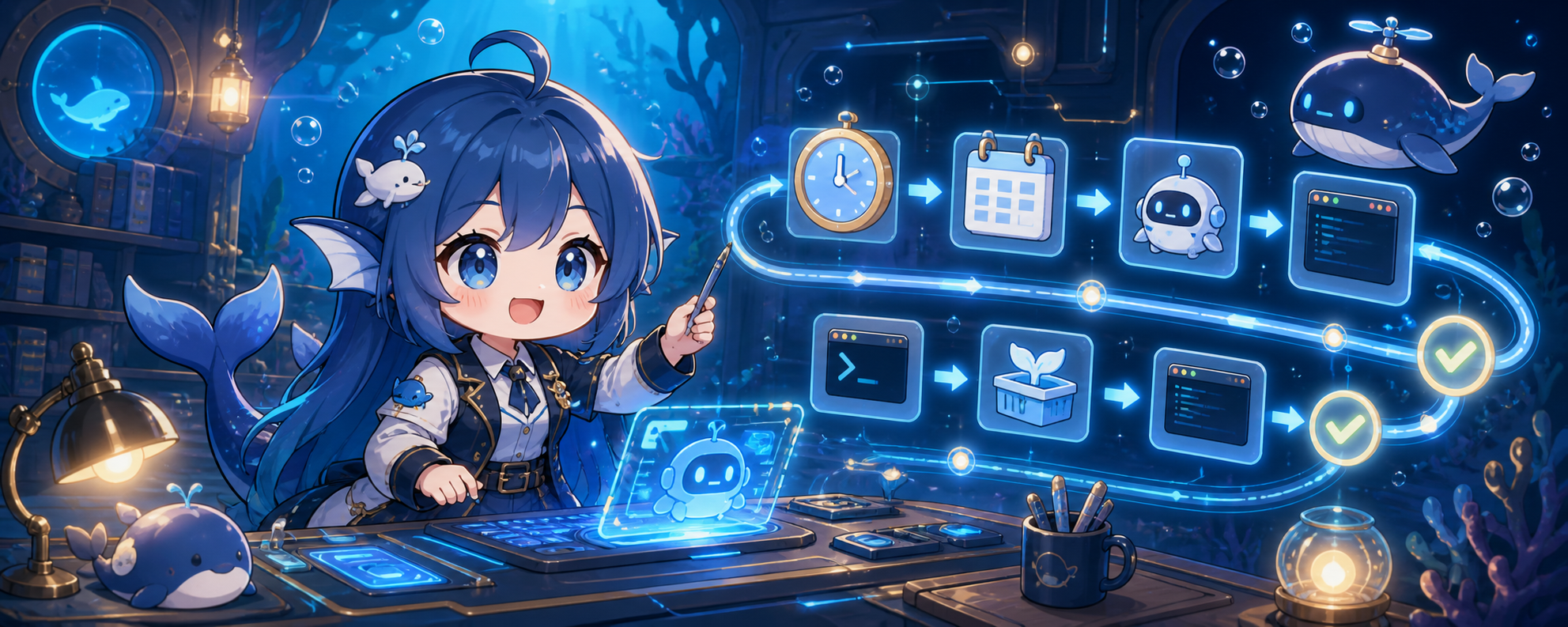
dsh-automation-center
Run the following command in DeepSeek Harness:
dsh plugin install usersx/dsh-automation-center
Paste the following prompt into your AI chat to install this plugin:
Run dsh plugin install usersx/dsh-automation-center in the DeepSeek Harness terminal; the full source repository is at https://github.com/usersx/dsh-automation-center. After installation, fully quit and relaunch DSH so the Host Bundle mounts at startup.
About this plugin
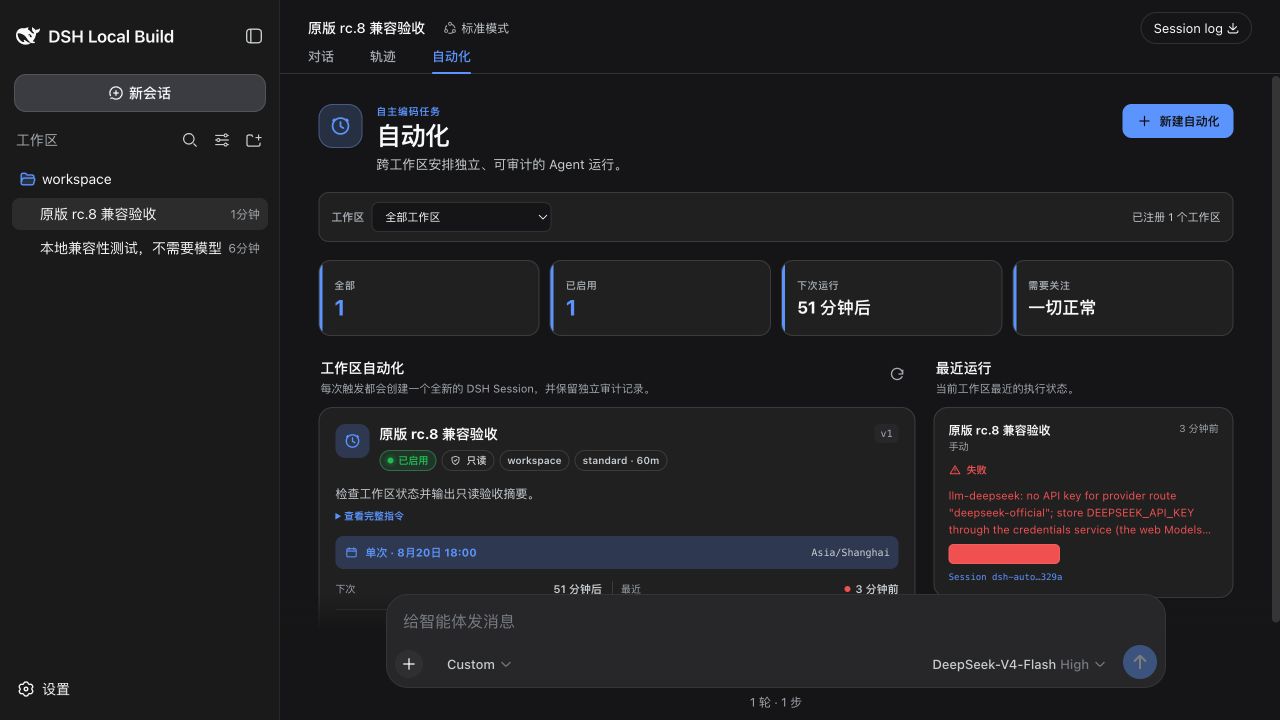
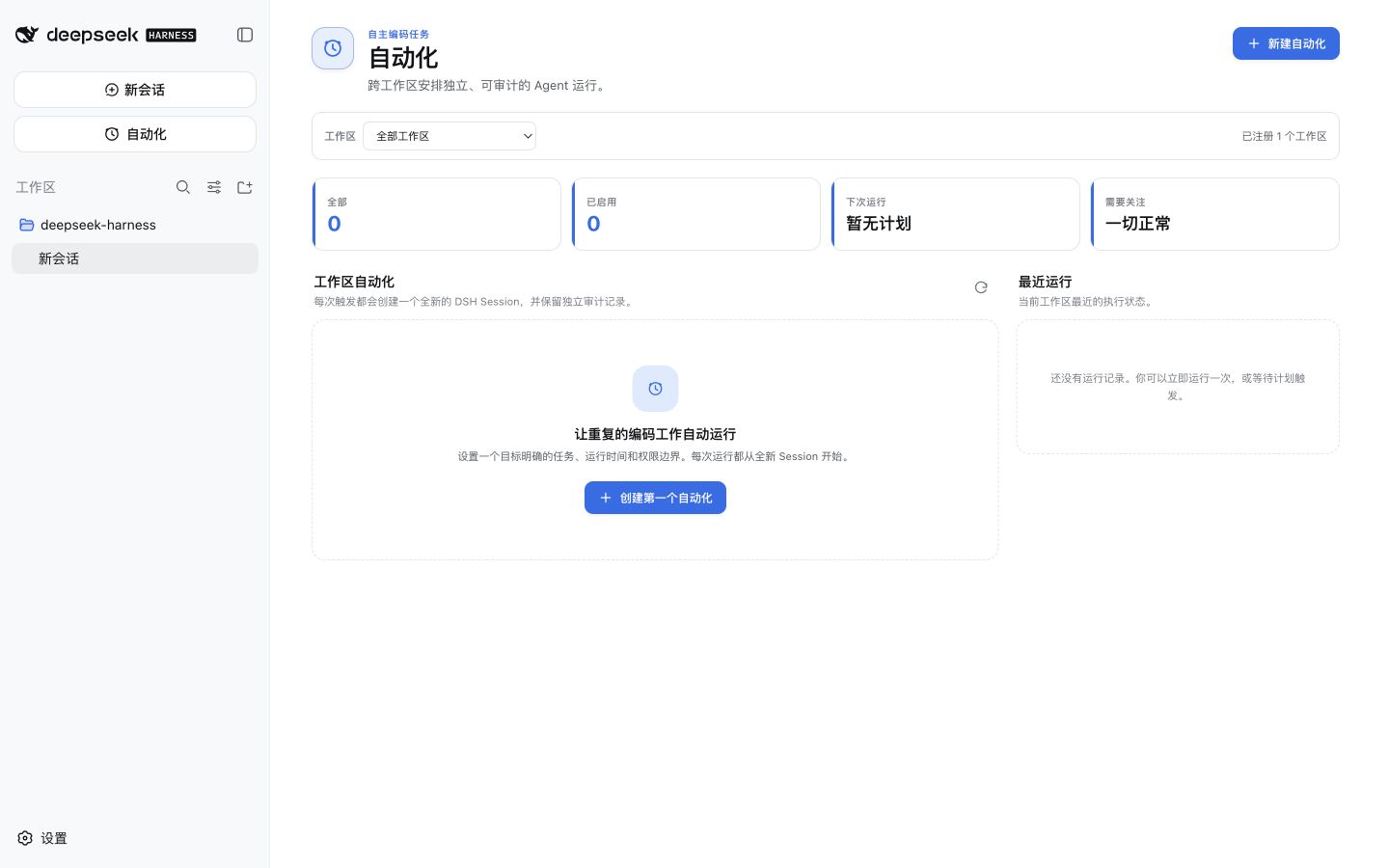
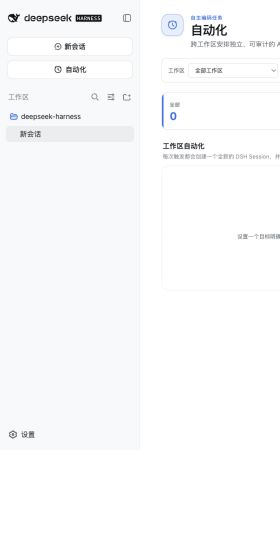
In DSH, agent runs are typically bound to a single chat session, leaving no global surface for scheduled, unattended execution. DSH Automation Center decouples automation from Session by providing cross-Workspace task definitions, scheduling plans, and run auditing. Each trigger spawns an independent root Agent and Result Session, so outcomes are traceable and directly openable for review.
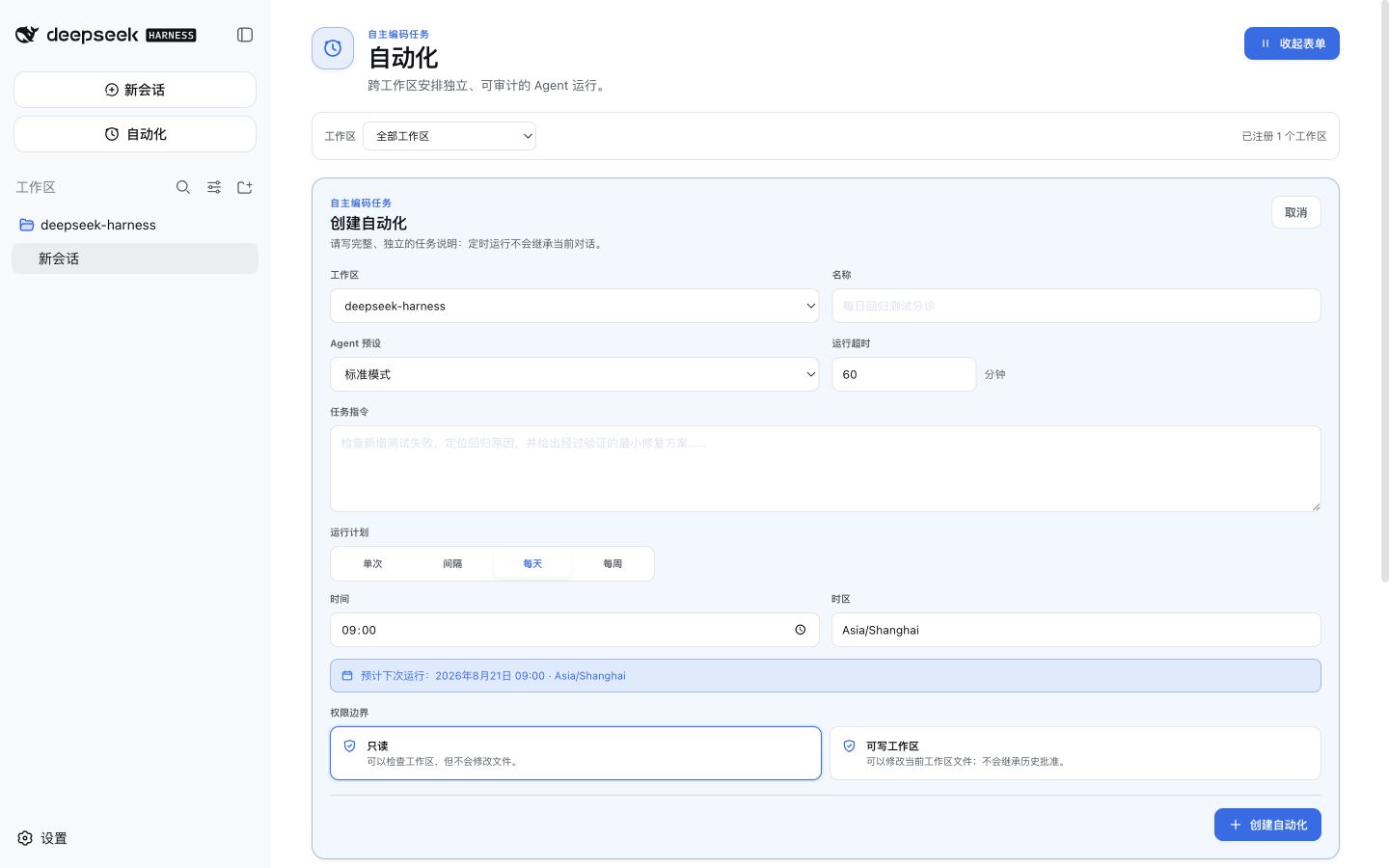
Core capabilities span the full lifecycle: one-shot, fixed-interval, daily, and weekly schedules with explicit IANA timezones and next-run previews; read-only and Workspace-writable unattended permission modes; per-task model pinning or inheritance of the DSH default; a phase machine covering claim, executing, settling, and delivery with lease heartbeats and timeout guards; and optional Git worktree isolation with clean-base diff, patch review, and fail-closed behavior on source drift. Every write returns a durable Receipt, and a host restart reconciles state without silently re-dispatching.
Built for developers and teams that need to batch-trigger agent runs on a schedule while keeping results auditable and permissions isolated. The plugin auto-adapts to whichever DSH interface mode is active, requiring no DOM injection to manage everything from a global entry or the Settings page.
Screenshots

Use Cases
- Schedule batch agent runs daily with full result auditing
- Manage recurring automation tasks and failures across multiple Workspaces
- Trigger unattended agent runs safely in read-only mode and review Result Sessions
Best For
- Developers who need to schedule batch agent runs at scale
- Engineering teams requiring auditable results and isolated permissions
- DSH users who want centralized automation management from a global entry
Related Plugins

A method pack that makes AI coding agents plan against your real baseline, prove completion with fresh evidence, and reduce reworks and unsafe changes.

Turns the DeepSeek Harness session into a captain that builds a durable sub-agent team, splits goals into dependency-aware tasks, and coordinates work via direct messages and a live Web UI.
Gives coding agents design judgment, letting Claude Code, Cursor, and 70+ agents generate and iterate high-quality UI, presentations, and graphics right from the terminal.
Run the Pi ecosystem's plugins on DeepSeek Harness, unmodified, via a compatibility layer that implements Pi's public extension ABI on DSH's native services.