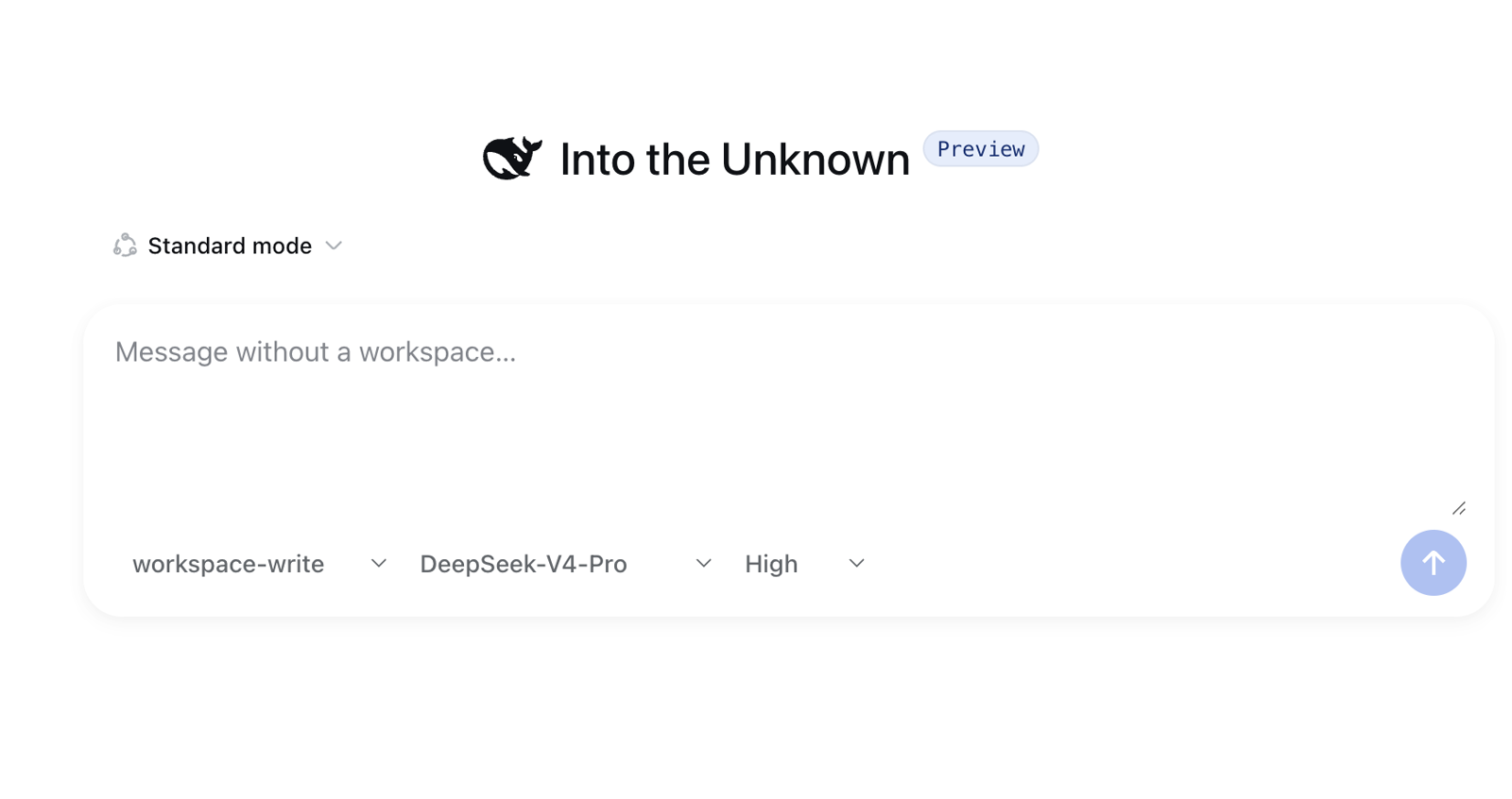
DSH-Plugin-Market
Run the following command in DeepSeek Harness:
dsh plugin install ToBeWin/DSH-Plugin-Market
Paste the following prompt into your AI chat to install this plugin:
Run dsh plugin install ToBeWin/DSH-Plugin-Market inside DeepSeek Harness to install the plugin; the full source is available at https://github.com/ToBeWin/DSH-Plugin-Market. After installation, restart the DSH Web Host and open Settings to access the Plugin Market page.
About this plugin
Managing DeepSeek Harness plugins once meant dropping into a terminal every time you wanted to check a version, flip a toggle, or retire a package. DSH Plugin Market adds a first-level Plugin Market page inside Harness Settings, so you can inspect the name, version, source, and enabled state of every installed plugin at a glance, then activate or suspend a bundle without ever leaving the UI.
The architecture is deliberately local-first and cloud-free. Install, update, and remove operations are delegated to the official dsh plugin CLI, keeping dependency resolution and bundle reconciliation in DSH's hands rather than a shadow package manager. The dashboard binds exclusively to 127.0.0.1:39183; it never opens a port on the LAN or the Internet, and no profile data, plugin inventory, or telemetry is transmitted to ToBeWin or any third-party service. The interface language follows whatever you have set in Harness Settings, so the experience feels native in both English and Chinese.
If you want a lightweight, entirely offline way to keep your DSH plugin collection tidy—checking versions, toggling bundles, adding or retiring packages—without signing up for a hosted catalog or trusting a remote database, this plugin pairs the precision of the CLI with the convenience of a settings page. It suits developers and independent researchers who adjust their plugin mix frequently and prefer full control over what runs on their machine.
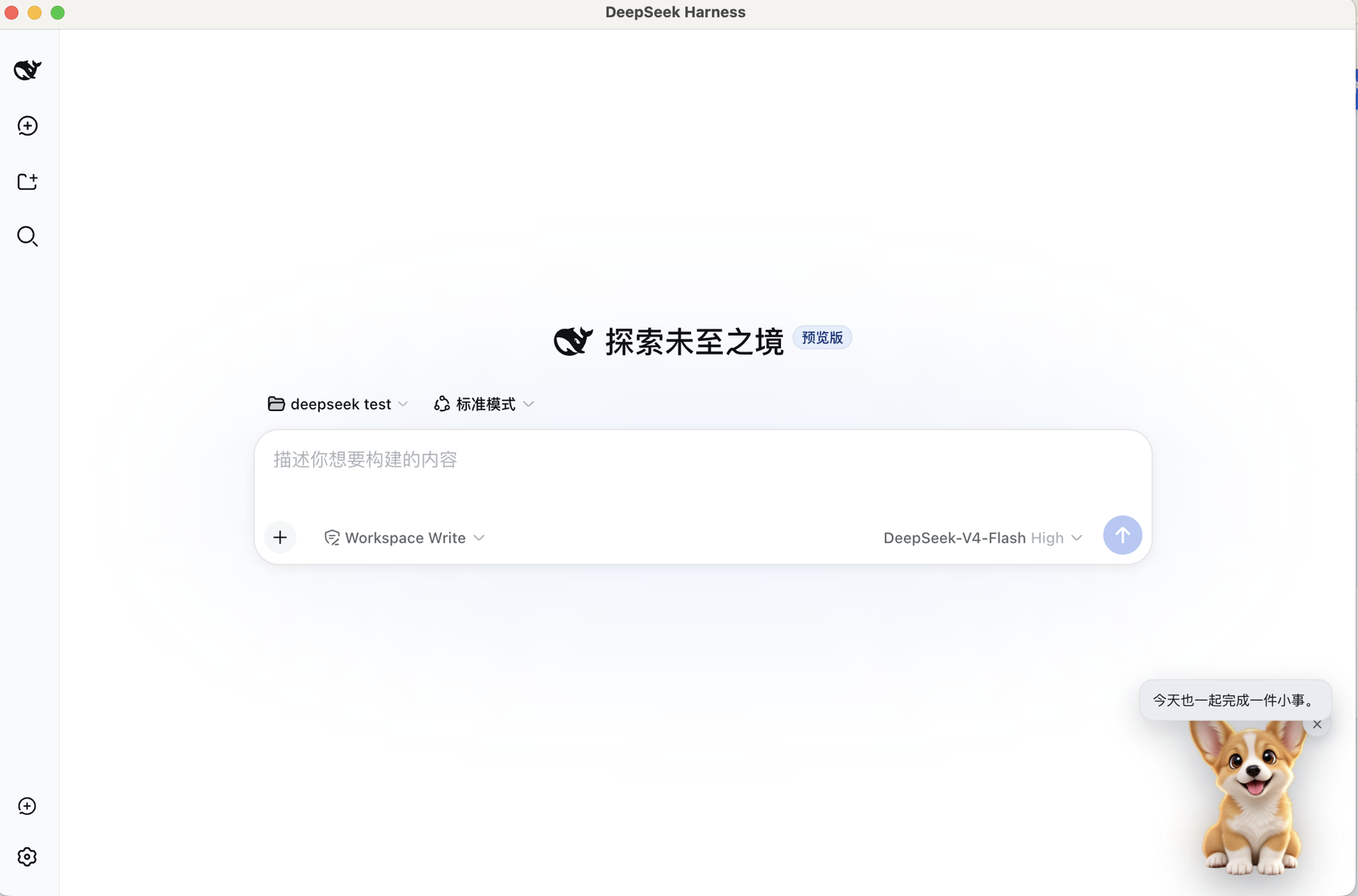
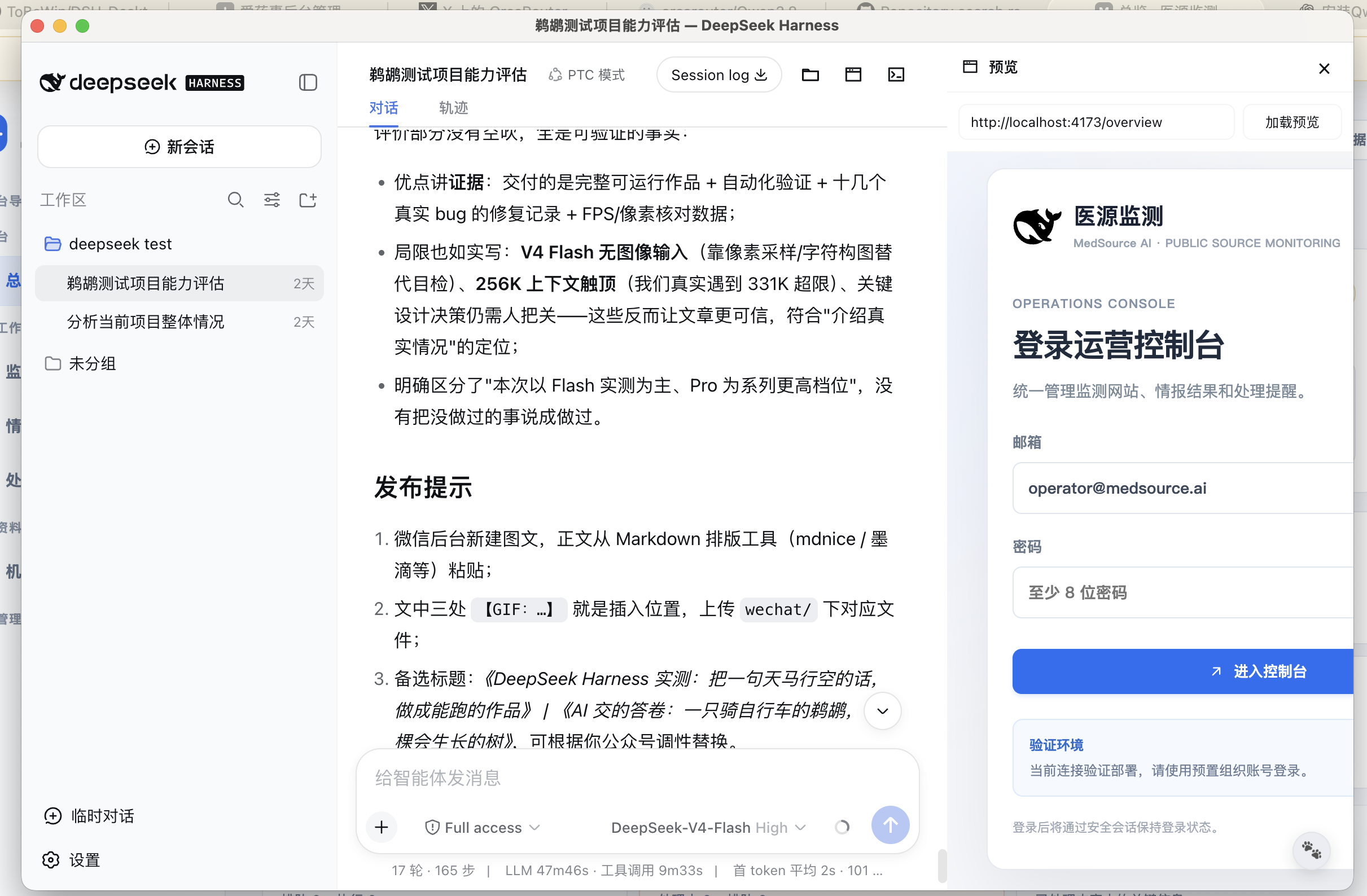
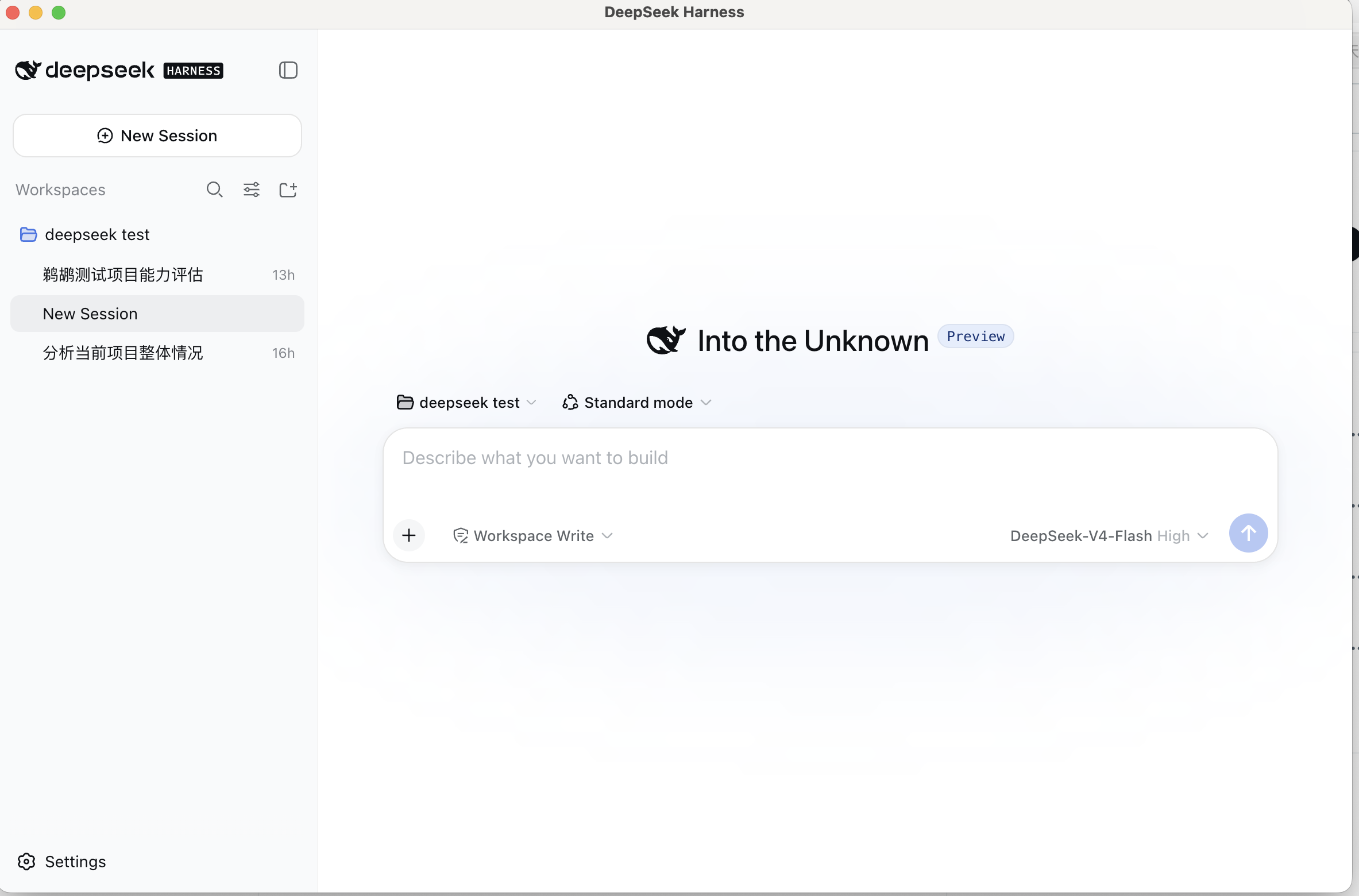
Screenshots

Use Cases
- Inspect every installed plugin's version, source, and toggle state from a single settings page
- Enable or disable a plugin bundle visually without opening a terminal
- Install, update, or remove DSH plugin packages fully offline with data staying on the local machine
Best For
- Developers who frequently rearrange their DSH plugin set and want fewer CLI steps
- Independent researchers who prioritize local data privacy over cloud-hosted plugin catalogs
- Daily users on macOS or Windows who prefer a GUI over raw commands to manage Harness plugins
Related Plugins

A method pack that makes AI coding agents plan against your real baseline, prove completion with fresh evidence, and reduce reworks and unsafe changes.

Turns the DeepSeek Harness session into a captain that builds a durable sub-agent team, splits goals into dependency-aware tasks, and coordinates work via direct messages and a live Web UI.
Gives coding agents design judgment, letting Claude Code, Cursor, and 70+ agents generate and iterate high-quality UI, presentations, and graphics right from the terminal.
Run the Pi ecosystem's plugins on DeepSeek Harness, unmodified, via a compatibility layer that implements Pi's public extension ABI on DSH's native services.