
dsh-offpeak-saver
Run the following command in DeepSeek Harness:
dsh plugin install TUcookie/dsh-offpeak-saver
Paste the following prompt into your AI chat to install this plugin:
Run dsh plugin install TUcookie/dsh-offpeak-saver in your DeepSeek Harness terminal to install this plugin, source code at https://github.com/TUcookie/dsh-offpeak-saver
About this plugin
During DeepSeek peak hours (09:00-12:00 and 14:00-18:00 Beijing time), token pricing is roughly double the off-peak rate. Tasks like summarization, code refactoring, document analysis, and web search rarely need instant completion, yet they often land squarely in those expensive windows. dsh-offpeak-saver solves this by automatically queuing non-urgent requests locally and executing them in the next available off-peak window, cutting costs by up to 50 percent.
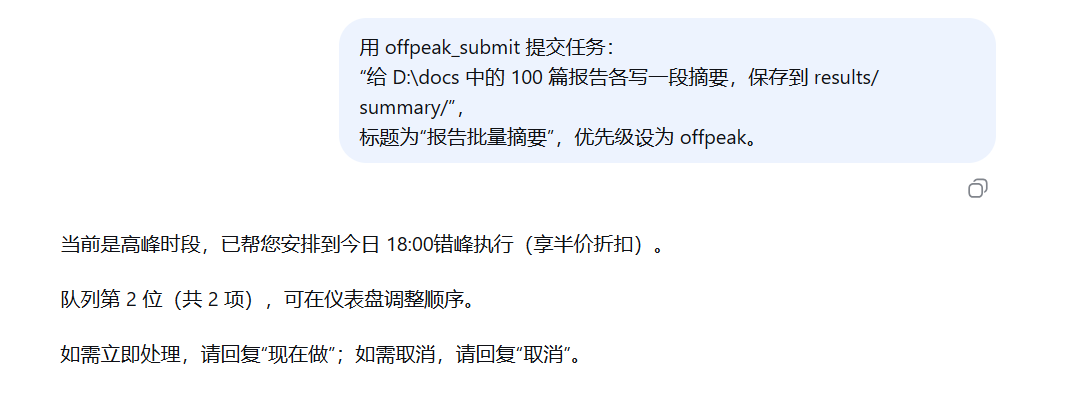
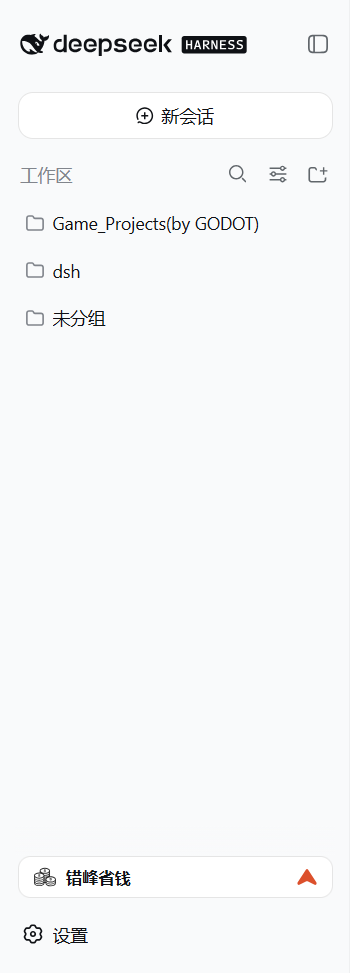
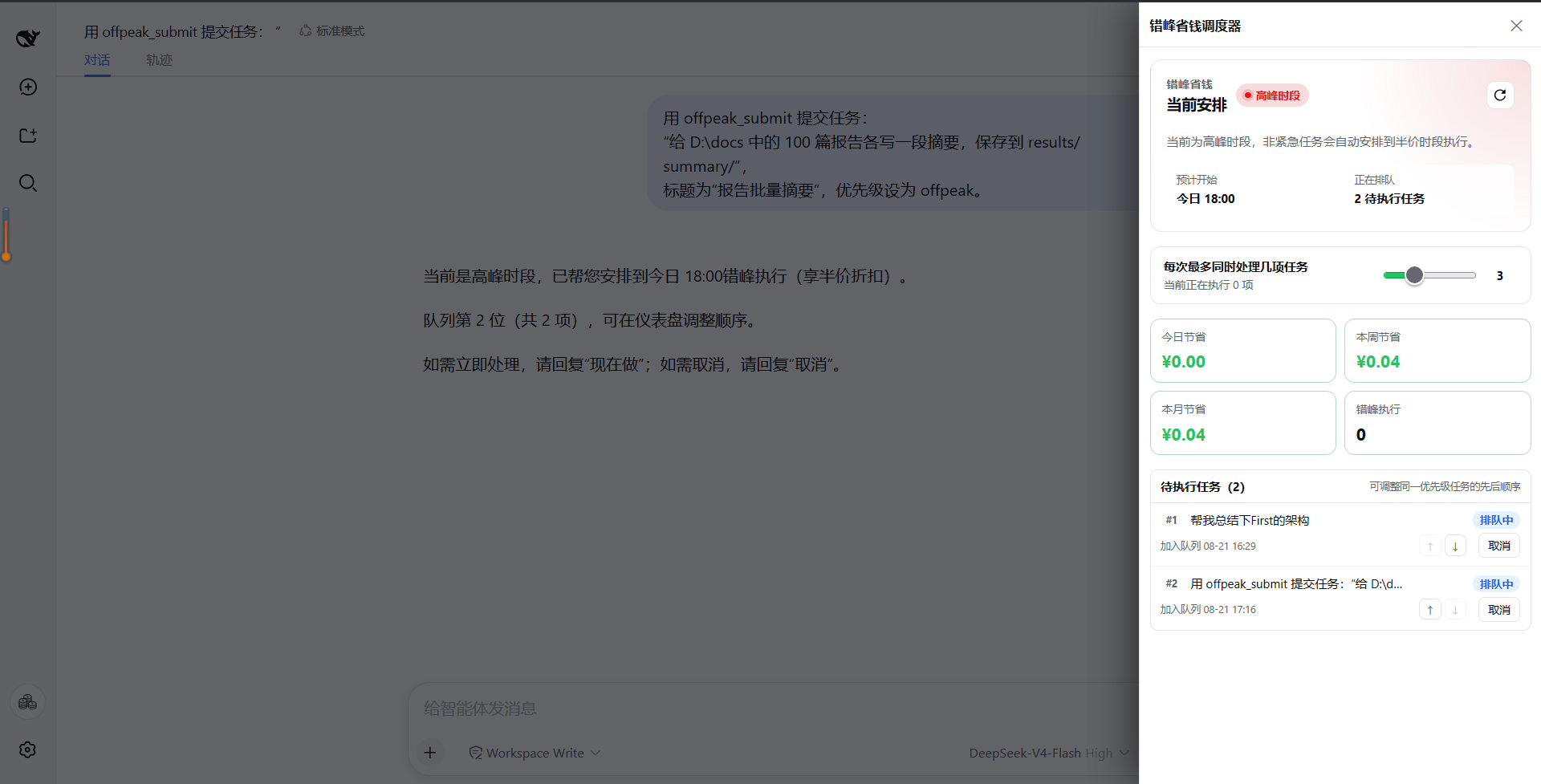
The core experience is transparent queuing with native execution. When a task is queued, the conversation shows the next execution window, queue position, and cancel option. Once the off-peak window opens, the task runs back in the original Harness session with full streaming output, visible tool calls, and the ability to follow up. A sidebar dashboard lets you monitor the current time window, reorder same-priority tasks, set concurrency limits (1 to 8), and review savings for today, this week, and this month. All queues, billing records, and settings persist in a local SQLite database across restarts, and tasks timed out during a crash are automatically returned to the waiting queue.
If you regularly use DeepSeek for batch summarization, code refactoring, document review, or research, and would rather not pay double for work that can wait ten minutes, this plugin quietly halves your bill. It exposes tools such as offpeak_submit, offpeak_status, offpeak_report, and offpeak_cancel, and also recognizes the #offpeak tag in prompts for quick off-peak submission, fitting naturally into diverse agent workflows.
Screenshots
Use Cases
- Queue batch summarization, code refactoring, and document analysis to off-peak windows to avoid double pricing
- Reorder same-priority tasks in the sidebar dashboard to fine-tune execution flow
- Track daily, weekly, and monthly actual spend and savings to quantify API cost optimization
Best For
- Developers and knowledge workers who run many non-urgent DeepSeek tasks daily
- Individuals and small teams watching API bills and seeking lower operating costs
- Users who want transparent in-session execution while managing multiple async tasks
Related Plugins

A method pack that makes AI coding agents plan against your real baseline, prove completion with fresh evidence, and reduce reworks and unsafe changes.

Turns the DeepSeek Harness session into a captain that builds a durable sub-agent team, splits goals into dependency-aware tasks, and coordinates work via direct messages and a live Web UI.
Gives coding agents design judgment, letting Claude Code, Cursor, and 70+ agents generate and iterate high-quality UI, presentations, and graphics right from the terminal.
Run the Pi ecosystem's plugins on DeepSeek Harness, unmodified, via a compatibility layer that implements Pi's public extension ABI on DSH's native services.