dsh-import-agents
Run the following command in DeepSeek Harness:
dsh plugin install Chang-Tong/dsh-import-agents
Paste the following prompt into your AI chat to install this plugin:
To install this plugin in DeepSeek Harness, run dsh plugin install Chang-Tong/dsh-import-agents; its full source URL is https://github.com/Chang-Tong/dsh-import-agents.
About this plugin
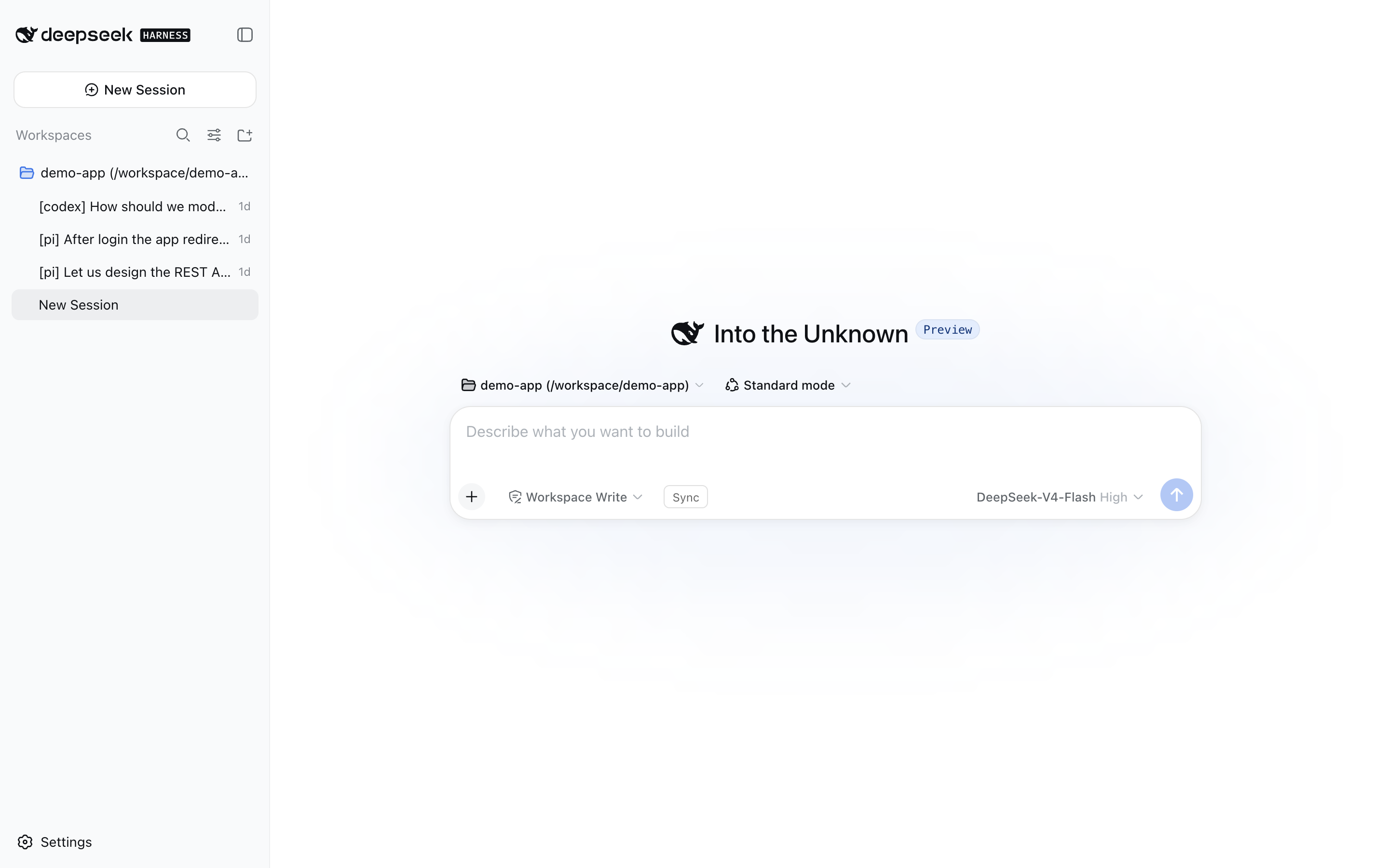
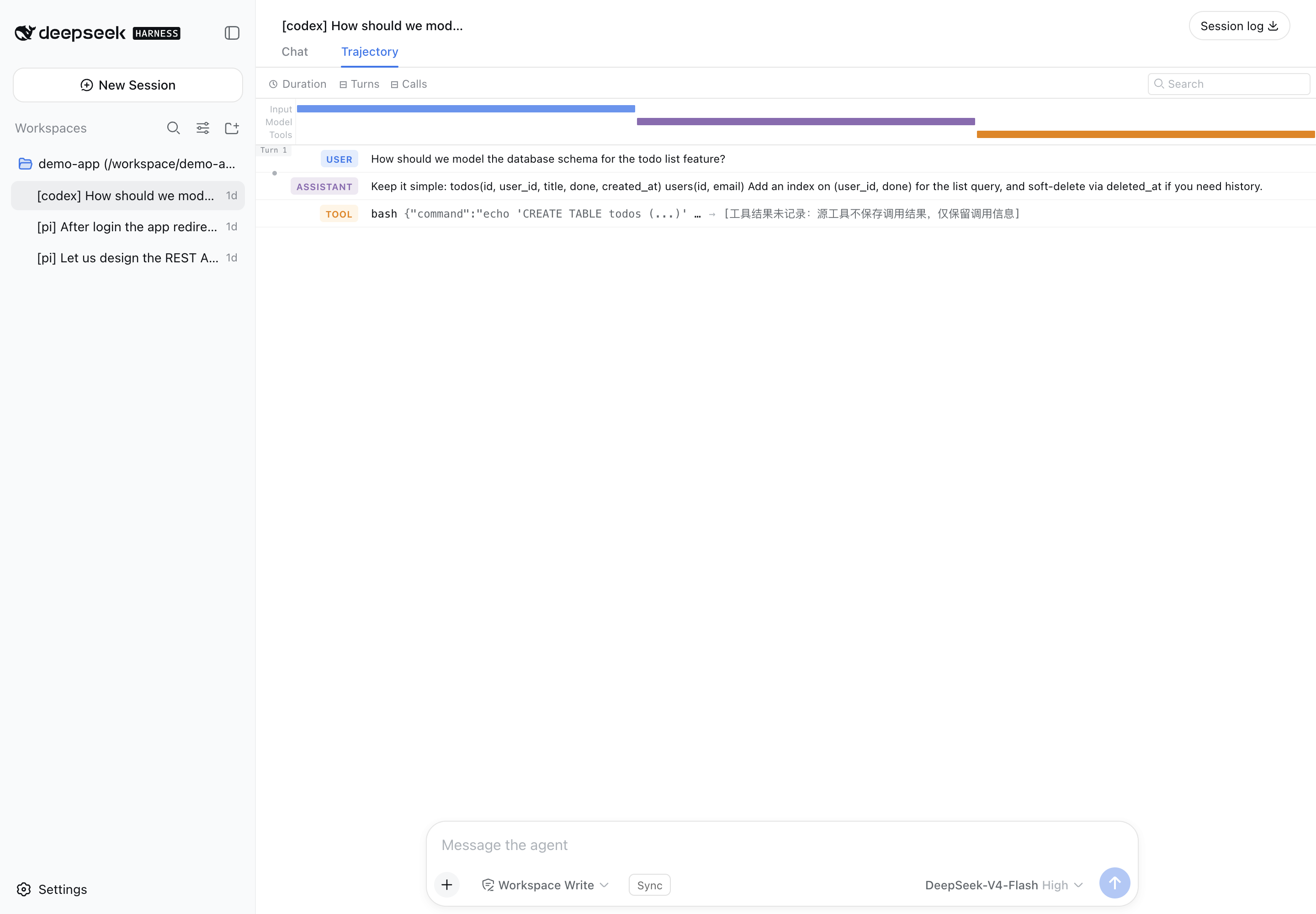
Many users do not start from scratch. They arrive with accumulated sessions, chat histories, and custom agent configurations scattered across different tools. dsh-import-agents exists to bridge that gap by importing sessions, chat history, and agents from pi, opencode, codex, and claude-code into DeepSeek Harness.
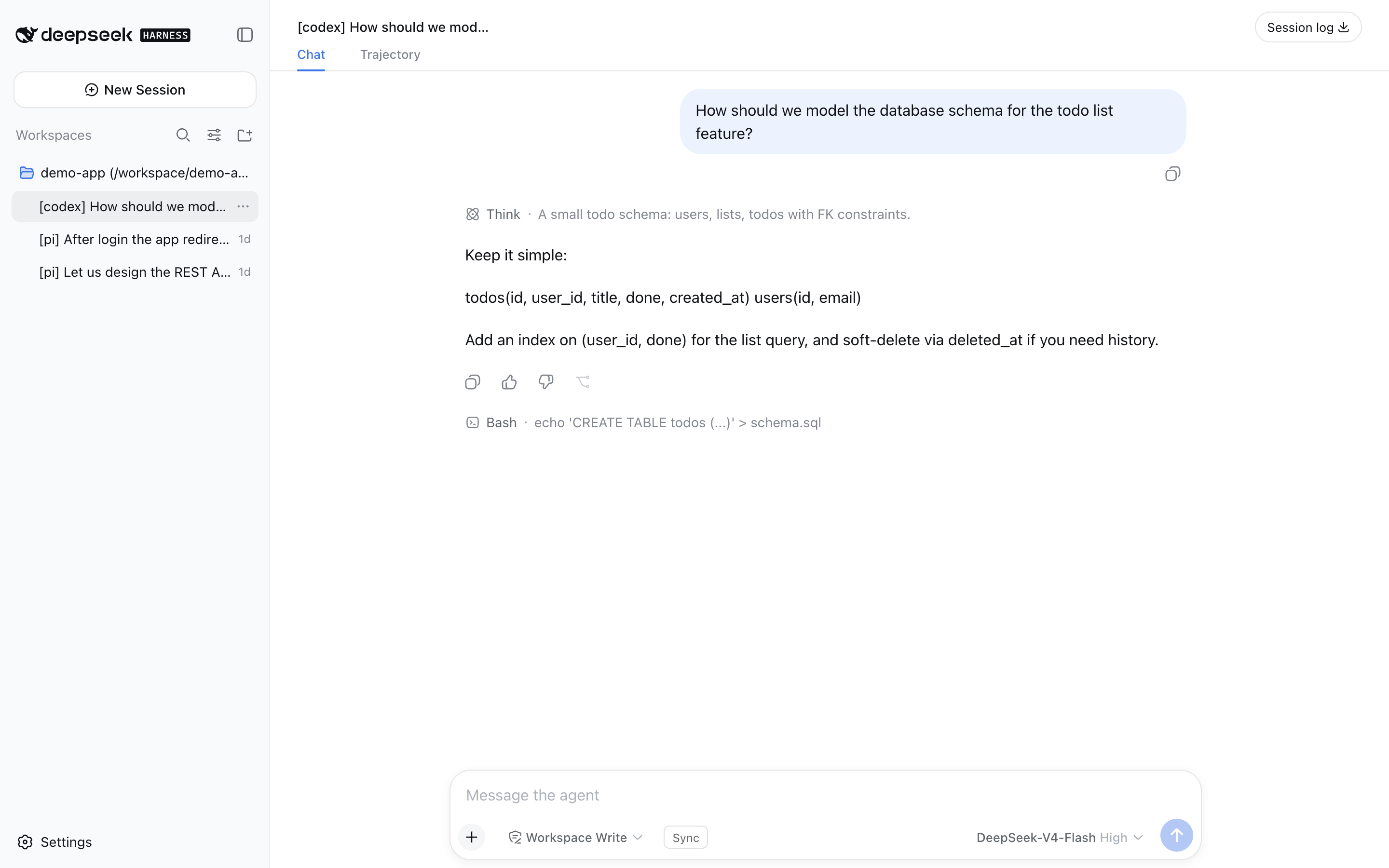
Its value goes beyond simple data migration. The imported sessions remain resumable, preserving original context such as text, reasoning, and tool-call trajectories. This allows users to continue conversations with the full history available as context. In addition, custom agents and mode prompts can be transformed into discoverable dsh skills, helping existing workflow definitions carry over into the new environment.
This plugin is especially useful for users who have already built up meaningful conversation histories and agent configurations in supported tools. If you want to move those assets into DeepSeek Harness and keep working with them inside a more integrated session and skill ecosystem, dsh-import-agents makes the migration smoother.
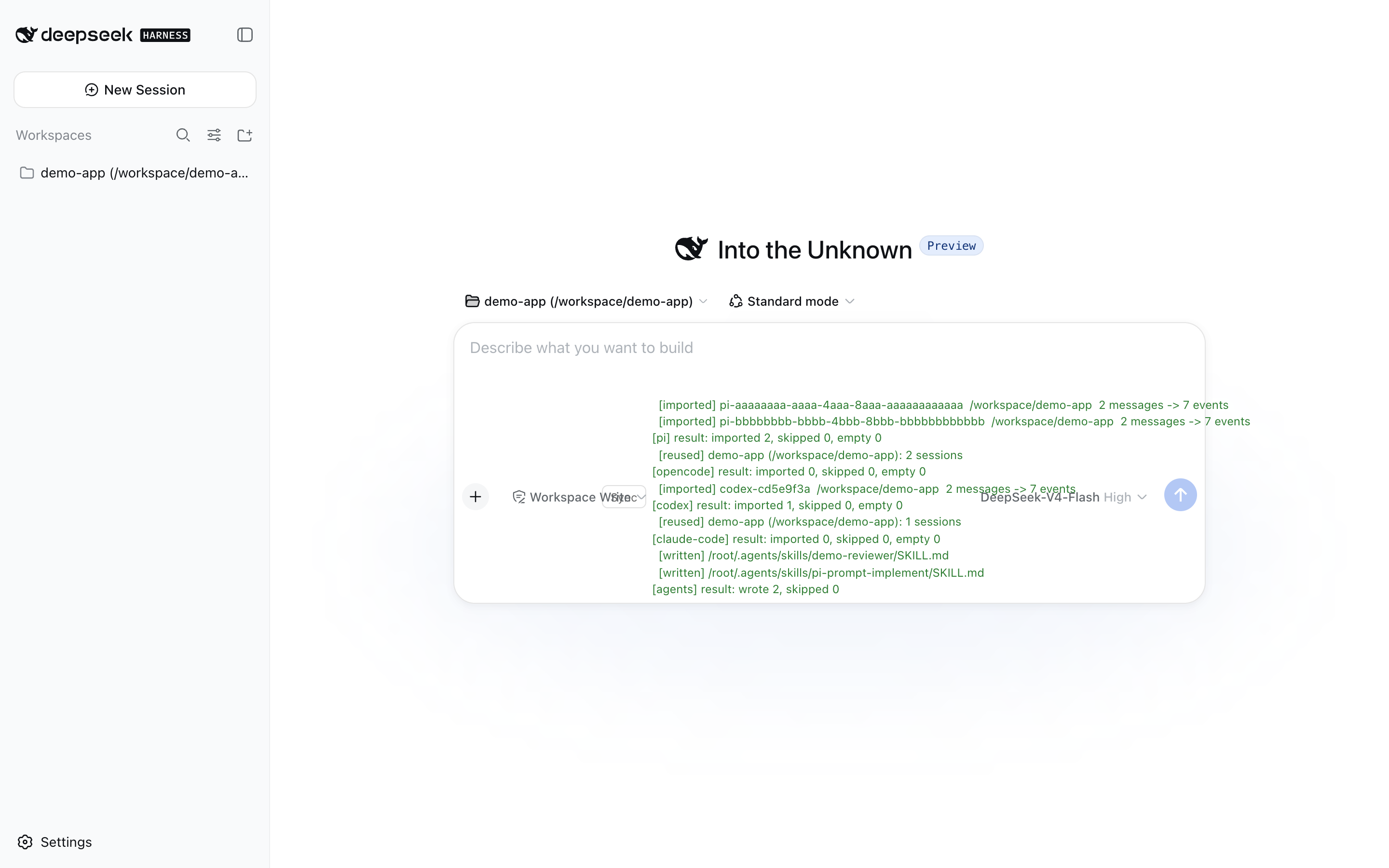
Screenshots
Use Cases
- Import historical sessions from pi, opencode, codex, or claude-code into DeepSeek Harness.
- Continue conversations with the original context preserved.
- Convert existing agents or mode prompts into discoverable DeepSeek Harness skills.
Best For
- DeepSeek Harness users with existing session histories.
- People moving agent workflows from other tools into one environment.
- Users who need preserved agent context and reusable skill definitions.
Related Plugins

A method pack that makes AI coding agents plan against your real baseline, prove completion with fresh evidence, and reduce reworks and unsafe changes.

Turns the DeepSeek Harness session into a captain that builds a durable sub-agent team, splits goals into dependency-aware tasks, and coordinates work via direct messages and a live Web UI.
Gives coding agents design judgment, letting Claude Code, Cursor, and 70+ agents generate and iterate high-quality UI, presentations, and graphics right from the terminal.
Run the Pi ecosystem's plugins on DeepSeek Harness, unmodified, via a compatibility layer that implements Pi's public extension ABI on DSH's native services.