dsh-polling
Run the following command in DeepSeek Harness:
dsh plugin install cnyac/dsh-polling
Paste the following prompt into your AI chat to install this plugin:
Make sure dsh CLI is installed and dsh web has been run at least once, then execute dsh plugin install cnyac/dsh-polling (source: https://github.com/cnyac/dsh-polling); restart dsh web and the Polling workspace will appear in the sidebar.
About this plugin
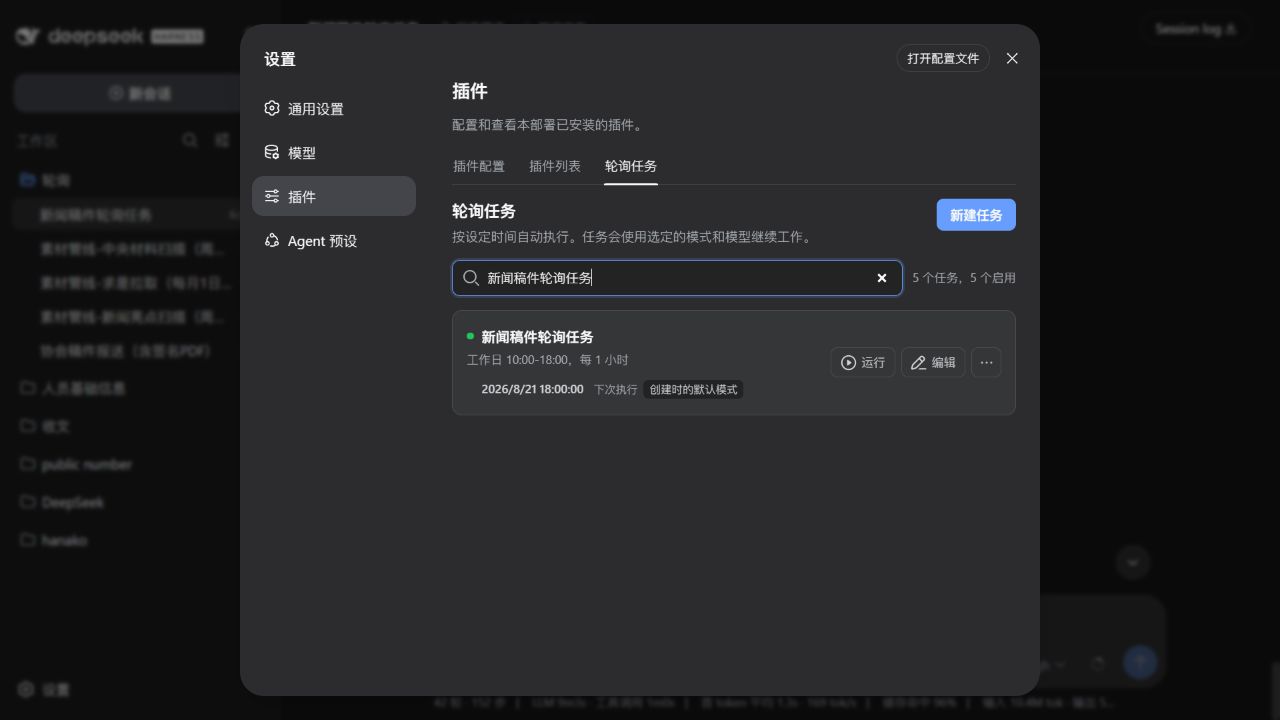
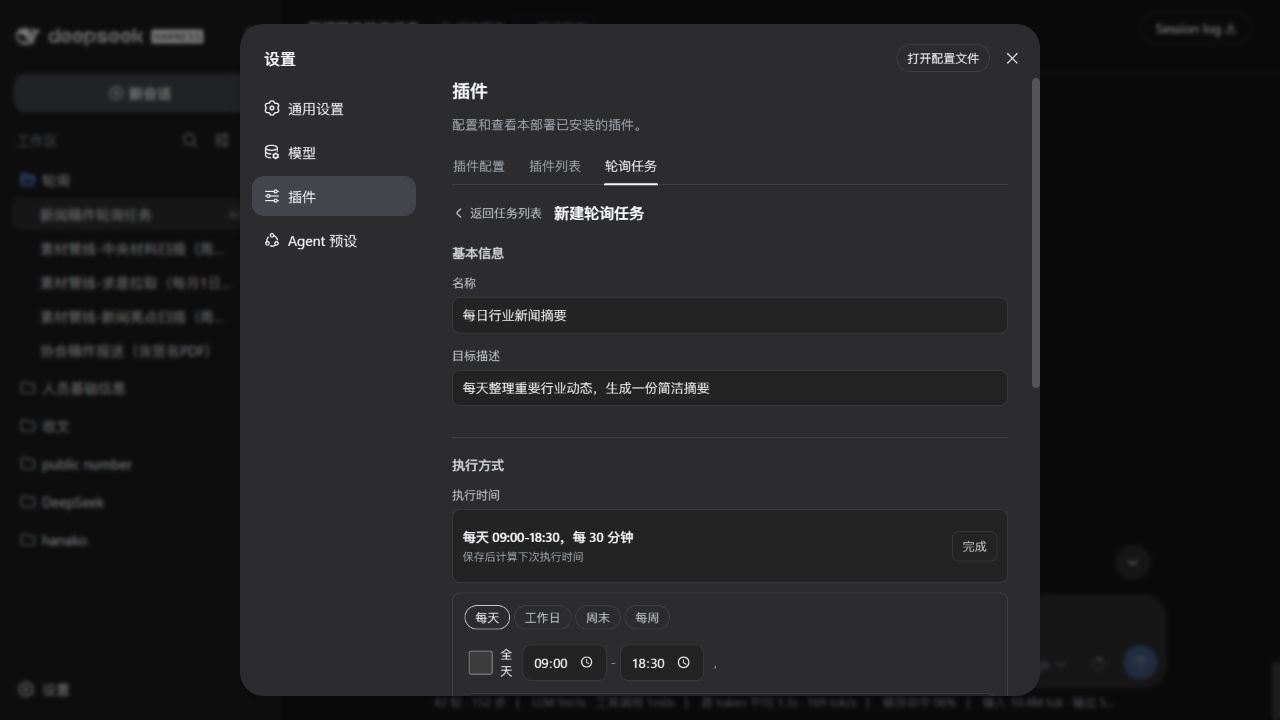
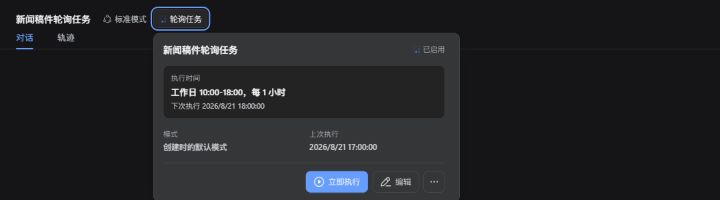
Checking a folder every morning, writing a daily report, running a routine script—tasks you assign to yourself are the first to slip. dsh-polling turns DeepSeek Harness into a scheduled agent: describe the time and steps in plain language, and the model executes them on schedule in its own session. Results sit quietly in the conversation record, ready to review or steer mid-run without interrupting your current chat.
Key capabilities: flexible scheduling by day, frequency, and time window; per-task mode selection (Standard, PTC, Minimal, Creative, or custom) to control which tools the agent may use; overlap protection that skips a run if the previous one is still in progress; catch-up execution after a missed window due to shutdown; and automatic session rotation when an archived session is re-triggered. All data stays local under $DSH_HOME—nothing is reported to external services.
Built for Harness users who handle repetitive workflows: editorial teams monitoring draft folders, analysts pulling data for daily briefs, ops engineers running inspection scripts. If a task is something you would happily delegate to a model on a timer, hand it off to this plugin.
Screenshots
Use Cases
- Scheduled folder monitoring with automatic drafting and archiving
- Weekly data fetching and report generation on a fixed schedule
- Workday cron-style script execution with status reporting
Best For
- Individuals and teams offloading repetitive checks, reports, or scripts to a scheduled agent
- DeepSeek Harness users who already work with Agent mode and custom workflows
- Privacy-sensitive users who need all task data to stay on a local machine
Related Plugins

A method pack that makes AI coding agents plan against your real baseline, prove completion with fresh evidence, and reduce reworks and unsafe changes.

Turns the DeepSeek Harness session into a captain that builds a durable sub-agent team, splits goals into dependency-aware tasks, and coordinates work via direct messages and a live Web UI.
Gives coding agents design judgment, letting Claude Code, Cursor, and 70+ agents generate and iterate high-quality UI, presentations, and graphics right from the terminal.
Run the Pi ecosystem's plugins on DeepSeek Harness, unmodified, via a compatibility layer that implements Pi's public extension ABI on DSH's native services.