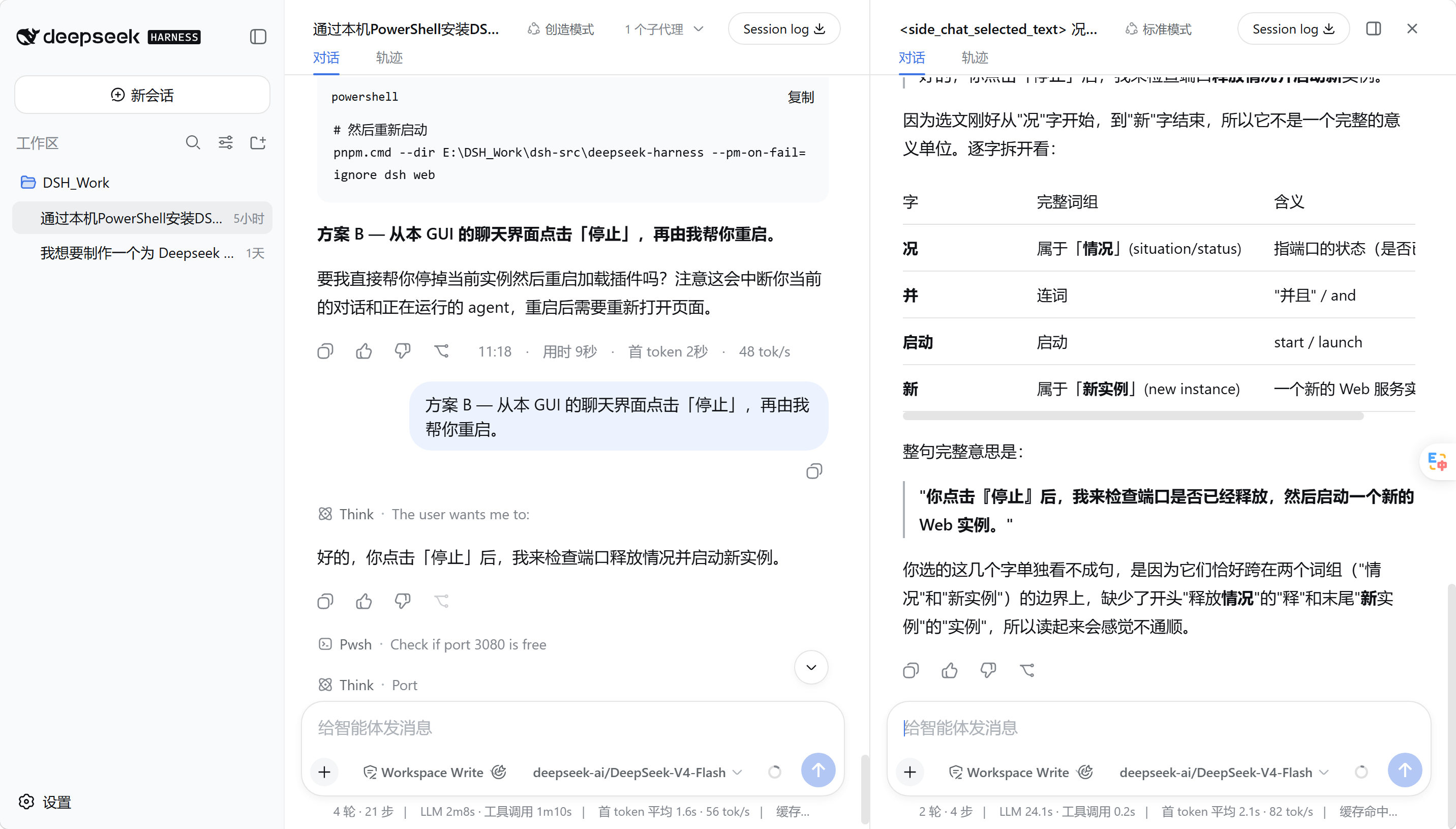
dsh-side-chat
Run the following command in DeepSeek Harness:
dsh plugin install KarlOfLaw/dsh-side-chat
Paste the following prompt into your AI chat to install this plugin:
Install this plugin in DeepSeek Harness by downloading the release package from https://github.com/KarlOfLaw/dsh-side-chat or by running dsh plugin install KarlOfLaw/dsh-side-chat in your terminal.
About this plugin
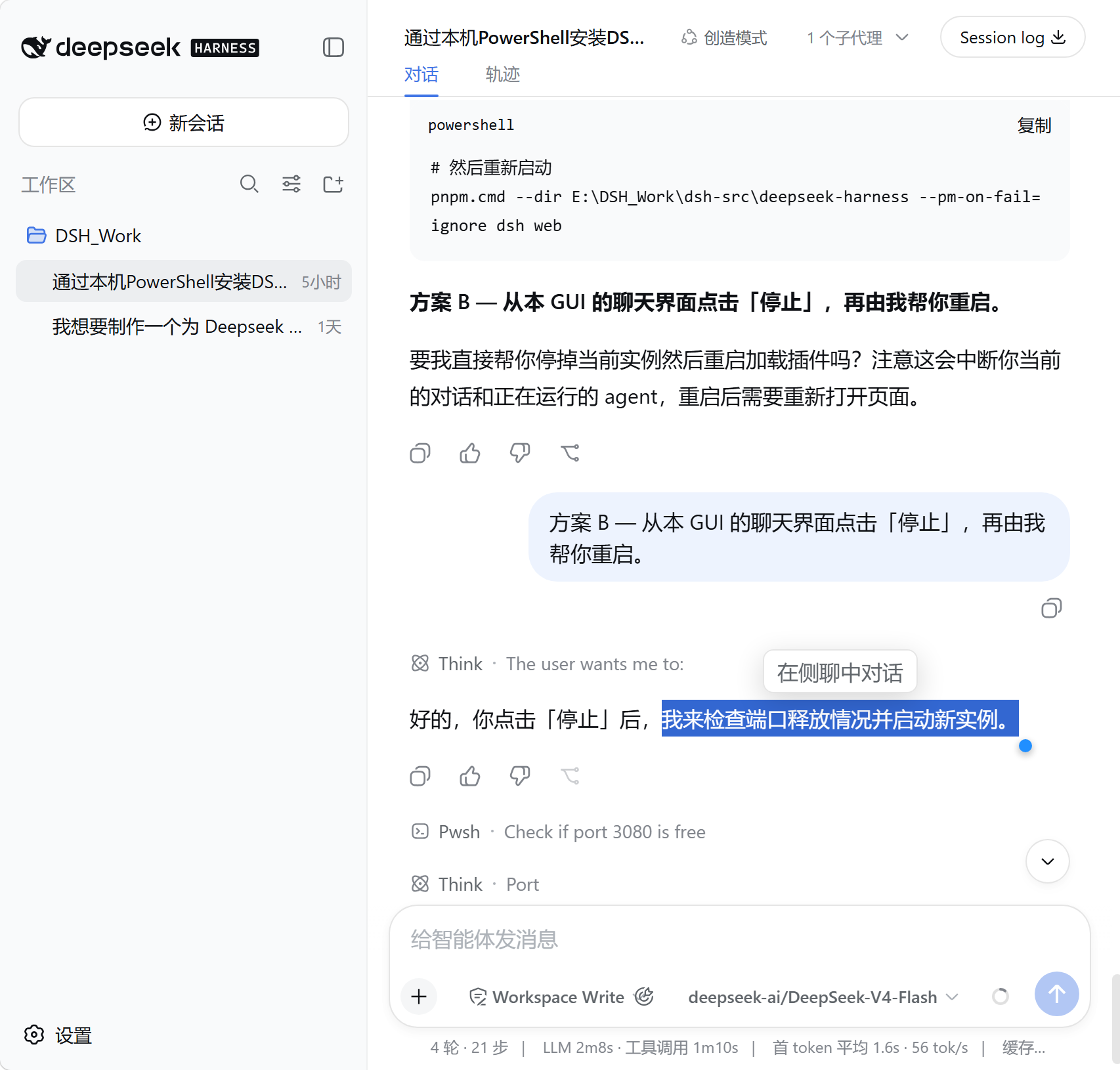
When collaborating with an Agent in DeepSeek Harness, you often need to ask follow-up questions, analyze a selected passage in isolation, or run a parallel workstream without leaving the main conversation. Spawning a new terminal, switching windows, and manually pasting context breaks your flow and risks losing critical details. dsh-side-chat solves exactly this: it embeds a full native DSH session to the right of the main chat, with no custom chat UI and no need to leave the current view.
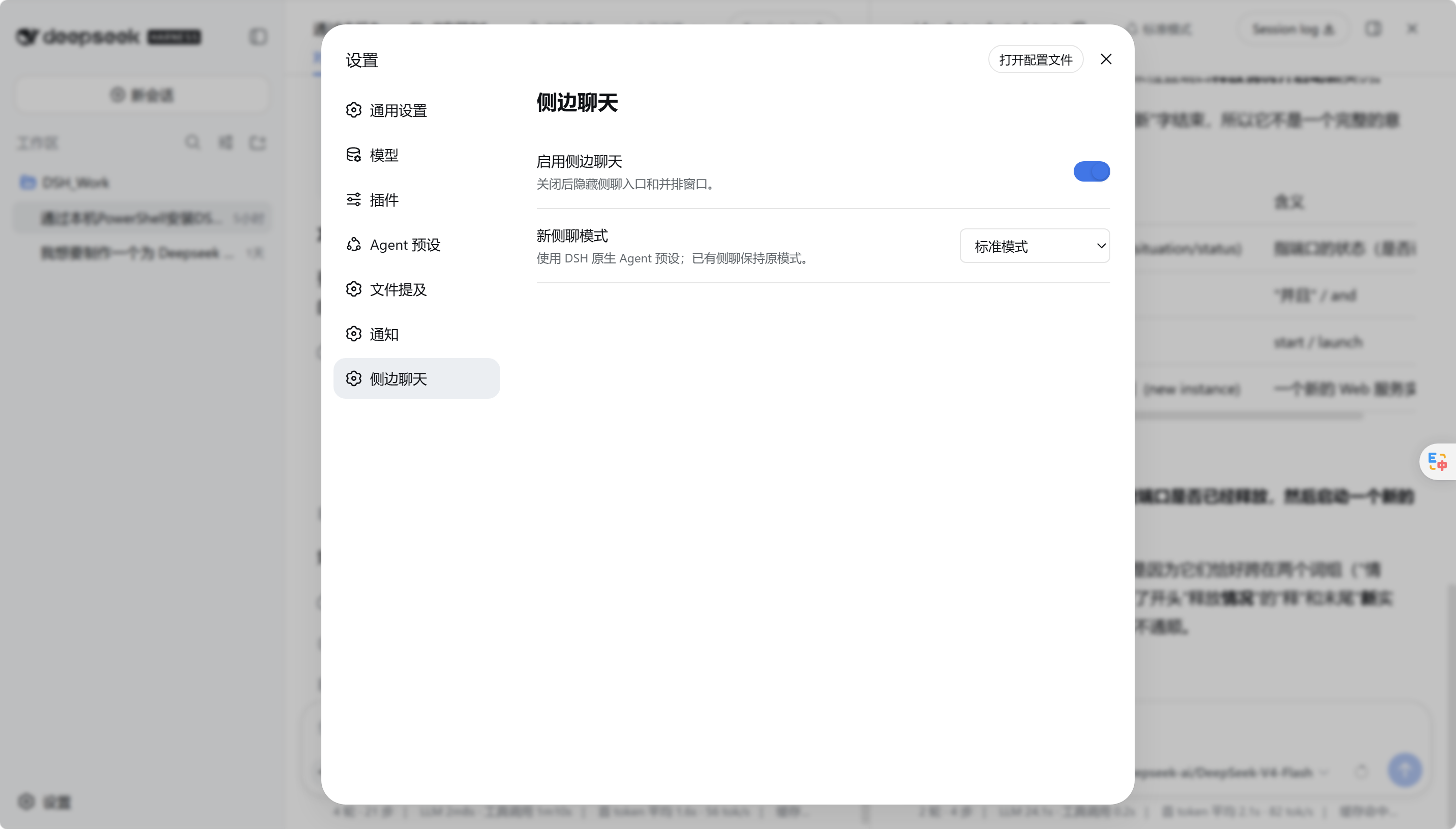
The side chat is a real DSH Session. Message rendering, tool calls, approval flows, attachments, and model switching are all driven by DSH native components. The main session and side chat share the same workspace, so file edits and command execution produce real side effects, yet their transcripts remain fully independent. When more context is needed, the side_chat_context tool retrieves bounded, relevant parent-session fragments on demand rather than blindly duplicating the entire history. Selecting text in a main message triggers a one-click reference that injects only at send time, leaving no hidden residue in the draft.
It is built for developers who need frequent multi-threaded Agent interaction: a quick side question while debugging a main task, a deeper probe on a specific code passage during review, or validating a subtask in parallel while orchestrating a workflow. The panel can be hidden, preserved, or safely deleted; it coexists mutually exclusively with Better Sidebar; and every interaction stays on the DSH native experience with no custom message renderer or composer.
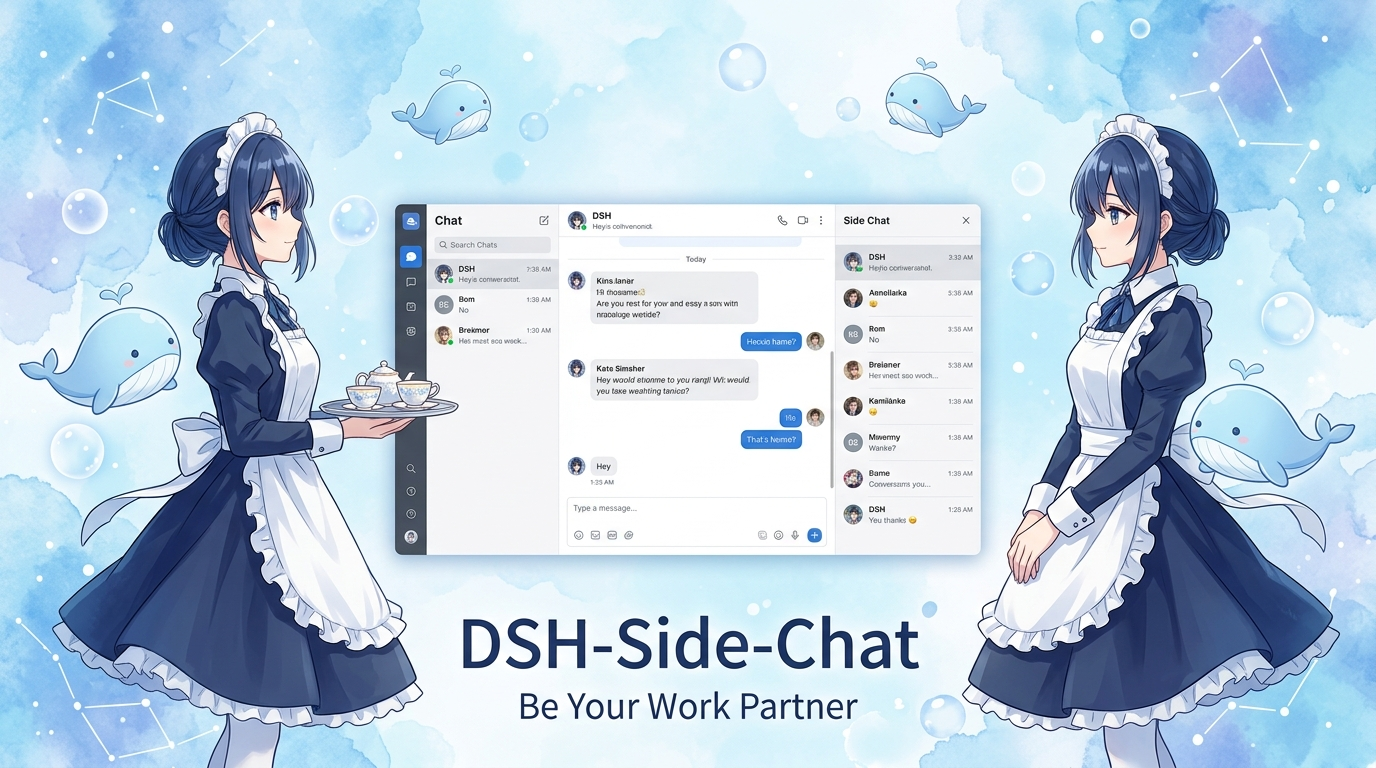
Screenshots
Use Cases
- Ask a quick side question mid-debug without switching windows
- Select a code passage and probe it in isolation during review
- Validate a subtask in parallel while orchestrating a multi-step workflow
Best For
- Developers who need multi-threaded Agent interaction
- Engineers orchestrating Agent workflows with DSH
- Teams that prefer a single-window workflow over context switching
Related Plugins

A method pack that makes AI coding agents plan against your real baseline, prove completion with fresh evidence, and reduce reworks and unsafe changes.

Turns the DeepSeek Harness session into a captain that builds a durable sub-agent team, splits goals into dependency-aware tasks, and coordinates work via direct messages and a live Web UI.
Gives coding agents design judgment, letting Claude Code, Cursor, and 70+ agents generate and iterate high-quality UI, presentations, and graphics right from the terminal.
Run the Pi ecosystem's plugins on DeepSeek Harness, unmodified, via a compatibility layer that implements Pi's public extension ABI on DSH's native services.