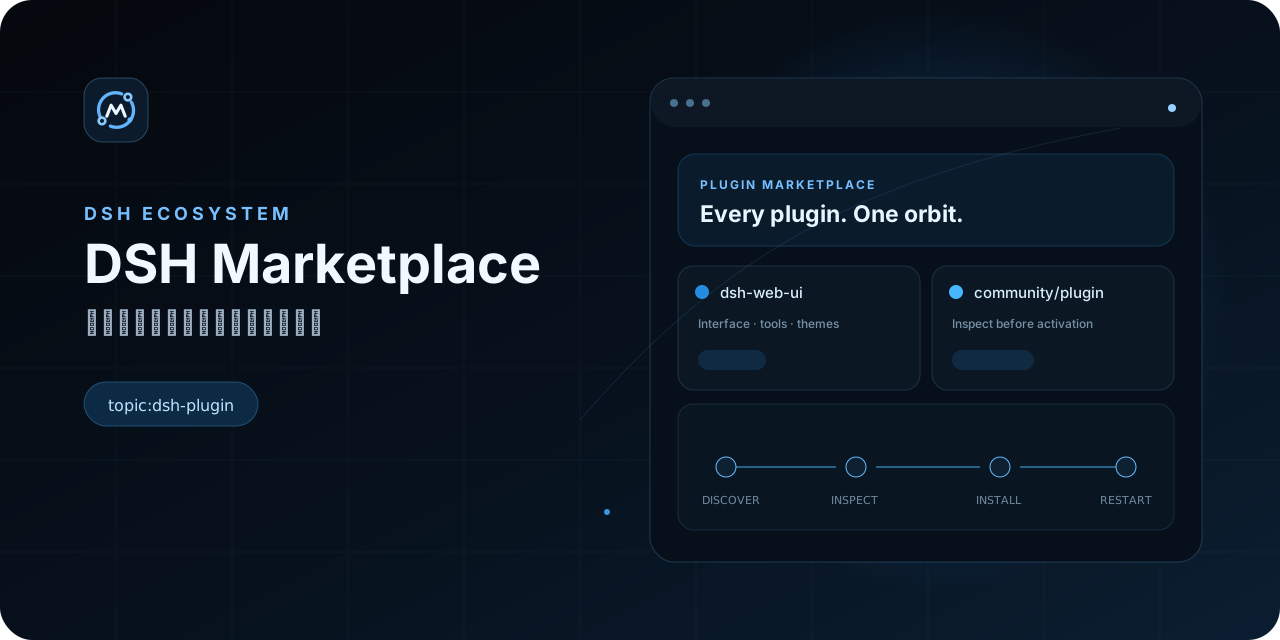
dsh-marketplace
Run the following command in DeepSeek Harness:
dsh plugin install ouyangyipeng/dsh-marketplace
Paste the following prompt into your AI chat to install this plugin:
Run dsh plugin install ouyangyipeng/dsh-marketplace in the DeepSeek Harness terminal to install; the source code is available at https://github.com/ouyangyipeng/dsh-marketplace
About this plugin
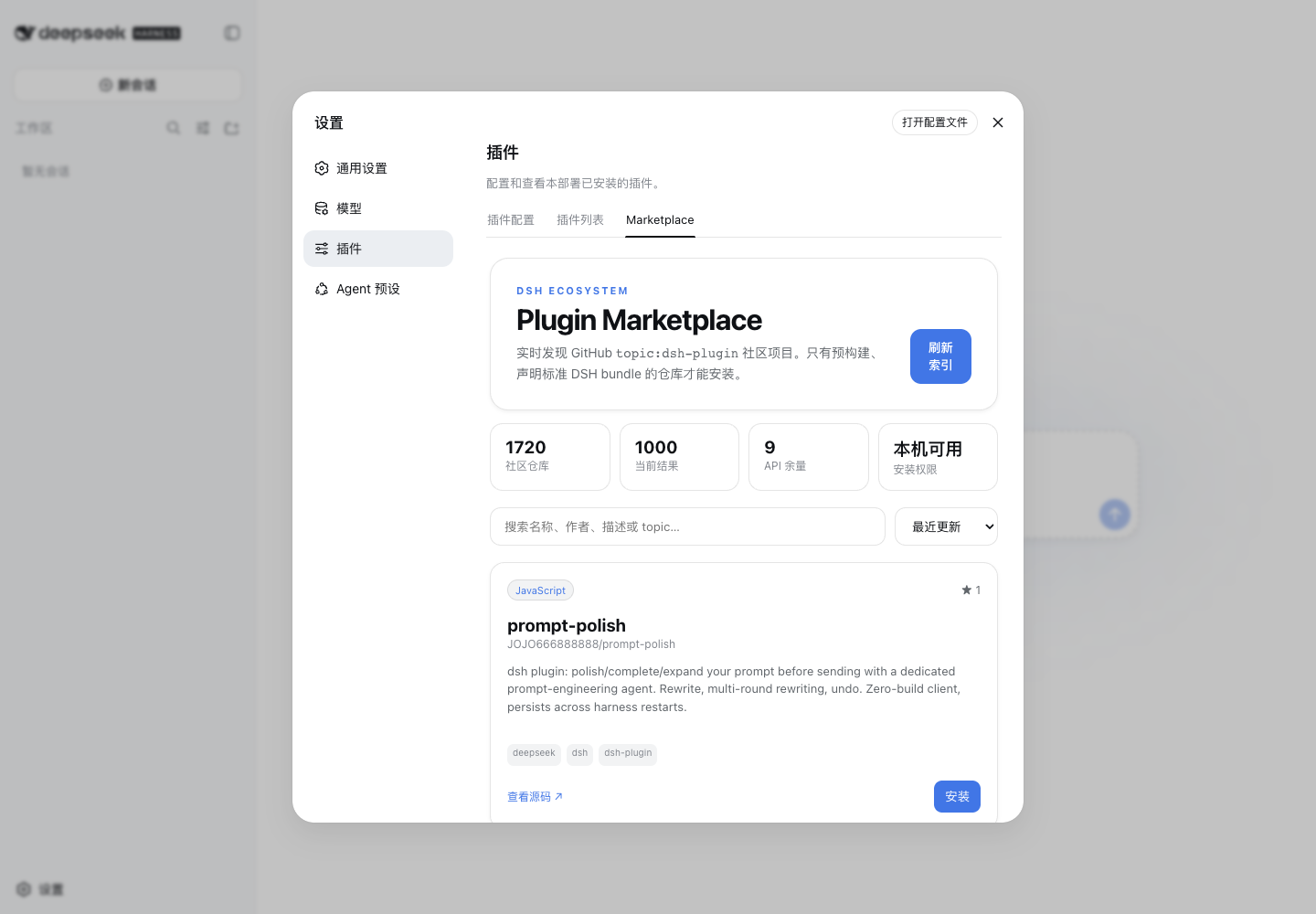
Community plugins for DeepSeek Harness are scattered across GitHub repositories, and the manual loop of searching, verifying bundle format, and hand-writing profile dependencies is both tedious and error-prone. dsh-marketplace consolidates plugin discovery, search, inspection, installation, update, and removal into a single Marketplace tab under Settings, keeping the entire lifecycle within the Harness interface and eliminating the need to bounce between terminals.
The install pipeline enforces multiple security gates: a candidate package is first staged in an isolated temporary project, then must pass pre-built entry validation, bundle patch declaration checks, and real-path escape detection before it is atomically written into the profile dependency. A failed install simply does not activate, and a failed uninstall restores the previous manifest. Staging always uses the --ignore-scripts flag so unknown scripts are never executed, write endpoints require loopback pairing plus a process nonce, and GitHub data is rendered as plain text only, drawing a clear security boundary around third-party repositories.
It is well suited for developers who frequently extend their Harness workflow through third-party plugins, and for teams that want a single controlled surface for the full plugin lifecycle while keeping supply-chain security boundaries explicit and auditable.
Screenshots
Use Cases
- Discover and install community plugins directly within Harness
- Manage updates and removal of installed plugins from one place
- Reduce third-party plugin risk through a validated install pipeline
Best For
- Developers who frequently extend their Harness workflow with plugins
- Teams wanting a unified entry point for plugin lifecycle management
- Ops engineers concerned about third-party plugin supply-chain security
Related Plugins

Adds an Auto approval mode on the official workspace-write sandbox, classifying semantic risks, asking when ambiguous, and denying destructive operations.

Undo/rollback system for DSH: config & plugin snapshots, one-click undo/redo/restore, message-level revert, secret masking, safe mode, and offline WebUI/GUI/CLI rescue tools for when DSH won't start.
Packages all 87 SKILL.md files from upstream reverse-skill as a DeepSeek Harness plugin that auto-registers them for authorized reverse engineering, penetration testing, and security research.
Dockyard DSH is a native DeepSeek Harness plugin that unifies official OAuth/client sessions for Codex, Antigravity, Grok, Claude, and Cursor, providing account pool, model catalog, and quota status.