dsh-cluster
Run the following command in DeepSeek Harness:
dsh plugin install Lanxi26/dsh-cluster
Paste the following prompt into your AI chat to install this plugin:
Run dsh plugin install Lanxi26/dsh-cluster in your DeepSeek Harness terminal (source: https://github.com/Lanxi26/dsh-cluster ) to add the multi-agent canvas node-graph plugin to your current profile.
About this plugin
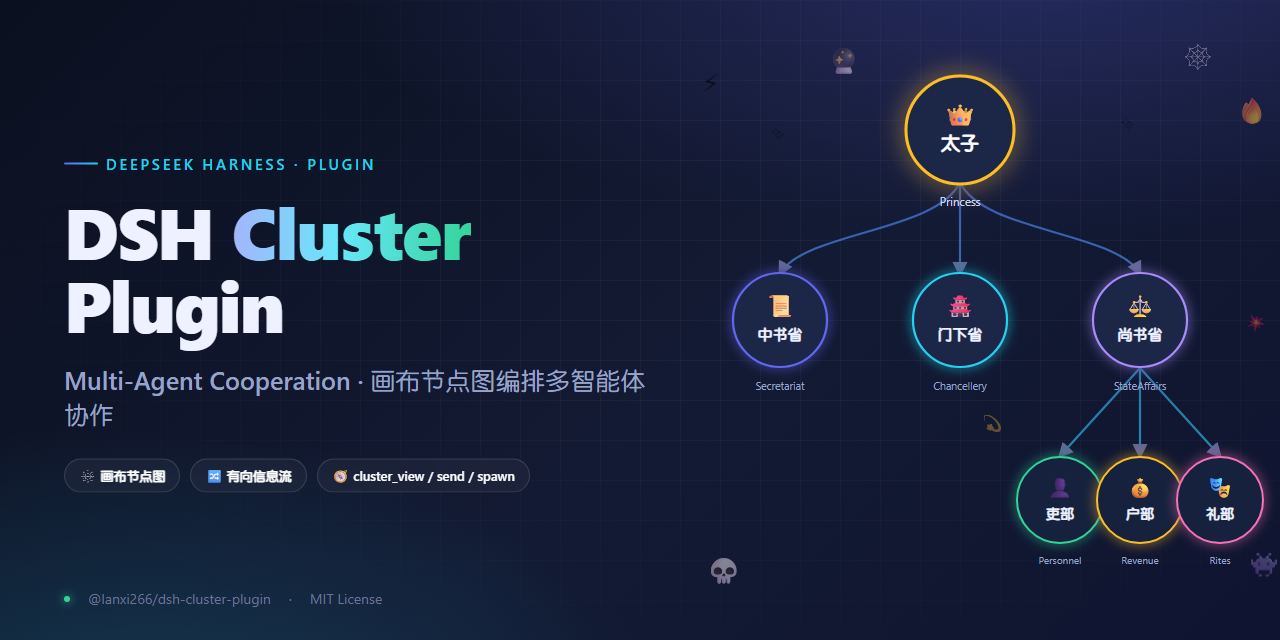
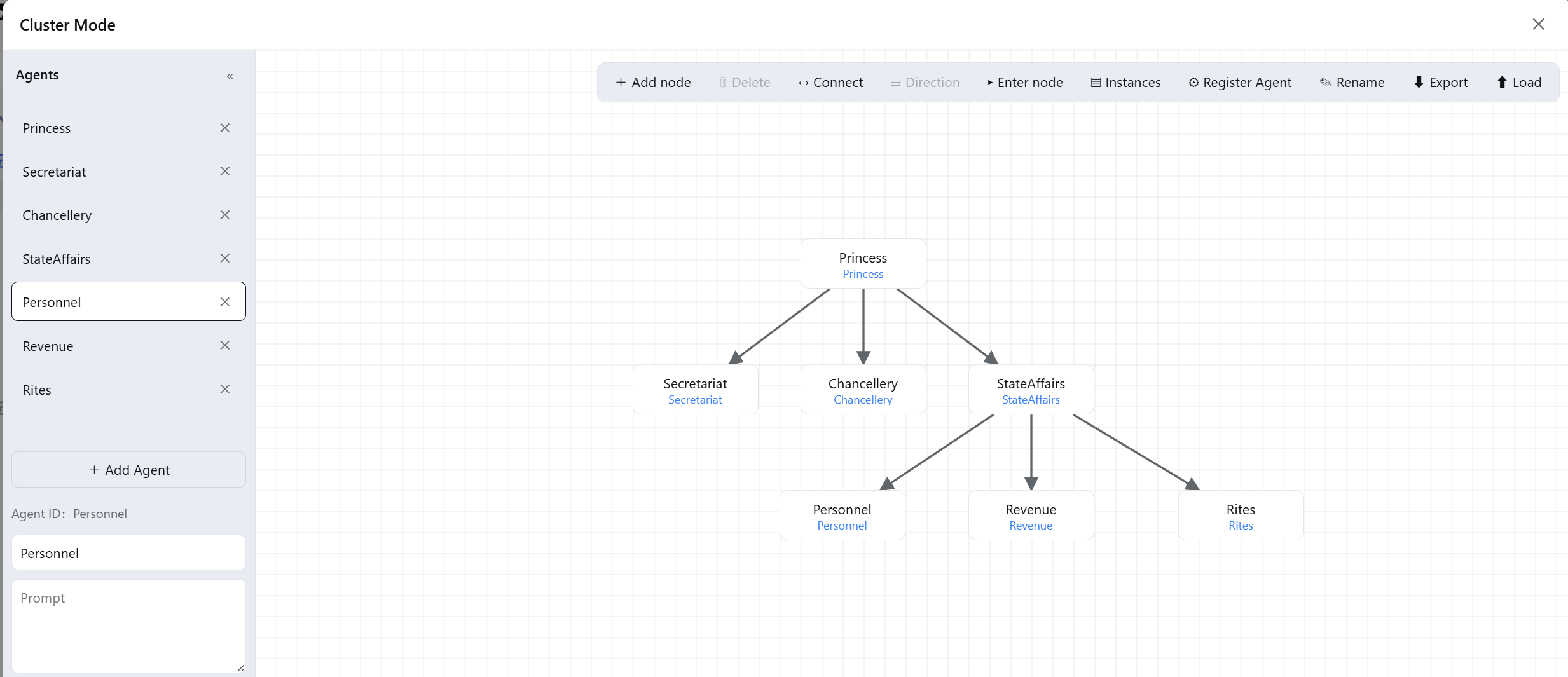
When orchestrating multiple agents, the hardest part is rarely what a single agent can do; it is controlling who is allowed to talk to whom and along which path information may travel. dsh-cluster turns that topological constraint into a visual canvas node-graph: every node is an agent with its own name, persona prompt, and operating mode, while directed edges between nodes define the only permitted message flows. By default, undeclared paths are denied; an empty graph is fully open, which is handy for prototyping before tightening constraints.
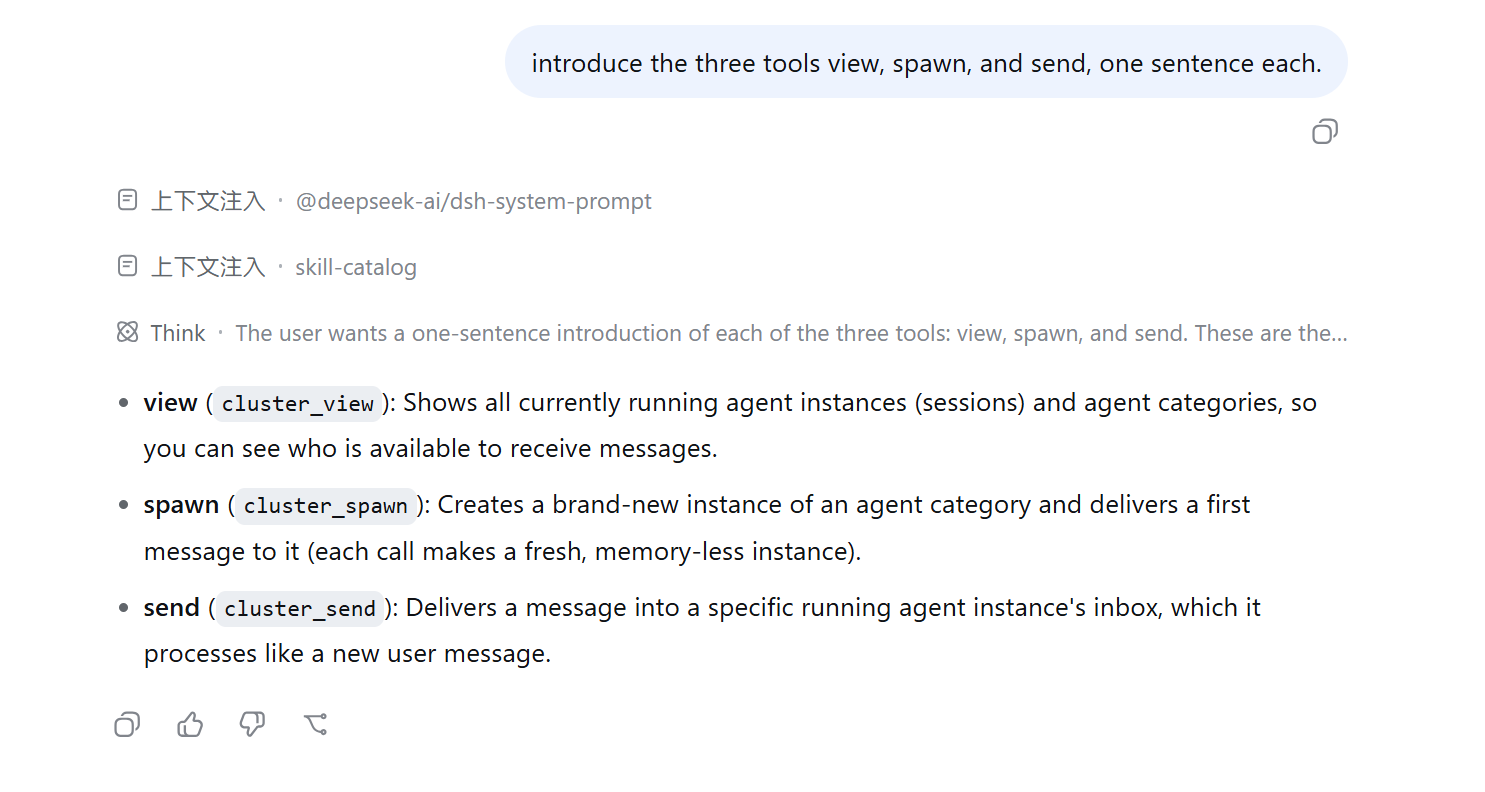
The plugin ships three core tools. cluster_view shows only your own downstream instances, creating a natural one-way information barrier so a downstream agent never sees upstream context. cluster_spawn mints a brand-new, memory-less instance on every call, ideal for the multi mode where each invocation needs an independent parallel reasoning thread. cluster_send delivers a message into a specific running instance inbox and it is processed like a fresh user message, suiting the single mode that benefits from accumulating context over turns. Each agent can also be bound to a disk identity space holding skills, scripts, long-term memory, or an agent.md file; the persona prompt instructs the agent to browse that space first. The entire graph together with all agent properties can be exported as a JSON file and reloaded in another environment to restore the full setup.
If you already run several agents inside DeepSeek Harness and find yourself hard-coding communication rules in plain text or code, dsh-cluster offers a draw-it-then-run-it approach. It is well suited for teams or individuals designing multi-step reasoning pipelines with clearly defined roles and upstream-downstream information boundaries.
Screenshots
Use Cases
- Design multi-agent pipelines with directed edges governing message flow
- Bind per-agent identity spaces with persistent skills and memory files
- Export the node graph and agent properties for reuse in another environment
Best For
- Developers orchestrating multiple agents in DeepSeek Harness
- Pipeline designers who need to constrain inter-agent information flow
- Teams wanting visual orchestration of multi-agent collaboration
Related Plugins

A method pack that makes AI coding agents plan against your real baseline, prove completion with fresh evidence, and reduce reworks and unsafe changes.

Turns the DeepSeek Harness session into a captain that builds a durable sub-agent team, splits goals into dependency-aware tasks, and coordinates work via direct messages and a live Web UI.
Gives coding agents design judgment, letting Claude Code, Cursor, and 70+ agents generate and iterate high-quality UI, presentations, and graphics right from the terminal.
Run the Pi ecosystem's plugins on DeepSeek Harness, unmodified, via a compatibility layer that implements Pi's public extension ABI on DSH's native services.