dsh-wewrite
Run the following command in DeepSeek Harness:
dsh plugin install jerryjiao/dsh-wewrite
Paste the following prompt into your AI chat to install this plugin:
Run dsh plugin install jerryjiao/dsh-wewrite inside a DeepSeek Harness environment to install the plugin; source is available at https://github.com/jerryjiao/dsh-wewrite .
About this plugin
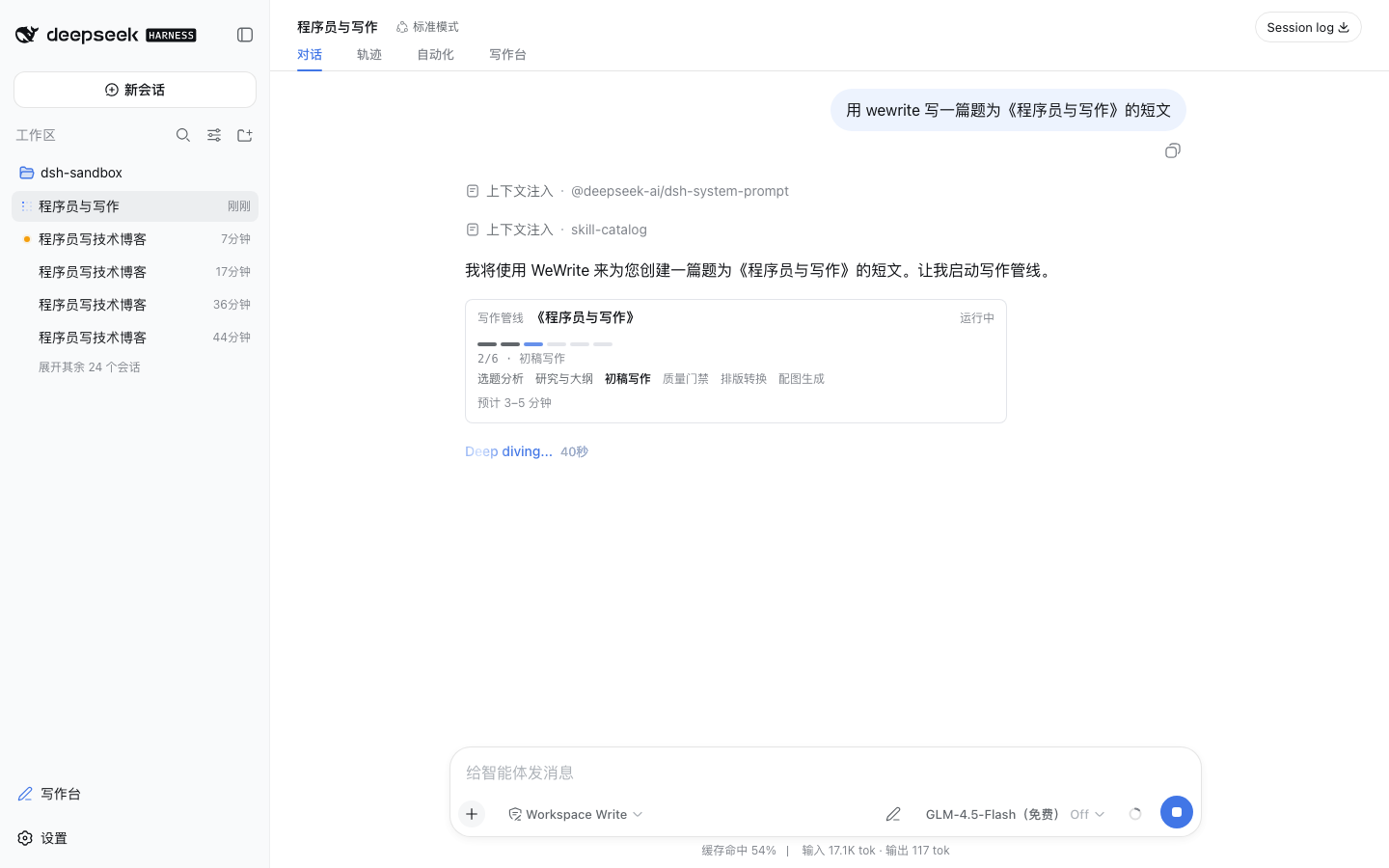
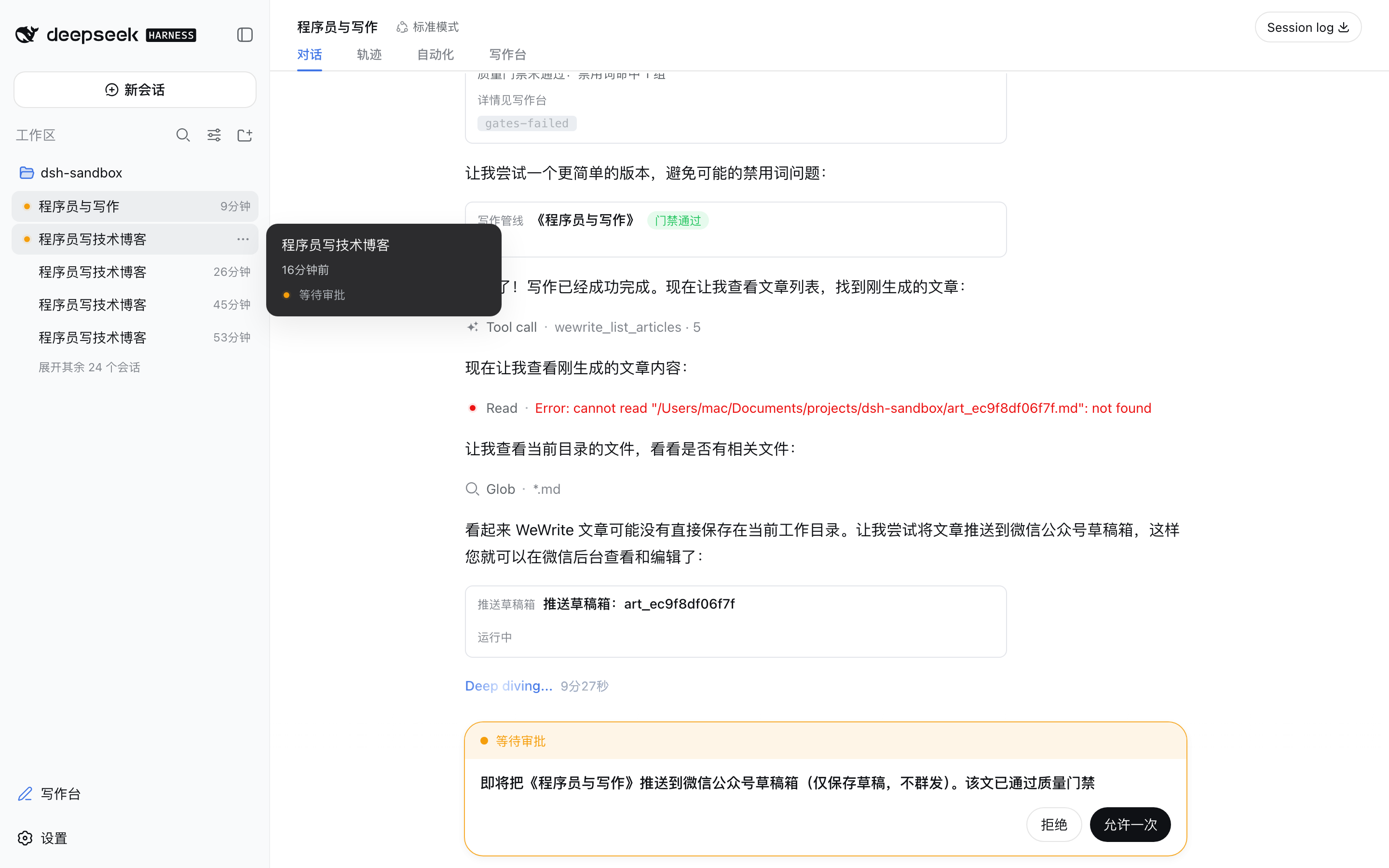
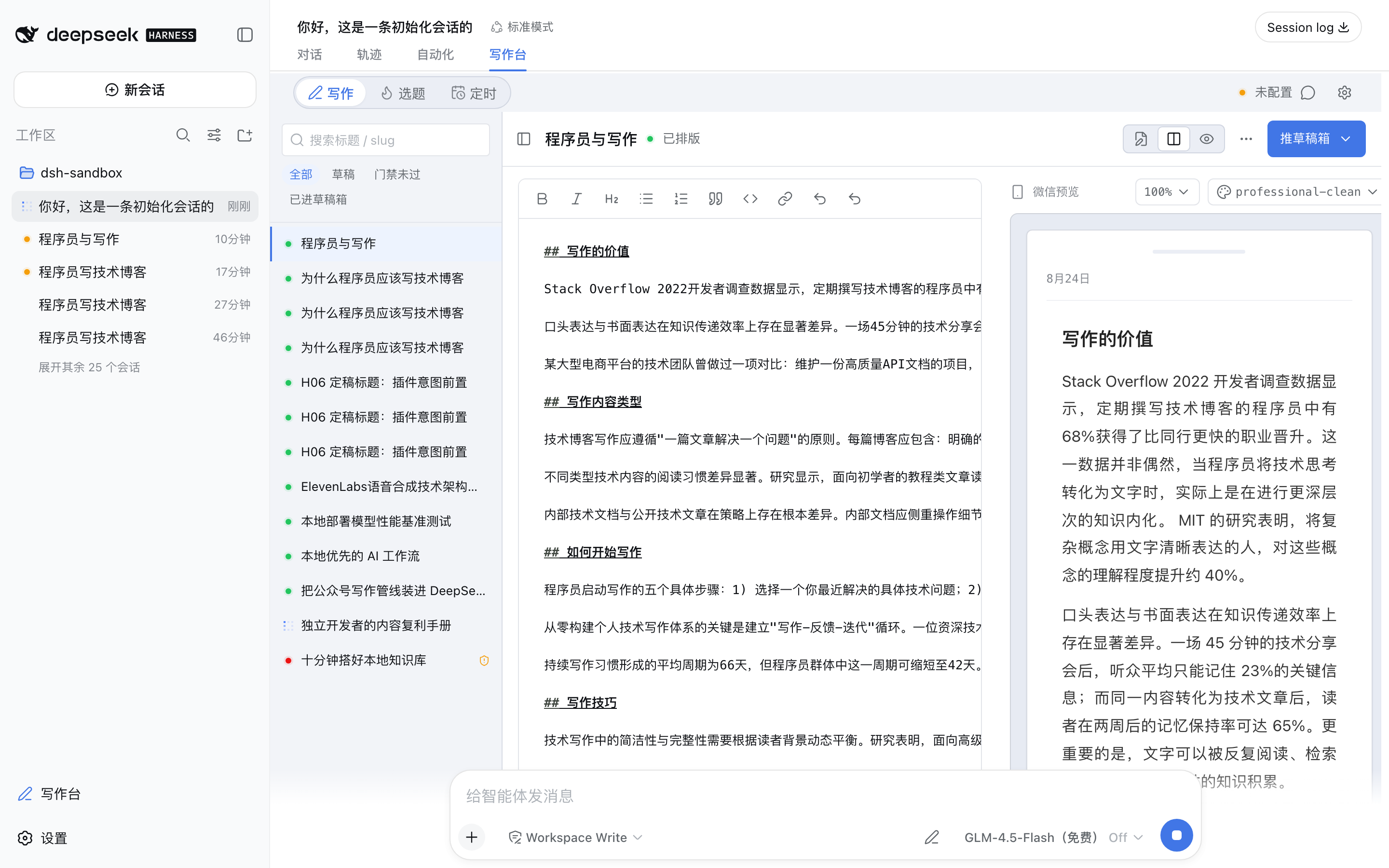
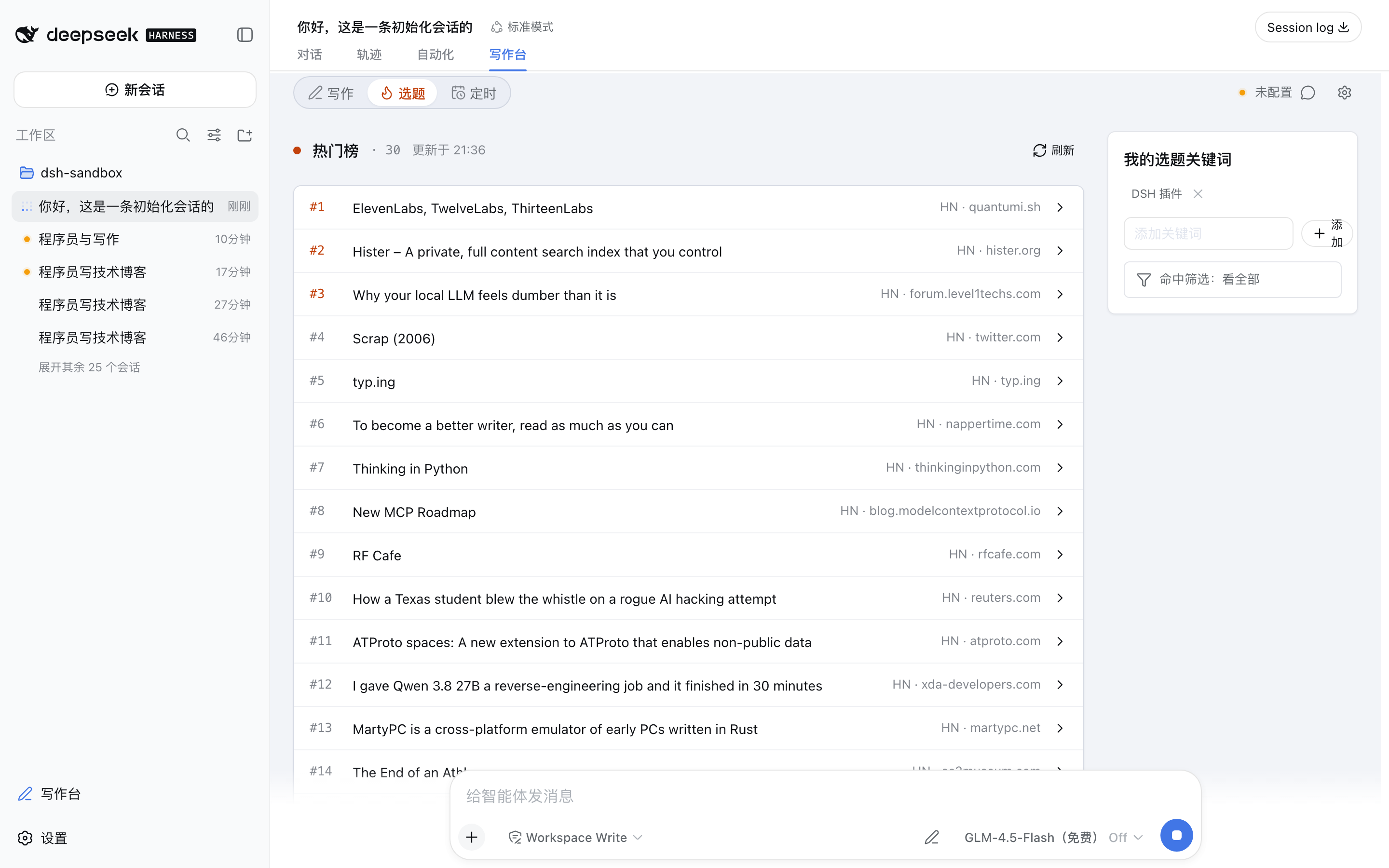
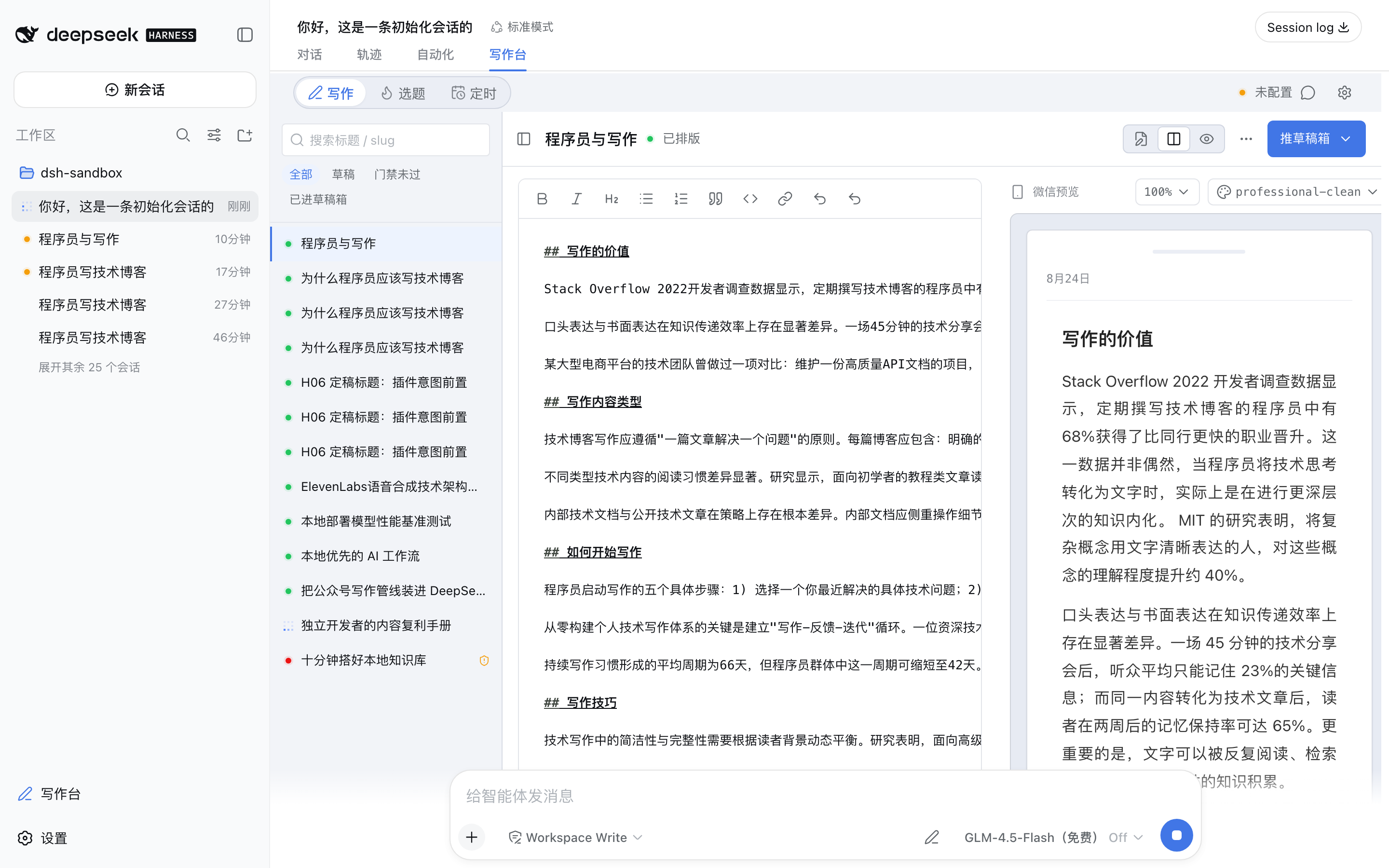
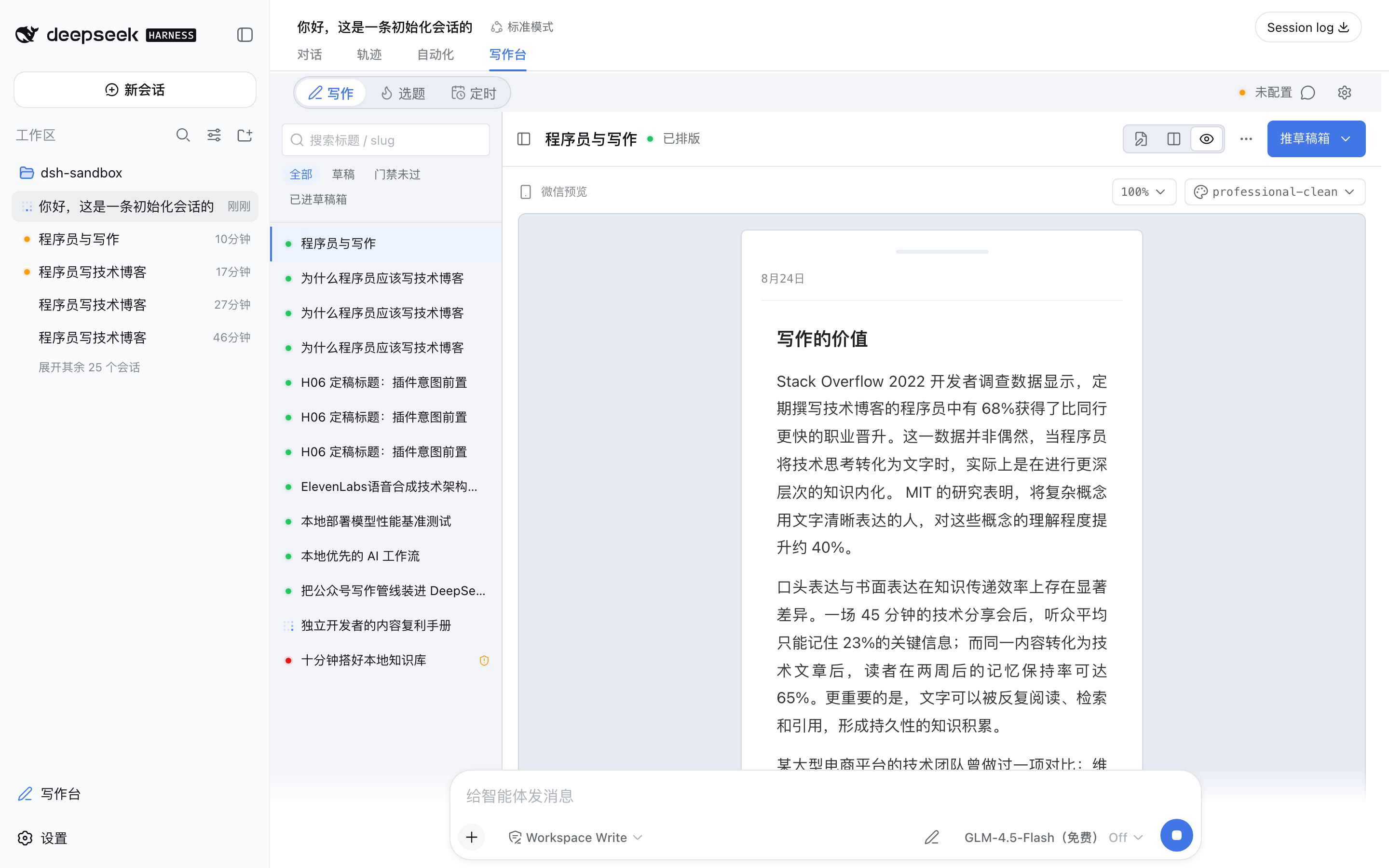
Running a WeChat official account means juggling topic research, outlines, first drafts, quality checks, WeChat-specific typography, image sourcing, and the final draft-box push—usually across a dozen browser tabs and scattered scripts. dsh-wewrite collapses that entire pipeline into a single local web workbench inside DSH: pick a trending story or type a topic, watch six stages complete automatically, tweak a sentence or two in the editor, glance at the pixel-identical WeChat preview, and hit "Push to Draft." A few design choices stand out. A quality gate blocks publication on content issues or mismatched image numbering before anything touches the draft box. Selection-based AI rewrite rewrites only the paragraph you highlight, leaves the rest byte-for-byte untouched, and is fully undoable. The WeChat preview is rendered from the exact same payload that gets pushed, eliminating the classic "looks great in preview, broken in the feed" surprise. Image generation fans out across nine providers with automatic fallback; total failure degrades to a text-only article rather than halting the pipeline. On safety, the only outbound WeChat call is draft/add—there is no code path for mass publishing. All secrets live in ~/.dsh on your machine, are masked in every log and UI surface, and no telemetry of any kind is collected. It is built for DSH developers, independent writers who publish on a schedule, and teams that want an AI-assisted workflow without their credentials or content ever leaving the local disk.
Screenshots
Use Cases
- Turn a trending Hacker News topic into a finished WeChat draft through a six-stage automated pipeline
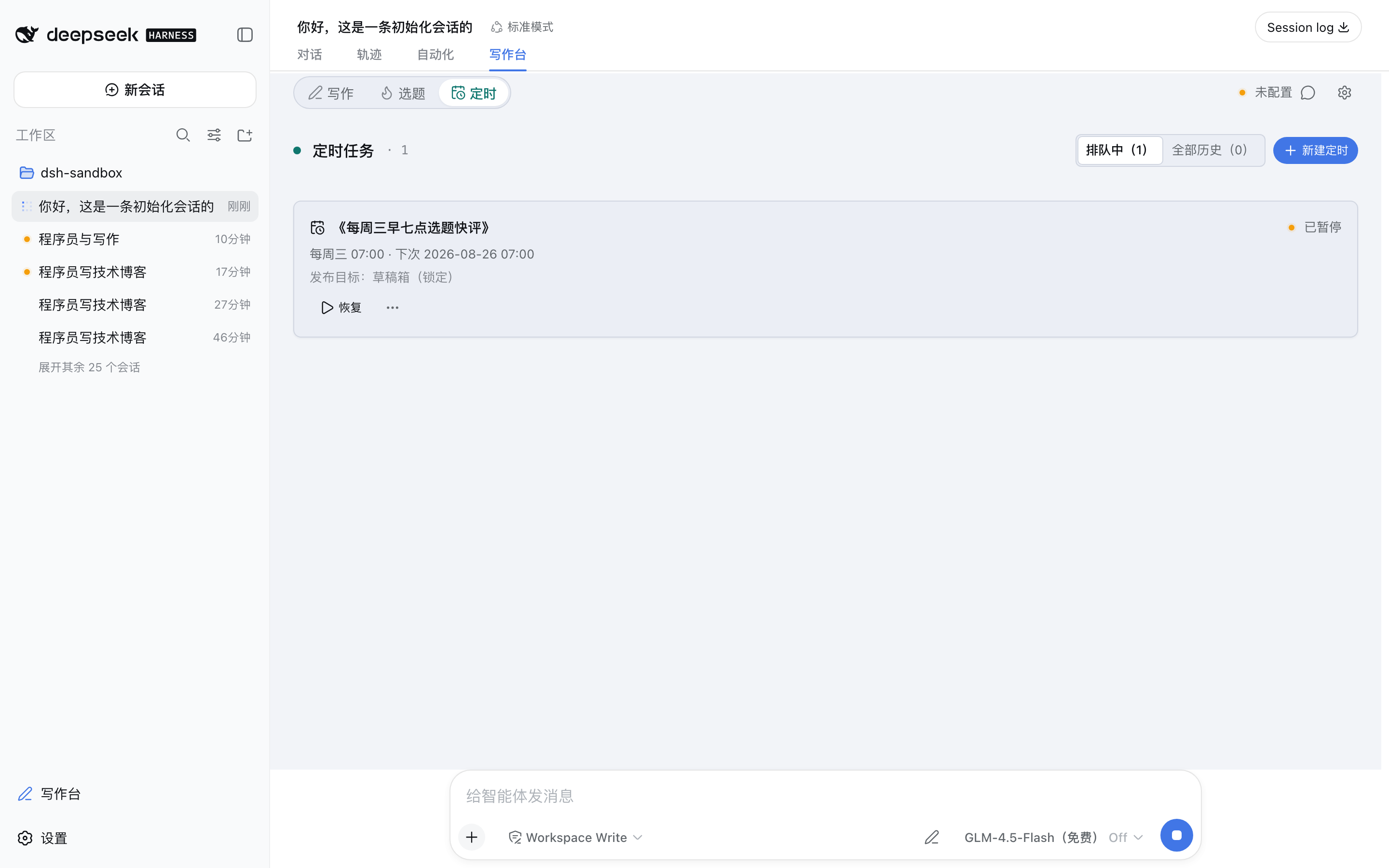
- Schedule RRULE rules so drafts appear in your WeChat draft box every weekday morning
- Highlight a paragraph, type one instruction for a targeted AI rewrite, and undo with Ctrl+Z without touching the rest
Best For
- Independent writers or editors who publish on a WeChat OA schedule
- Developers already working inside the DeepSeek Harness ecosystem
- Teams that want AI-assisted copywriting but require credentials and content to stay on local disk
Related Plugins

A method pack that makes AI coding agents plan against your real baseline, prove completion with fresh evidence, and reduce reworks and unsafe changes.

Turns the DeepSeek Harness session into a captain that builds a durable sub-agent team, splits goals into dependency-aware tasks, and coordinates work via direct messages and a live Web UI.
Gives coding agents design judgment, letting Claude Code, Cursor, and 70+ agents generate and iterate high-quality UI, presentations, and graphics right from the terminal.
Run the Pi ecosystem's plugins on DeepSeek Harness, unmodified, via a compatibility layer that implements Pi's public extension ABI on DSH's native services.