dsh-tokensforce
Run the following command in DeepSeek Harness:
dsh plugin install spirits001/dsh-tokensforce
Paste the following prompt into your AI chat to install this plugin:
Run the installation command in DeepSeek Harness terminal, source code at https://github.com/spirits001/dsh-tokensforce.
About this plugin
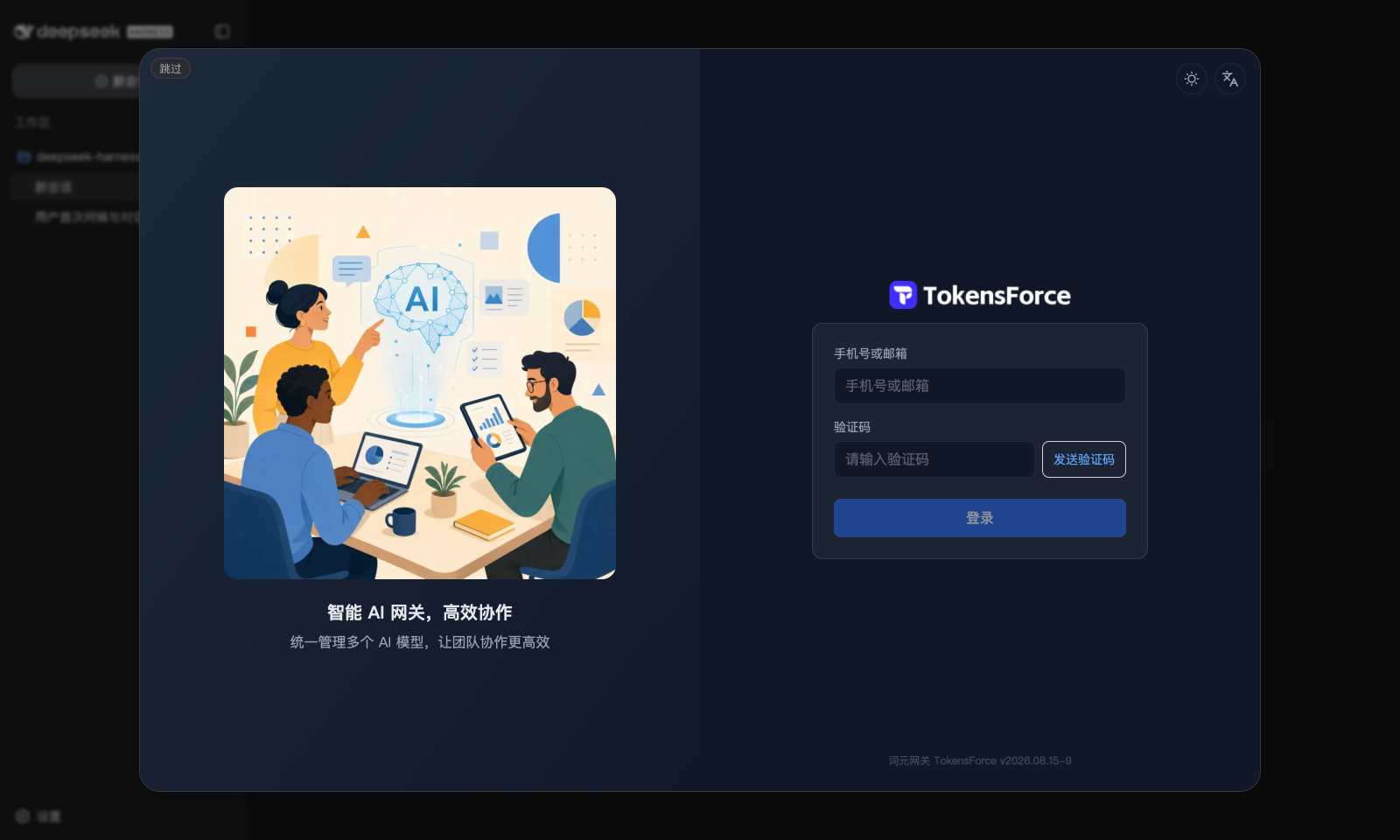
DeepSeek Harness users often struggle with the hassle of managing multiple API keys, while the TokensForce gateway offers centralized key management and extended context windows. The dsh-tokensforce plugin perfectly addresses this pain point, delivering a seamless experience of "login once, model ready." It automates the connection process through a browser popup that mirrors the web login, eliminating the need for manual configuration file editing or repetitive key entry.
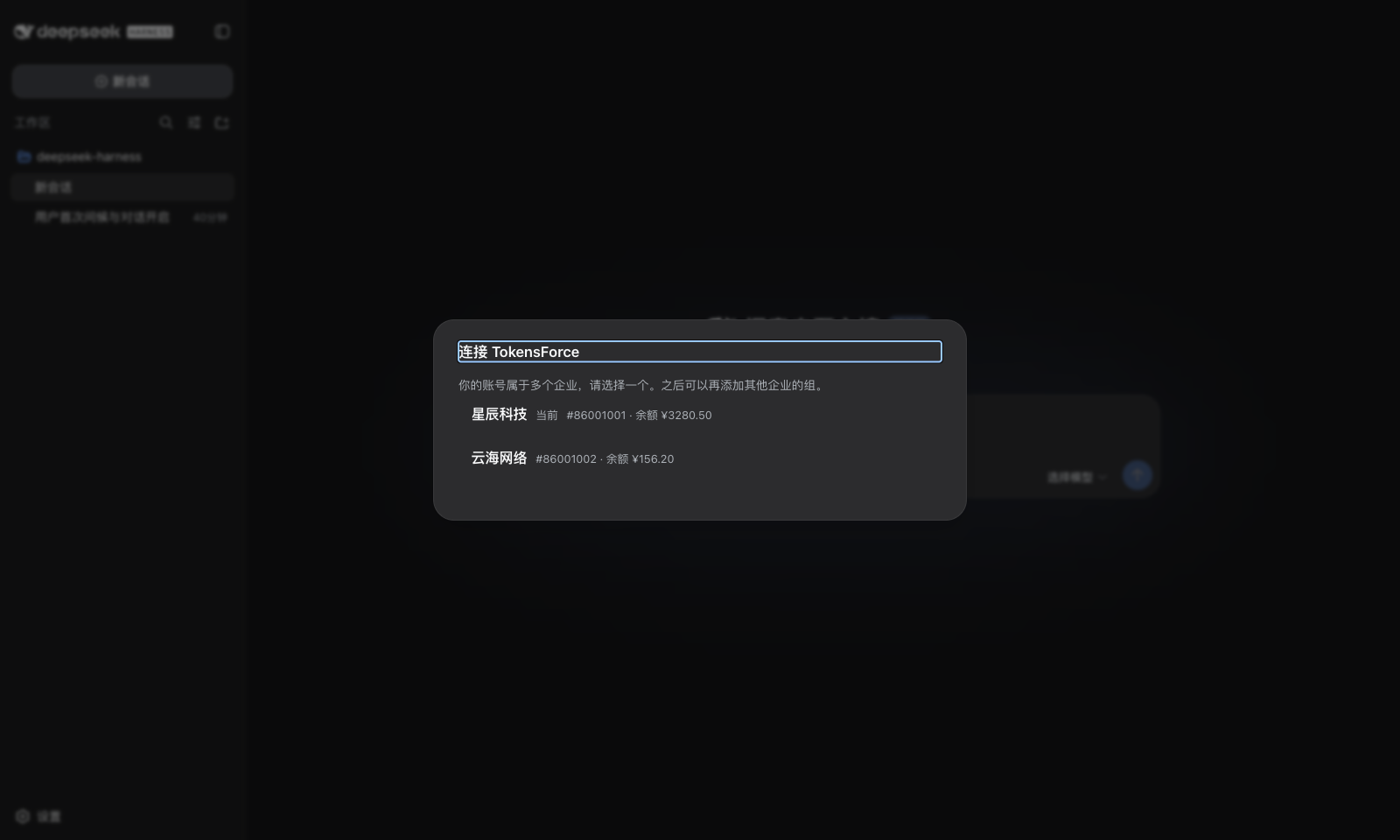
Beyond the initial setup, the plugin retains a 7-day login session, allowing users to add new groups without re-authentication. It supports robust multi-group management, letting users easily switch between different enterprise or departmental API keys. For users requiring long contexts, it explicitly supports the real context lengths disclosed by TokensForce (such as 1M), avoiding misleading default placeholders.
Additionally, it seamlessly integrates the TokensForce usage dashboard into the dsh session view, enabling real-time tracking of token consumption and costs. Even for self-hosted deployments, the plugin offers flexibility. In summary, this is the ideal tool for DeepSeek Harness users seeking efficiency, security, and advanced feature management.
Screenshots
Use Cases
- Teams needing to manage multiple API keys centrally.
- Power users tracking token usage and costs.
- Developers using TokensForce long-context gateways.
Best For
- Developers using DeepSeek Harness daily.
- Ops personnel managing multiple model configurations.
- Enterprise users needing precise context control and analytics.
Related Plugins

Adds an Auto approval mode on the official workspace-write sandbox, classifying semantic risks, asking when ambiguous, and denying destructive operations.

Undo/rollback system for DSH: config & plugin snapshots, one-click undo/redo/restore, message-level revert, secret masking, safe mode, and offline WebUI/GUI/CLI rescue tools for when DSH won't start.
Packages all 87 SKILL.md files from upstream reverse-skill as a DeepSeek Harness plugin that auto-registers them for authorized reverse engineering, penetration testing, and security research.
Dockyard DSH is a native DeepSeek Harness plugin that unifies official OAuth/client sessions for Codex, Antigravity, Grok, Claude, and Cursor, providing account pool, model catalog, and quota status.