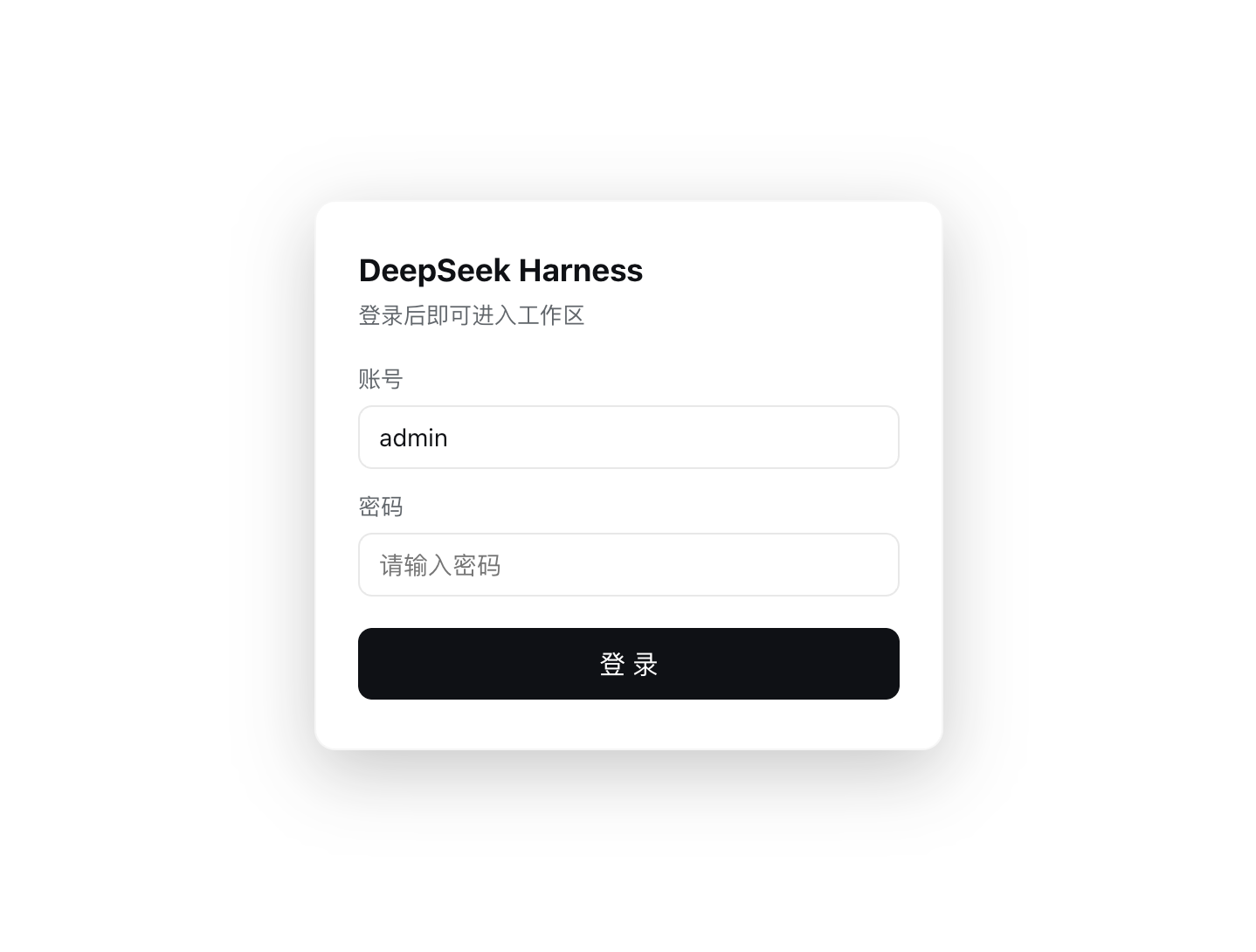
deepseek-herness-login
Run the following command in DeepSeek Harness:
dsh plugin install javaxiaov/deepseek-herness-login
Paste the following prompt into your AI chat to install this plugin:
To install this plugin in DeepSeek Harness, run dsh plugin install javaxiaov/deepseek-herness-login, or add the source code URL https://github.com/javaxiaov/deepseek-herness-login to the profile's bundles directory.
About this plugin
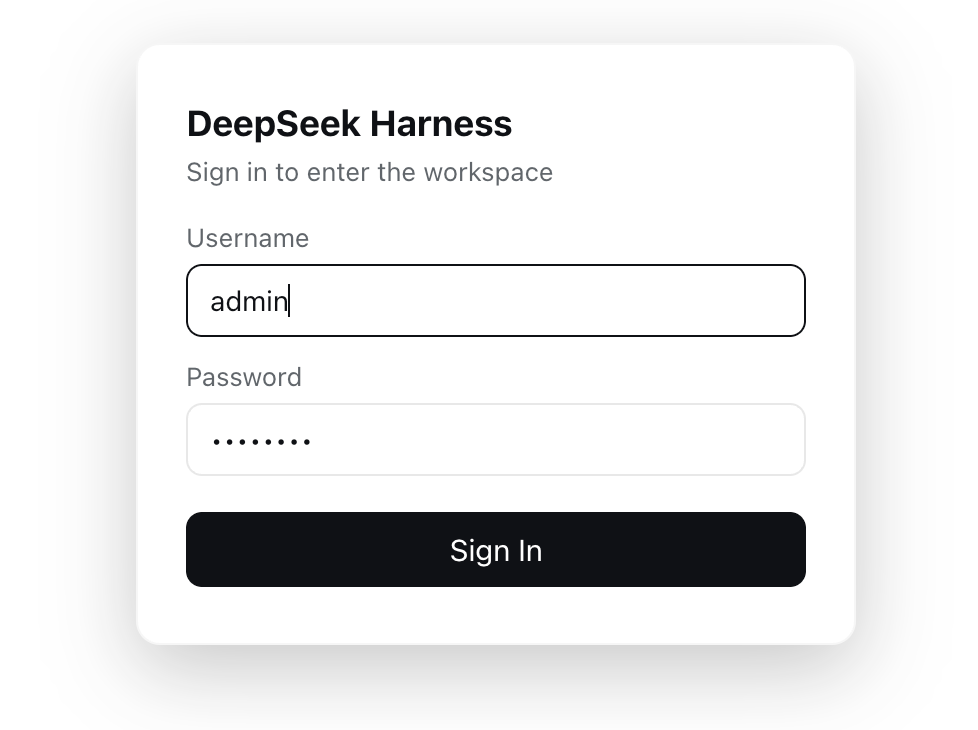
By default, the DeepSeek Harness Web interface lacks basic access control, potentially exposing your workflows to unauthorized users. This plugin introduces a full-screen login gate, ensuring that no operations can be performed before a user successfully signs in, effectively securing your environment. Beyond a simple login screen, it provides a comprehensive account management system. Users can update their credentials directly within system settings, with passwords securely persisted as salted scrypt hashes to prevent plaintext leaks. The plugin also supports automatic multi-language switching, ensuring a smooth user experience. This plugin is ideal for individuals or small teams looking to add a layer of security and organization to their DeepSeek Harness instances. It offers a lightweight yet powerful solution for managing access, ensuring account persistence after app restarts without the need for complex configurations.
Screenshots
Use Cases
- Need to protect DeepSeek Harness workflows from unauthorized access
- Want to manage multiple user accounts or personal credentials
- Require login verification when using the app in shared or public environments
Best For
- Individual users seeking to enhance the security of DeepSeek Harness
- Teams or studios requiring access control
- Developers or AI workflow administrators
Related Plugins

Adds an Auto approval mode on the official workspace-write sandbox, classifying semantic risks, asking when ambiguous, and denying destructive operations.

Undo/rollback system for DSH: config & plugin snapshots, one-click undo/redo/restore, message-level revert, secret masking, safe mode, and offline WebUI/GUI/CLI rescue tools for when DSH won't start.
Packages all 87 SKILL.md files from upstream reverse-skill as a DeepSeek Harness plugin that auto-registers them for authorized reverse engineering, penetration testing, and security research.
Dockyard DSH is a native DeepSeek Harness plugin that unifies official OAuth/client sessions for Codex, Antigravity, Grok, Claude, and Cursor, providing account pool, model catalog, and quota status.