dsh-agents-plugins
Run the following command in DeepSeek Harness:
dsh plugin install openma-ai/dsh-agents-plugins
Paste the following prompt into your AI chat to install this plugin:
To install this plugin in DeepSeek Harness, execute: dsh plugin install openma-ai/dsh-agents-plugins. Source: https://github.com/openma-ai/dsh-agents-plugins
About this plugin
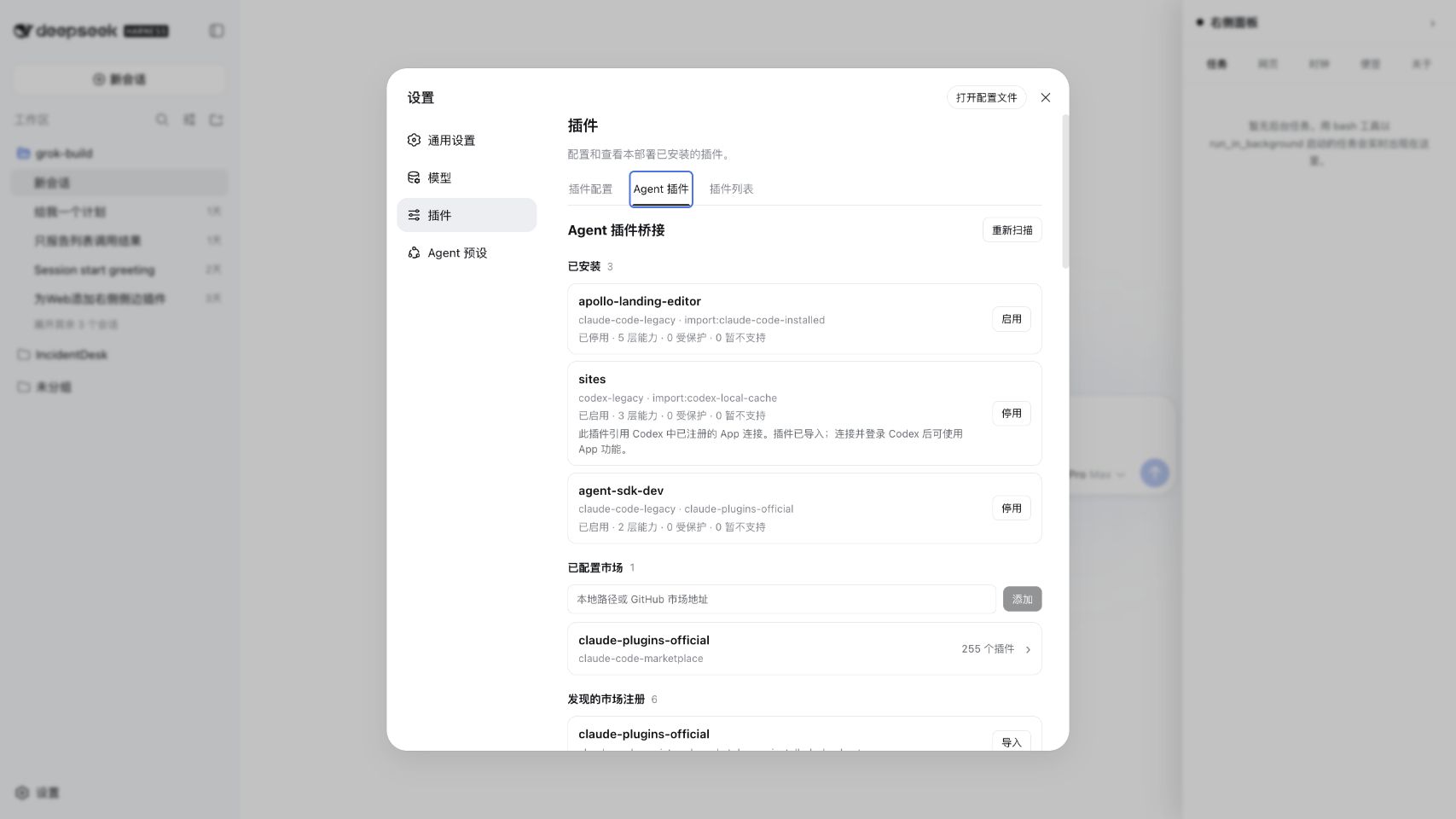
Managing Agent, Codex, Claude Code, and Pi plugins within DeepSeek Harness has long been a challenge for many users. The dsh-agents-plugins plugin was created specifically for this purpose, acting as an intelligent bridge that allows you to import and manage plugins from different ecosystems with a single installation. By automatically detecting various package formats and converting them into standard DSH rows, it greatly simplifies your workflow.
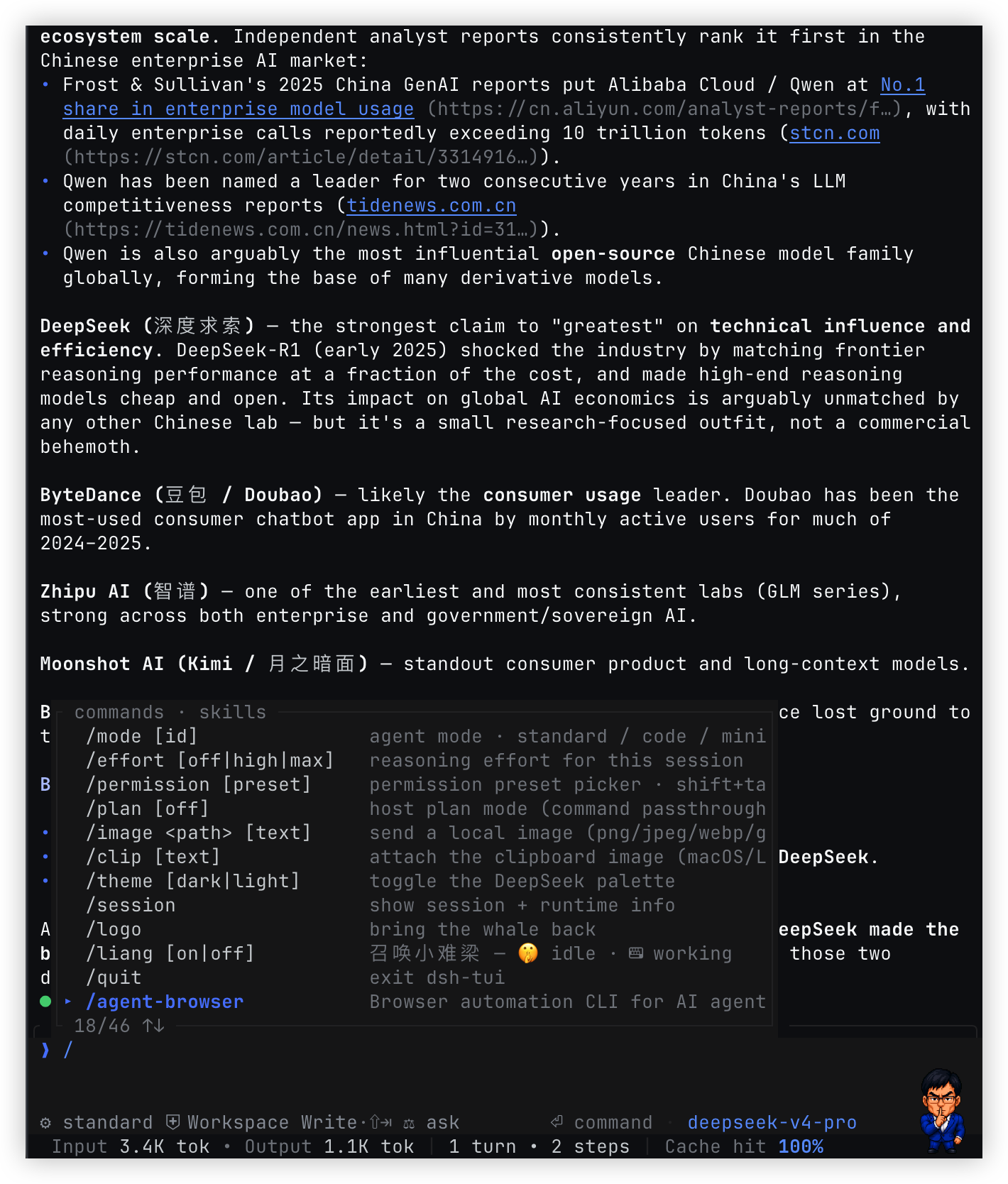
The core advantage of this plugin lies in its unified cross-platform experience. Whether you use the visual settings in the Web interface or operate via the TUI command line, the Bridge offers consistent discovery, import, installation, and uninstallation functions. It not only supports basic skills and hooks but also fully maps MCP servers, Pi extensions, and complex Claude Code configurations, ensuring all your tools can collaborate seamlessly within DeepSeek Harness.
This plugin is particularly suitable for developers who want to extend DeepSeek Harness capabilities without being bogged down by tedious manual configuration. It integrates the scattered plugin management logic from multiple directories into a centralized configuration, allowing users to easily control external ecosystems just like managing local plugins, thereby achieving a powerful toolset while maintaining a clear architecture.
Screenshots
Use Cases
- Unify installation and management of Agent, Codex, and Claude Code plugins within DeepSeek Harness.
- Import local Pi packages and MCP tools to extend functionality.
- Seamlessly discover and enable plugins via Web or TUI interfaces.
Best For
- Developers deeply using DeepSeek Harness.
- AI workers needing to manage multi-tool ecosystems.
- Users seeking to simplify plugin configuration workflows.
Related Plugins

A method pack that makes AI coding agents plan against your real baseline, prove completion with fresh evidence, and reduce reworks and unsafe changes.

Turns the DeepSeek Harness session into a captain that builds a durable sub-agent team, splits goals into dependency-aware tasks, and coordinates work via direct messages and a live Web UI.
Gives coding agents design judgment, letting Claude Code, Cursor, and 70+ agents generate and iterate high-quality UI, presentations, and graphics right from the terminal.
Run the Pi ecosystem's plugins on DeepSeek Harness, unmodified, via a compatibility layer that implements Pi's public extension ABI on DSH's native services.