dsh-web-auth
Run the following command in DeepSeek Harness:
dsh plugin install SummerSec/dsh-web-auth
Paste the following prompt into your AI chat to install this plugin:
To install this plugin in DeepSeek Harness, use the command dsh plugin install SummerSec/dsh-web-auth, referencing the source code at https://github.com/SummerSec/dsh-web-auth.
About this plugin
While the stock web server for DeepSeek Harness (DSH) is convenient for local use, it lacks a robust access boundary in production. It exposes the full control surface and leaves critical endpoints like the API, static assets, and WebSocket upgrades unprotected by a frontend-only login page.
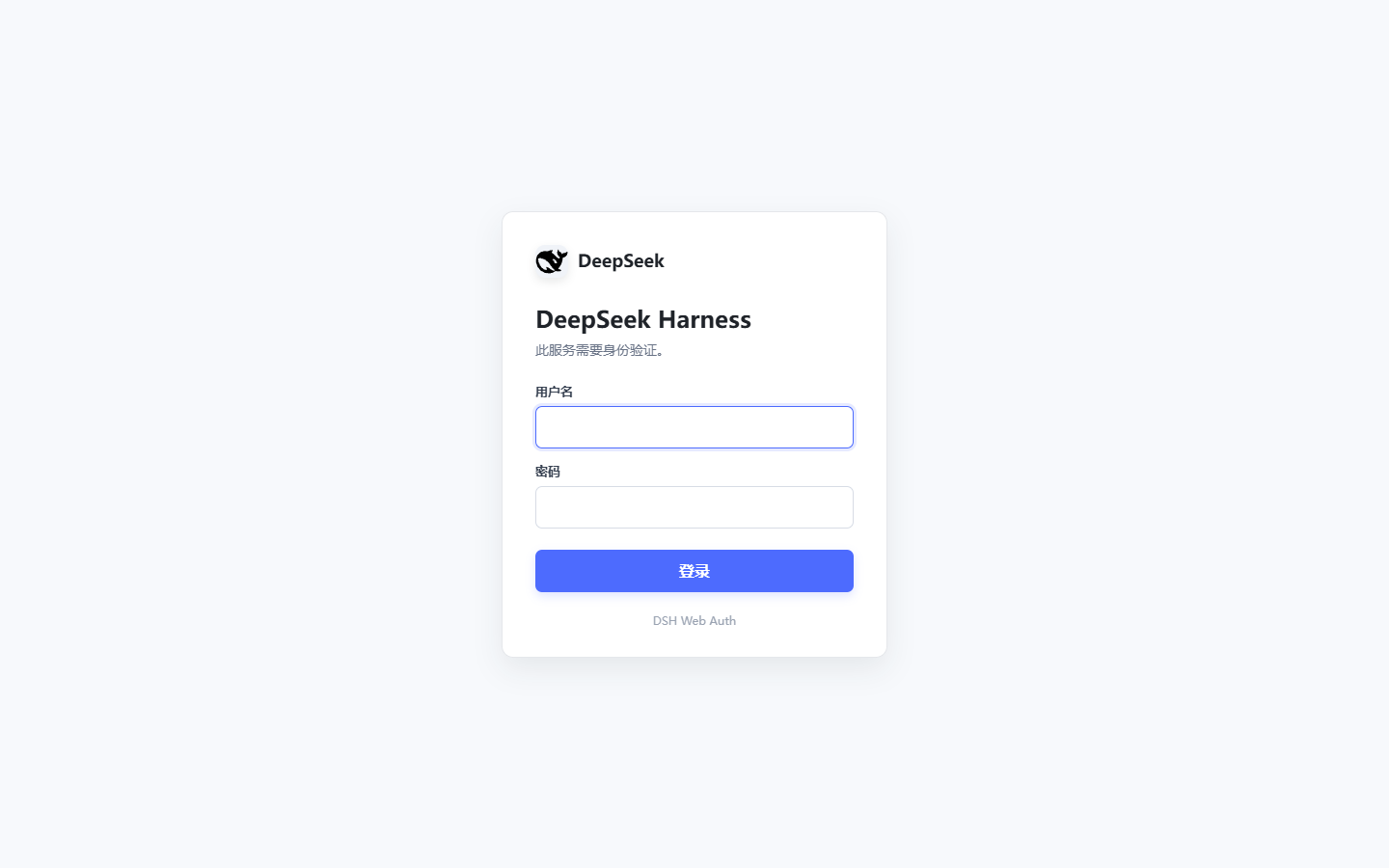
The dsh-web-auth plugin sits at the transport layer to intercept unauthorized traffic before it reaches application routes. It supports both HTTP and WebSocket upgrades, featuring a built-in login page, secure session management, and brute-force protection to ensure that only authenticated users can access the service.
This plugin is ideal for developers and administrators looking to secure their DSH deployments on local or private networks. With flexible authentication modes (e.g., skipping auth on loopback) and seamless integration with existing plugins, it elevates security without requiring changes to your application code.
Screenshots
Use Cases
- Prevent unauthorized access to the DSH management interface
- Protect API endpoints and WebSocket connections
- Run DSH securely on shared machines
Best For
- DevOps engineers needing secure DSH deployments
- Developers managing DeepSeek instances on local or private networks
- Security researchers focused on web interface access control
Related Plugins

Adds an Auto approval mode on the official workspace-write sandbox, classifying semantic risks, asking when ambiguous, and denying destructive operations.

Undo/rollback system for DSH: config & plugin snapshots, one-click undo/redo/restore, message-level revert, secret masking, safe mode, and offline WebUI/GUI/CLI rescue tools for when DSH won't start.
Packages all 87 SKILL.md files from upstream reverse-skill as a DeepSeek Harness plugin that auto-registers them for authorized reverse engineering, penetration testing, and security research.
Dockyard DSH is a native DeepSeek Harness plugin that unifies official OAuth/client sessions for Codex, Antigravity, Grok, Claude, and Cursor, providing account pool, model catalog, and quota status.