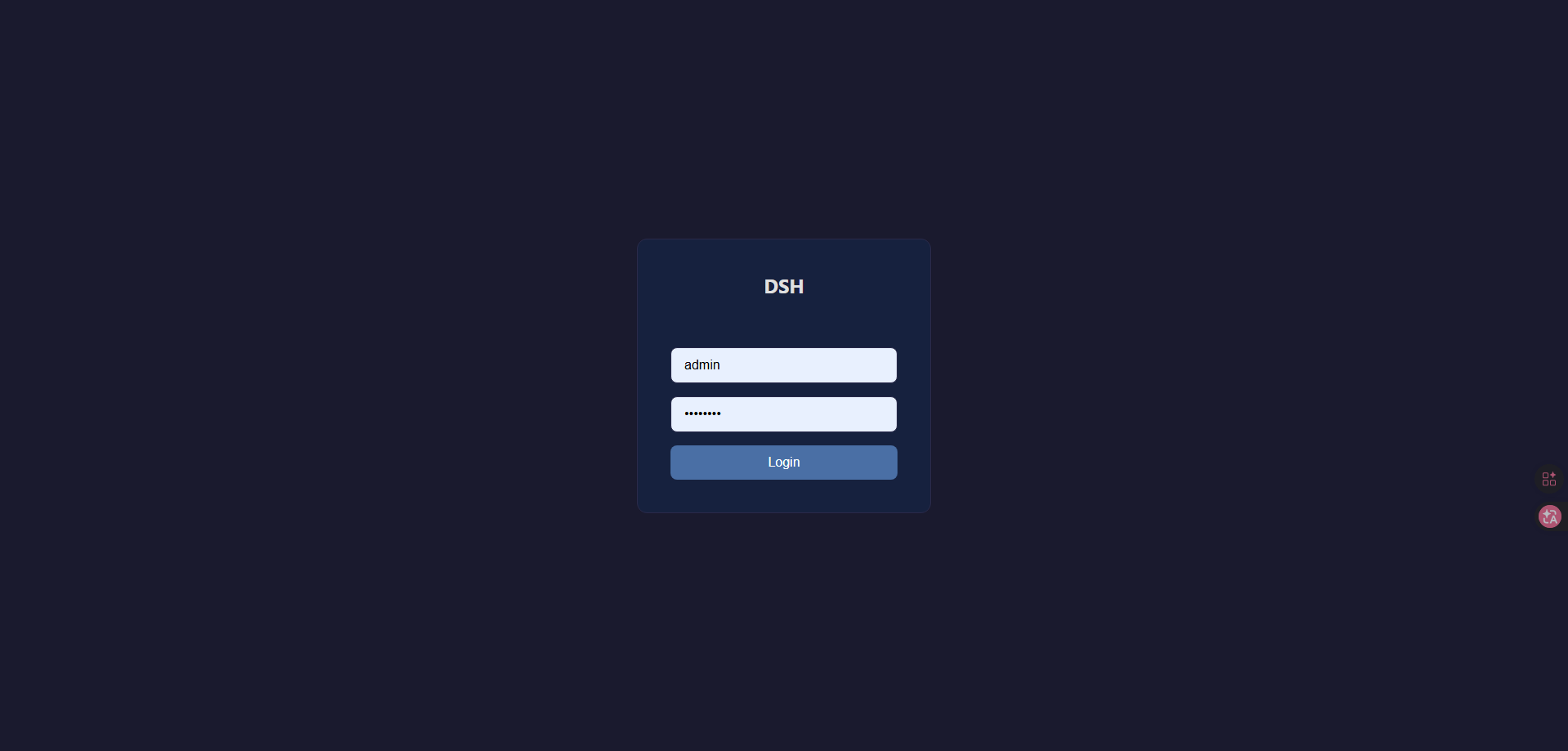
dsh-login
Run the following command in DeepSeek Harness:
dsh plugin install islibaodong/dsh-login
Paste the following prompt into your AI chat to install this plugin:
Run `dsh plugin install islibaodong/dsh-login` to install this plugin. GitHub URL: https://github.com/islibaodong/dsh-login
About this plugin
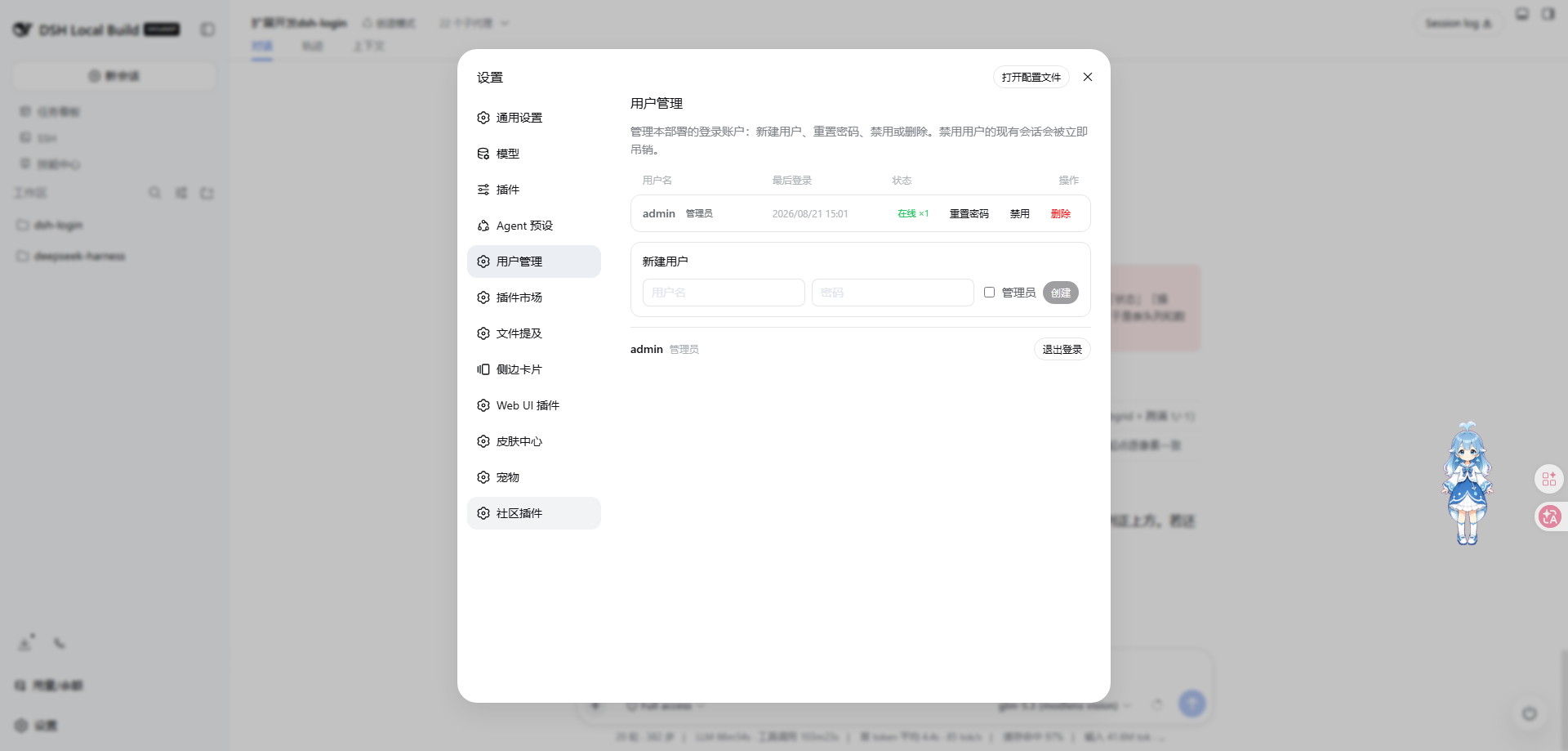
The default DeepSeek Harness Web GUI assumes a single-user local environment. Exposing it to a LAN or the public internet poses severe security risks, as anyone can read conversations or abuse API keys. dsh-login transforms this single-machine setup into a secure multi-user deployment. It provides a complete user management solution. Administrators can easily manage users via the Web interface, including creating accounts, disabling accounts, and resetting passwords. Its core highlight is strict conversation isolation, ensuring ordinary users can only see and act on their own sessions, thereby protecting data privacy. It is perfect for users needing team collaboration or remote access to DeepSeek Harness. Whether via frp tunnels or LAN sharing, the plugin ensures only authorized users can access the system. Additionally, it solves browser-side error storms through silent permission denial, significantly improving the overall user experience.
Screenshots
Use Cases
- Preventing unauthorized access when sharing the GUI within a team
- Providing independent conversation spaces and data privacy for different users
- Remote access to the GUI via frp or LAN without exposing it to the public
Best For
- System administrators needing to manage multi-user permissions and accounts
- Individuals or teams needing remote access to DeepSeek Harness
- Developers concerned about security risks with default configurations
Related Plugins

Adds an Auto approval mode on the official workspace-write sandbox, classifying semantic risks, asking when ambiguous, and denying destructive operations.

Undo/rollback system for DSH: config & plugin snapshots, one-click undo/redo/restore, message-level revert, secret masking, safe mode, and offline WebUI/GUI/CLI rescue tools for when DSH won't start.
Packages all 87 SKILL.md files from upstream reverse-skill as a DeepSeek Harness plugin that auto-registers them for authorized reverse engineering, penetration testing, and security research.
Dockyard DSH is a native DeepSeek Harness plugin that unifies official OAuth/client sessions for Codex, Antigravity, Grok, Claude, and Cursor, providing account pool, model catalog, and quota status.