dsh-dashboard
Run the following command in DeepSeek Harness:
dsh plugin install Uddoo/dsh-dashboard
Paste the following prompt into your AI chat to install this plugin:
In DeepSeek Harness, run 'dsh plugin install Uddoo/dsh-dashboard' to install this plugin. The full source address is https://github.com/Uddoo/dsh-dashboard.
About this plugin
Managing tasks in DeepSeek Harness often involves tedious manual syncing with external tools, creating friction in Agent workflows. dsh-dashboard addresses this by automatically converting tasks from platforms like Linear, GitHub, and Jira into isolated Harness Agent runs. It streamlines orchestration with features like priority ordering and lifecycle hooks, making workflows more efficient and reliable.
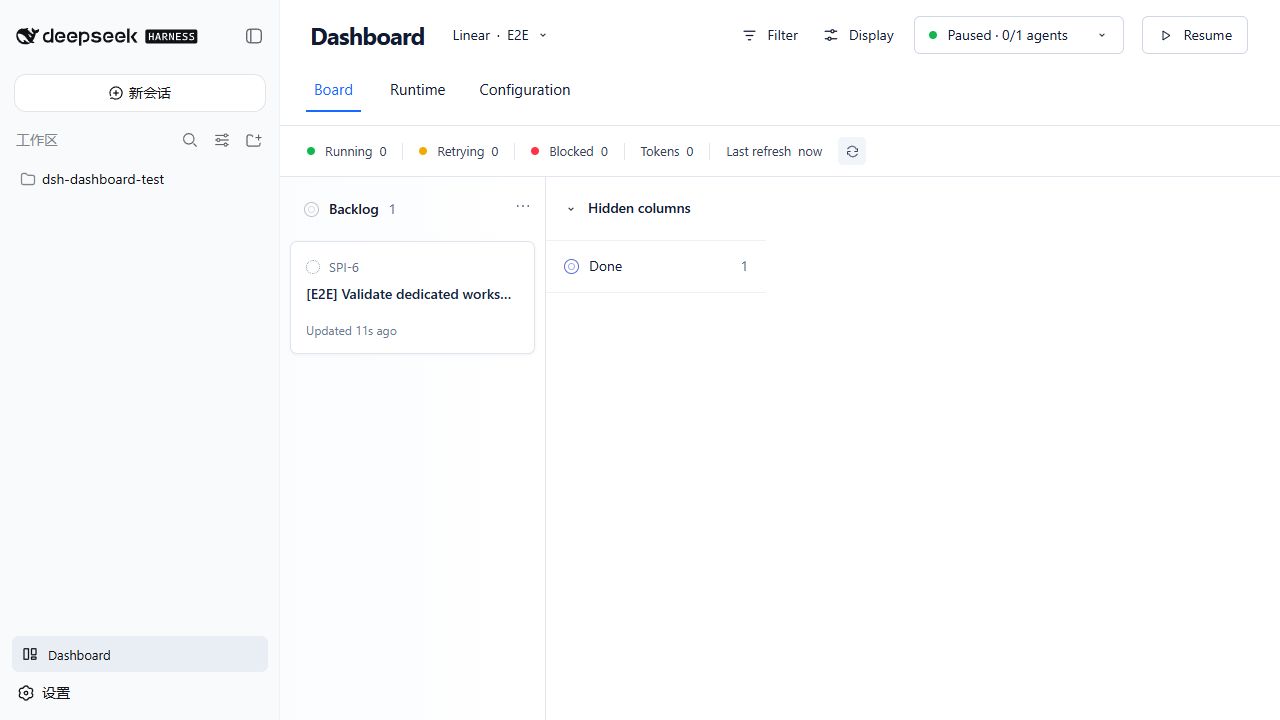
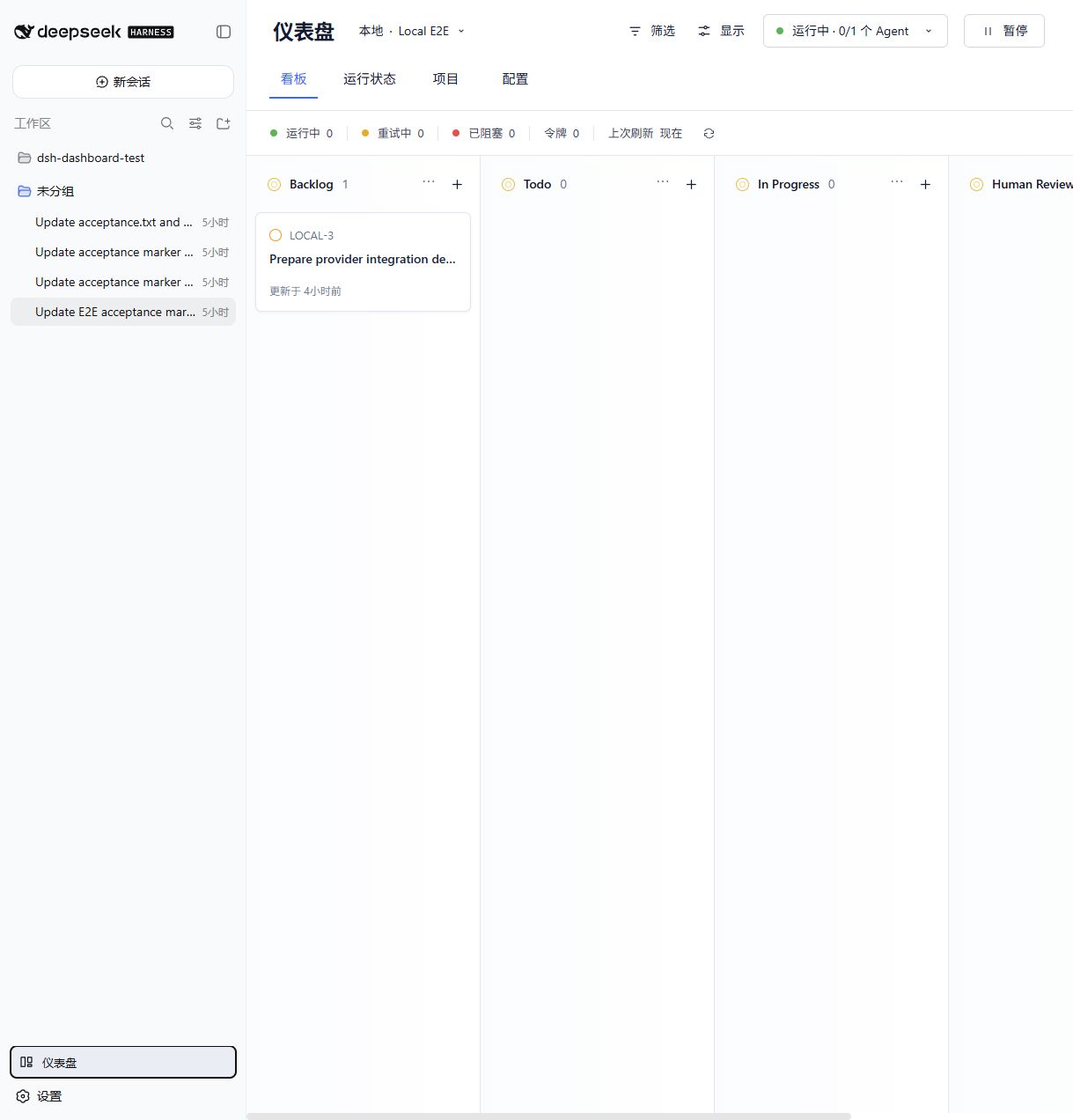
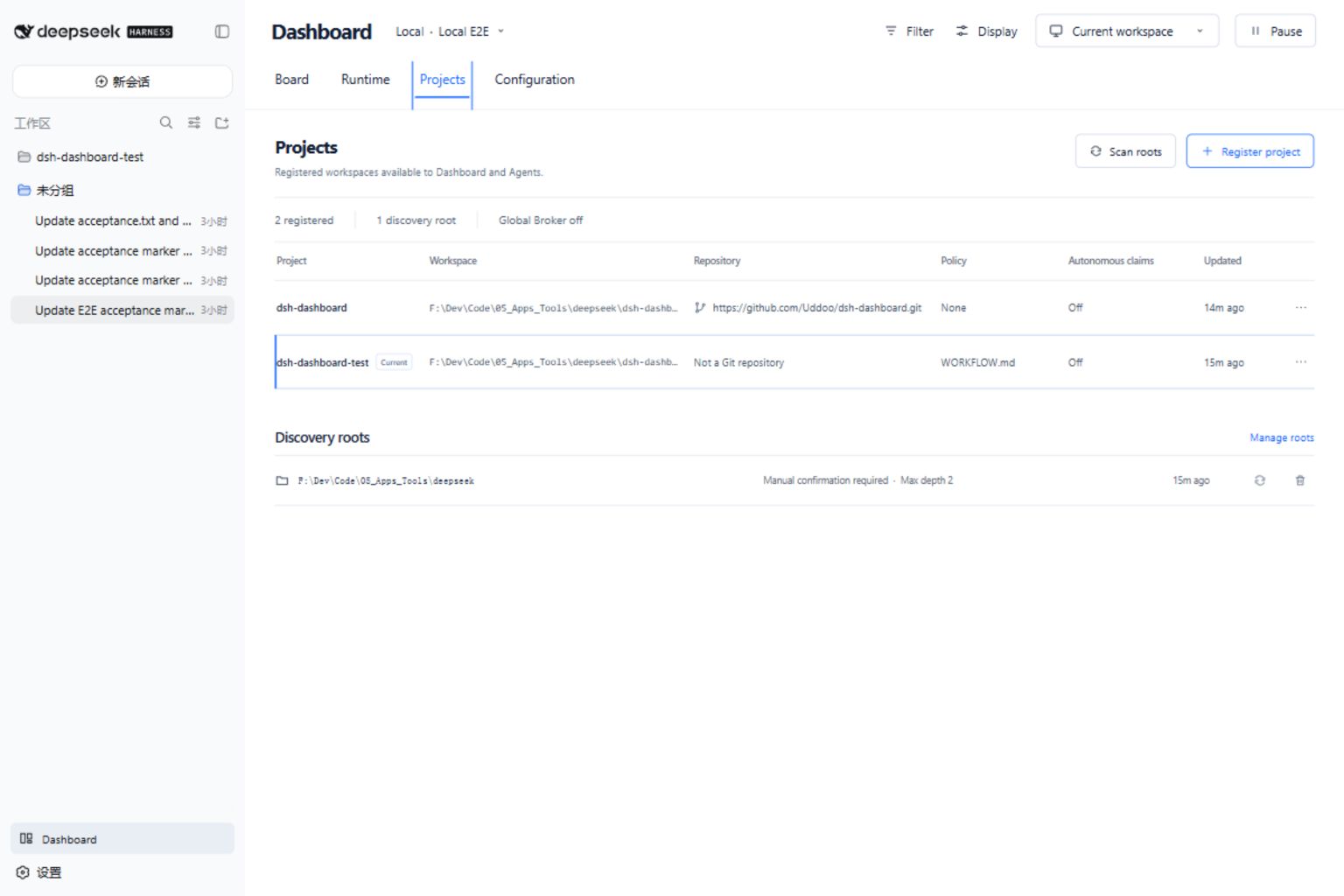
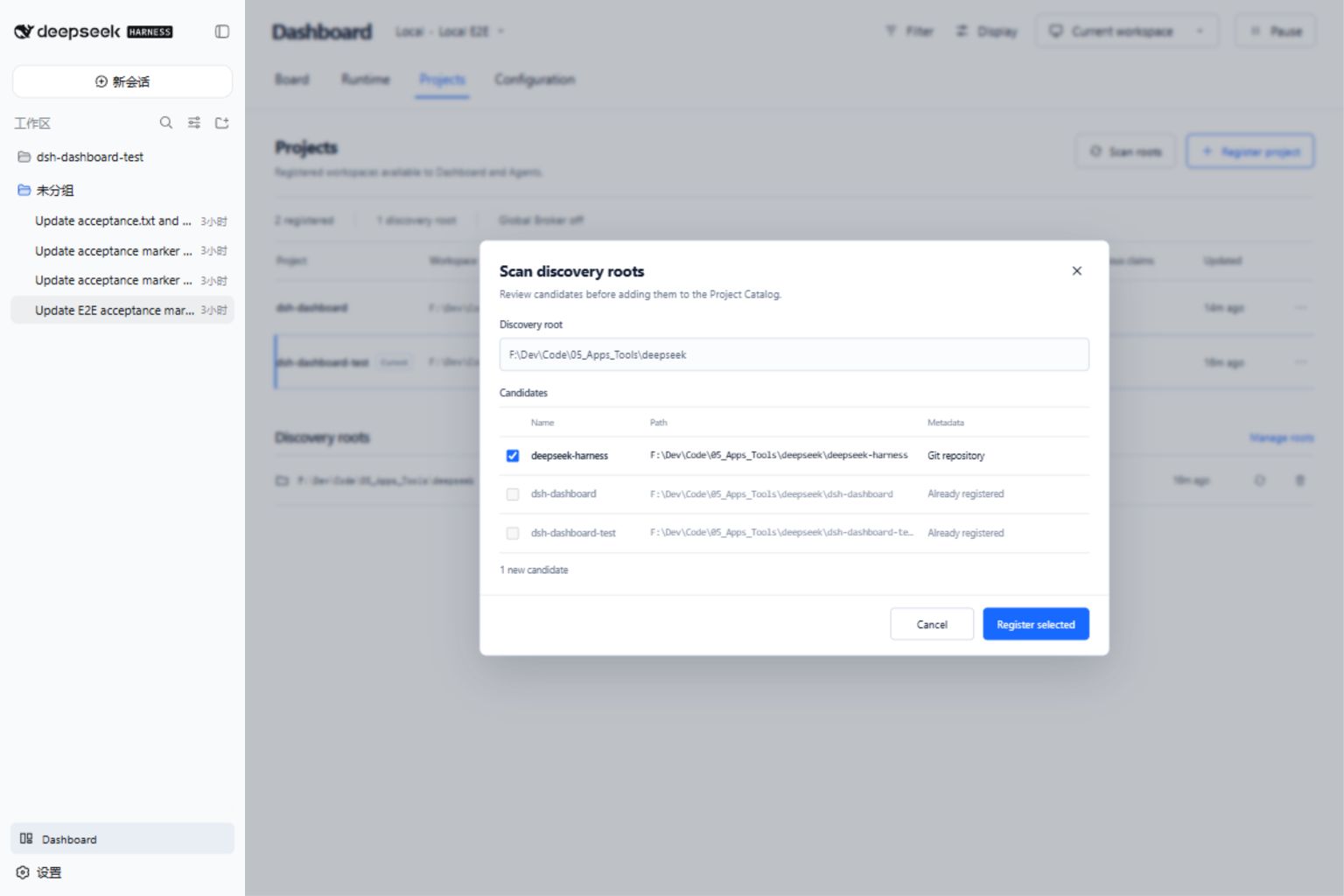
Core capabilities include multi-provider support, deterministic scheduling, and native interface integration. Users can monitor task states, sessions, and workspaces via a dashboard while preserving DeepSeek Harness's shell, sidebar, and permission systems. The plugin also supports local task storage and project catalog management, ensuring flexibility and security.
This plugin is ideal for developers, teams, or DevOps engineers using DeepSeek Harness, especially those relying on tools like Linear or GitHub for project management. It simplifies automated orchestration, allowing teams to focus on core work instead of manual task synchronization.
Screenshots
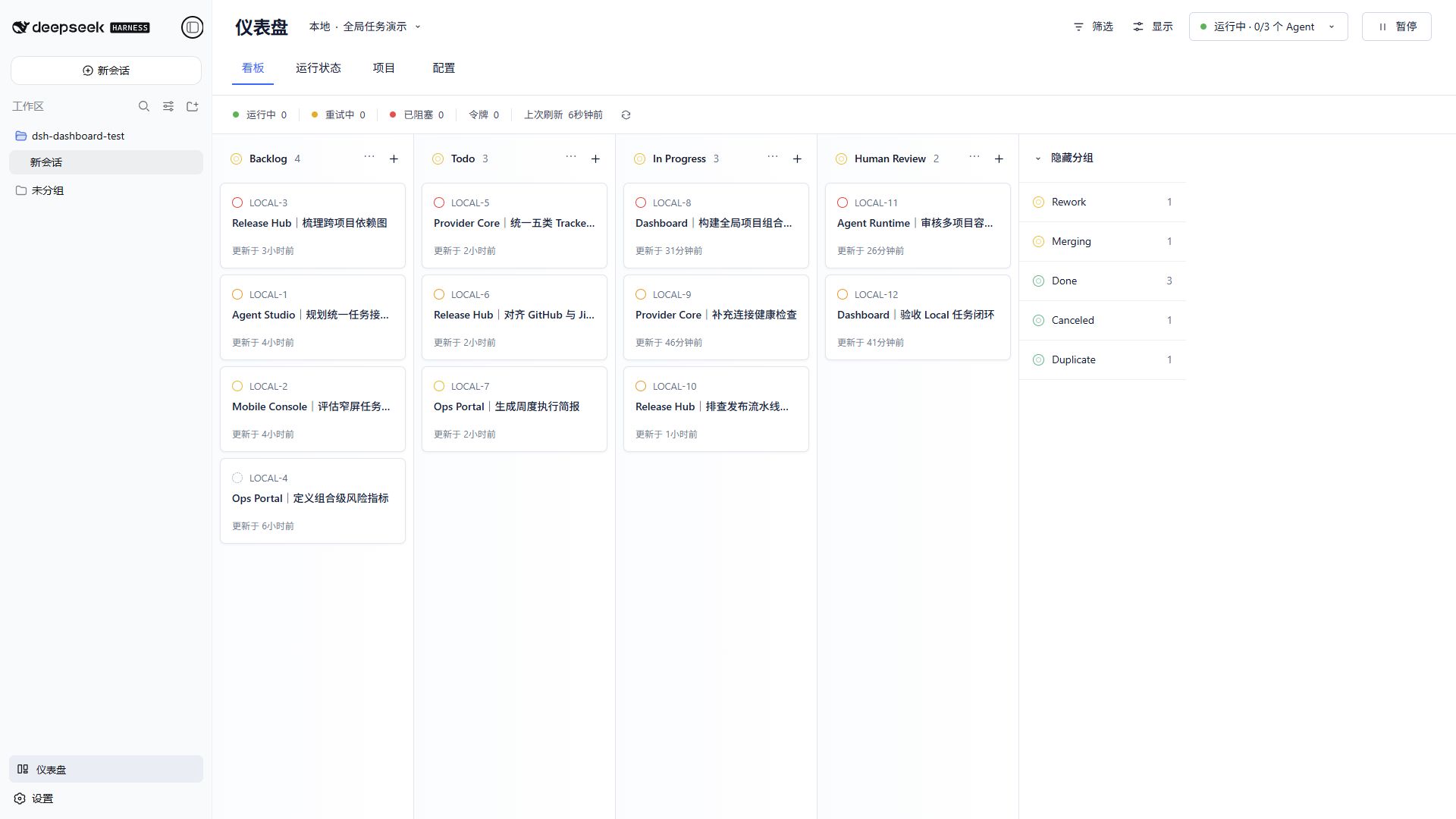
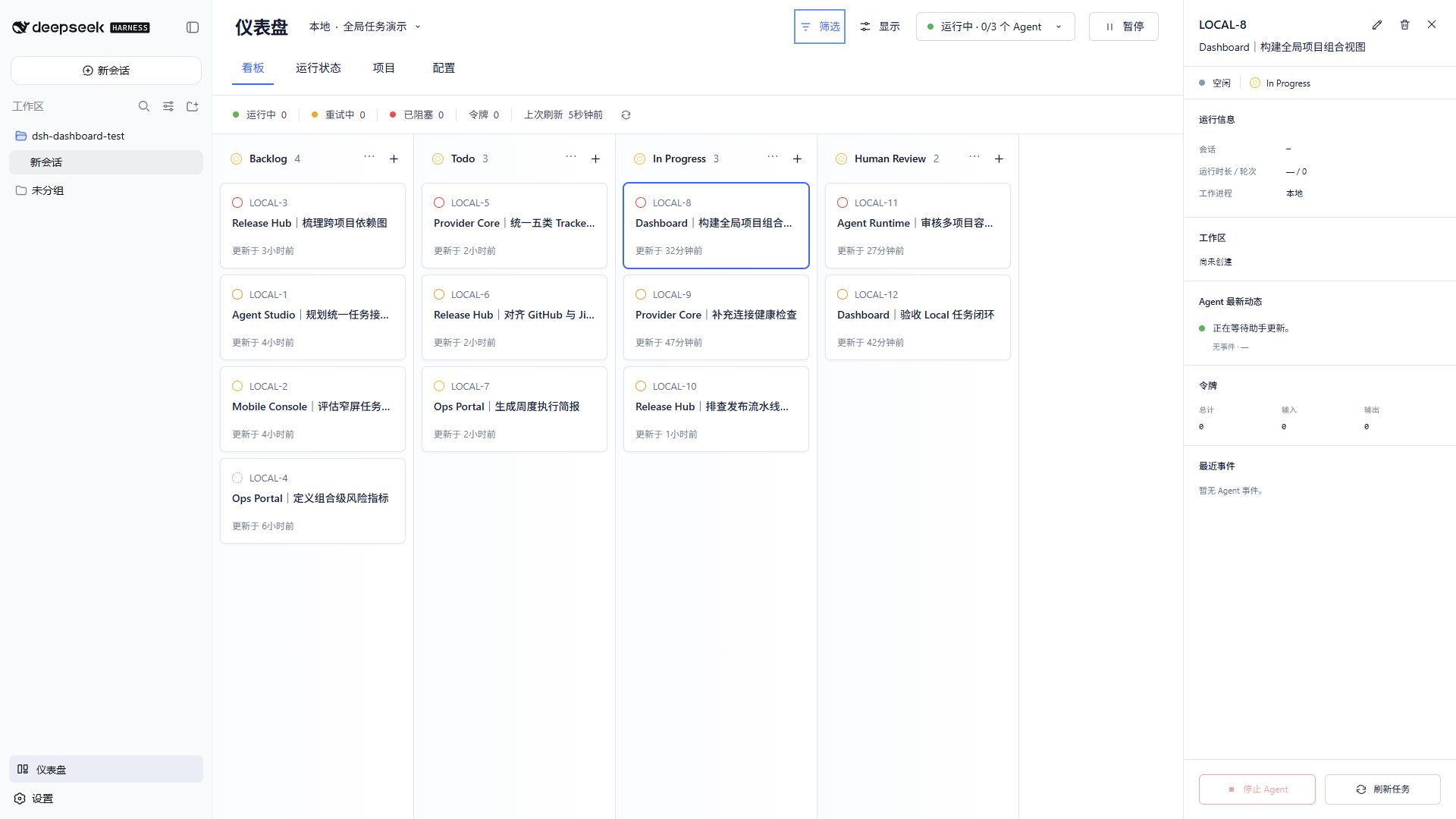
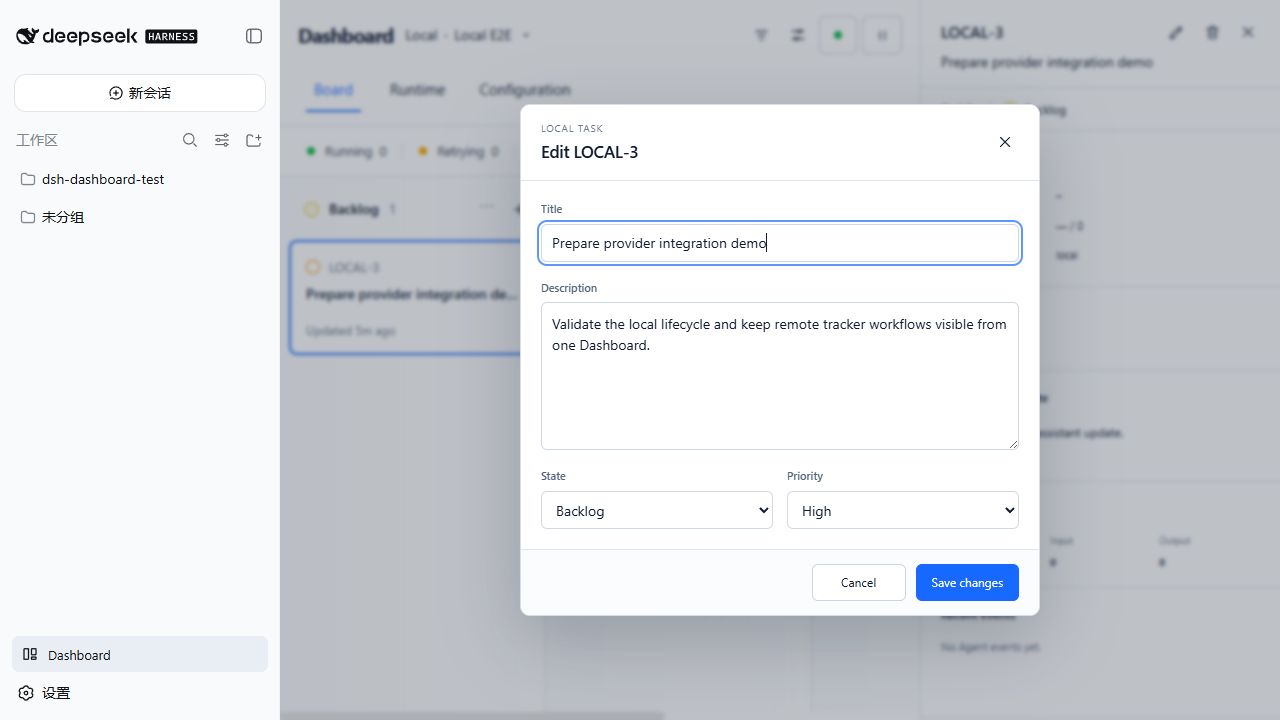
Use Cases
- Automatically convert tasks from Linear or GitHub into DeepSeek Harness Agent runs
- Monitor and manage multi-project task states in real-time via the Dashboard
- Customize task creation and cleanup flows with lifecycle hooks
Best For
- Developers and teams using DeepSeek Harness
- Teams relying on tools like Linear and GitHub for project task management
- DevOps engineers needing automated Agent workflows
Related Plugins

A method pack that makes AI coding agents plan against your real baseline, prove completion with fresh evidence, and reduce reworks and unsafe changes.

Turns the DeepSeek Harness session into a captain that builds a durable sub-agent team, splits goals into dependency-aware tasks, and coordinates work via direct messages and a live Web UI.
Gives coding agents design judgment, letting Claude Code, Cursor, and 70+ agents generate and iterate high-quality UI, presentations, and graphics right from the terminal.
Run the Pi ecosystem's plugins on DeepSeek Harness, unmodified, via a compatibility layer that implements Pi's public extension ABI on DSH's native services.