dsh-revdiff
Run the following command in DeepSeek Harness:
dsh plugin install BrambleXu/dsh-revdiff
Paste the following prompt into your AI chat to install this plugin:
In DeepSeek Harness, use the command "dsh plugin install BrambleXu/dsh-revdiff" to install this plugin from the source URL https://github.com/BrambleXu/dsh-revdiff.
About this plugin
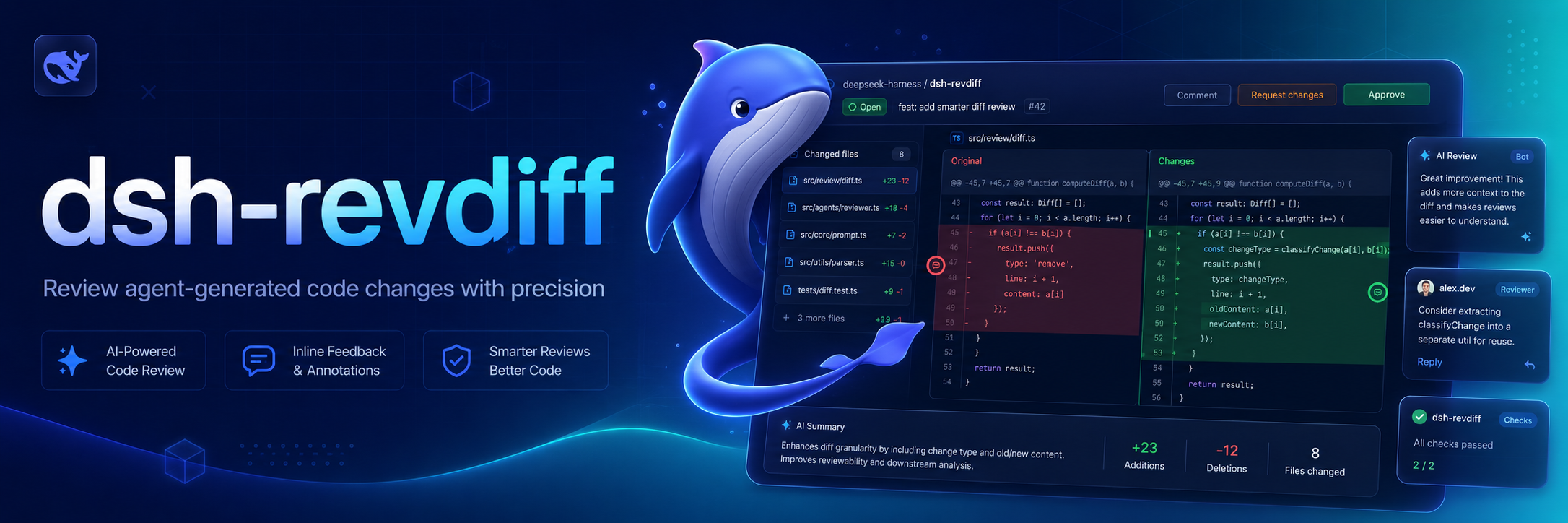
Traditional code review often involves switching to separate diff tools, which breaks the contextual link between changes, review feedback, and the automated workflows that act on that feedback. The dsh-revdiff plugin solves this by natively integrating interactive diff review into DeepSeek Harness. Its core capabilities include parsing Git unified diffs into files, hunks, and lines for navigation via a terminal interface, and allowing users to add, edit, or delete annotations like issues, suggestions, or questions on the fly. Crucially, these structured annotations are submitted directly to the current agent through agent.followup() with message provenance, ensuring that review feedback seamlessly enters the same durable session and queues as the next action turn. This plugin is ideal for developers and teams using DeepSeek Harness for automated development or code review, particularly those managing frequent code changes, who want to maintain contextual continuity and directly convert review insights into actionable tasks within their workflow.
Screenshots
Use Cases
- Interactively review Git diffs within DeepSeek Harness.
- Navigate files and hunks via terminal to add annotations.
- Submit annotations to trigger agent follow-up workflow actions.
Best For
- Engineers developing with DeepSeek Harness.
- Teams requiring code review integration into automation.
- Developers seeking contextual continuity in review feedback.
Related Plugins

A method pack that makes AI coding agents plan against your real baseline, prove completion with fresh evidence, and reduce reworks and unsafe changes.

Turns the DeepSeek Harness session into a captain that builds a durable sub-agent team, splits goals into dependency-aware tasks, and coordinates work via direct messages and a live Web UI.
Gives coding agents design judgment, letting Claude Code, Cursor, and 70+ agents generate and iterate high-quality UI, presentations, and graphics right from the terminal.
Run the Pi ecosystem's plugins on DeepSeek Harness, unmodified, via a compatibility layer that implements Pi's public extension ABI on DSH's native services.