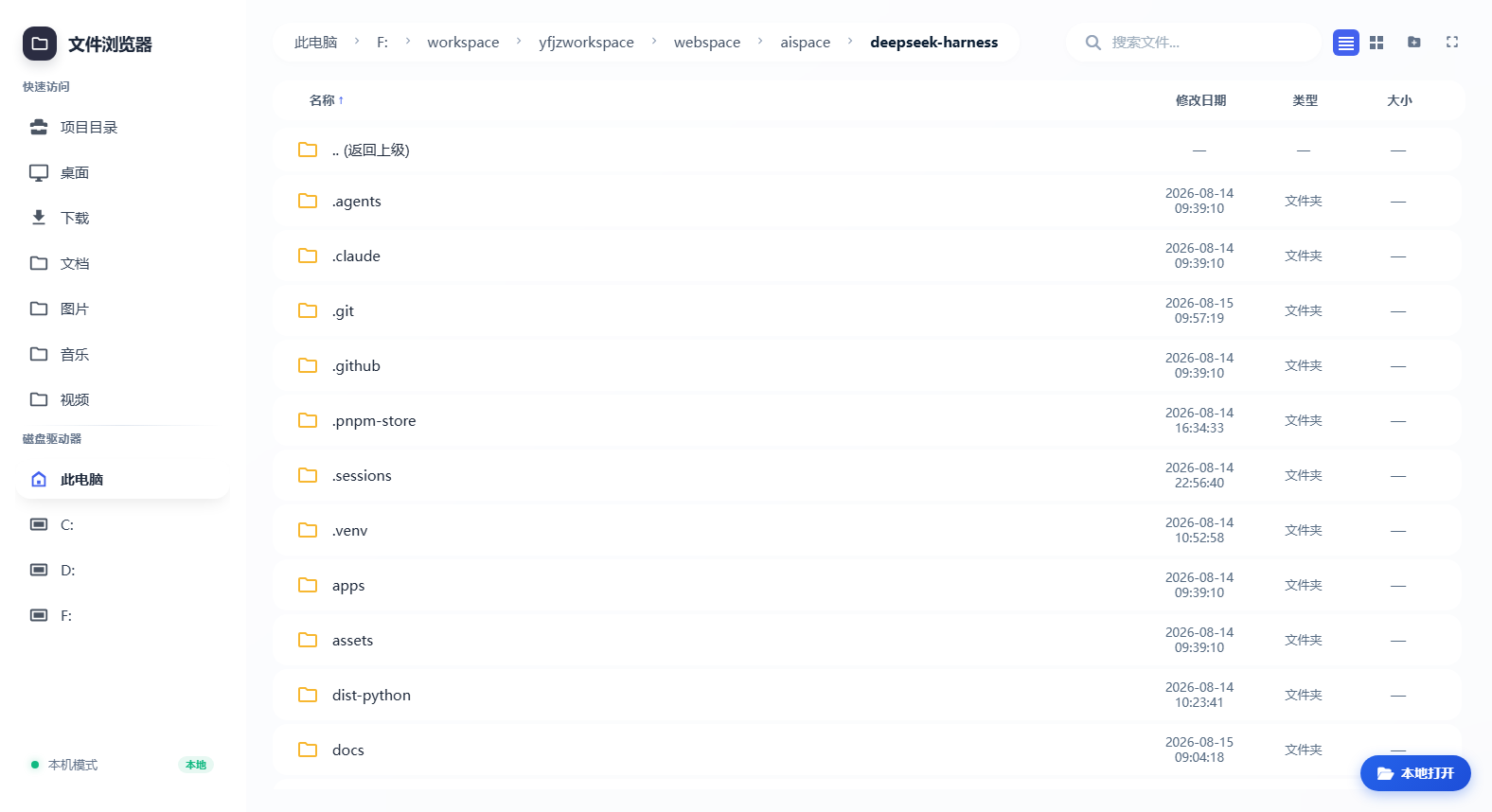
dsh-agfs
Run the following command in DeepSeek Harness:
dsh plugin install openAGFS/dsh-agfs
Paste the following prompt into your AI chat to install this plugin:
In the DeepSeek Harness dialog, enter the command 'dsh plugin install openAGFS/dsh-agfs' or request to install the plugin, with the full source code address at https://github.com/openAGFS/dsh-agfs.
About this plugin
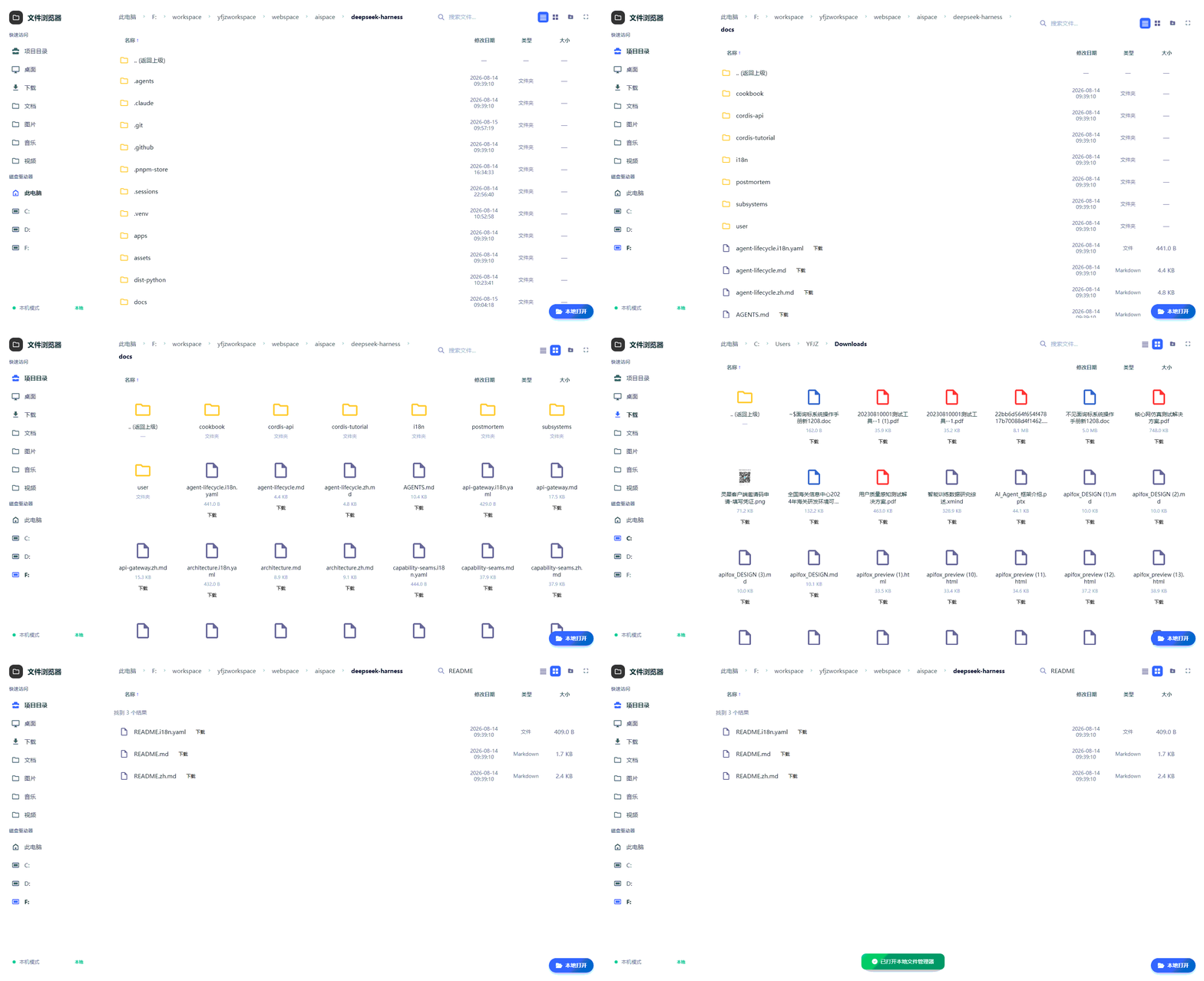
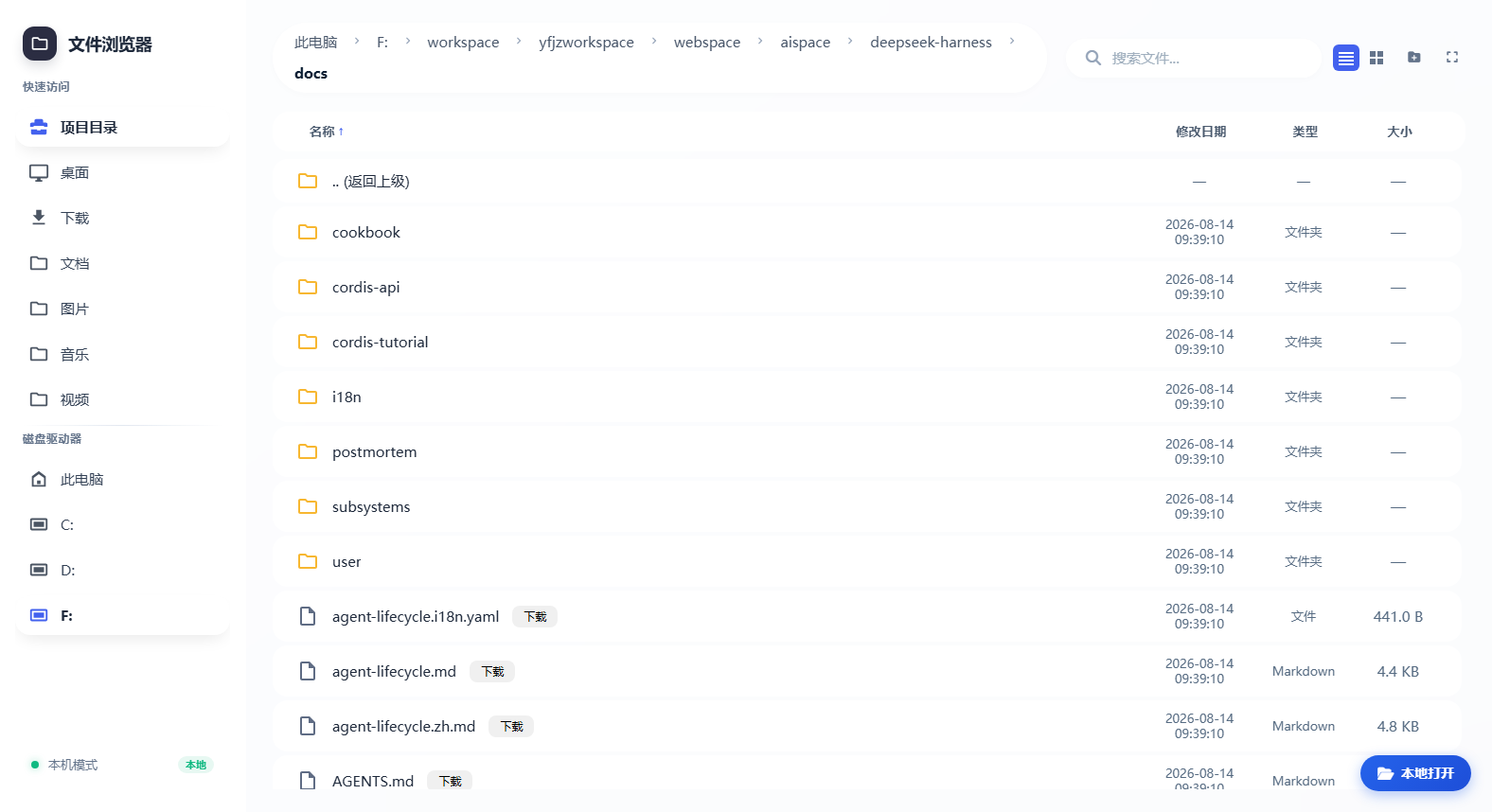
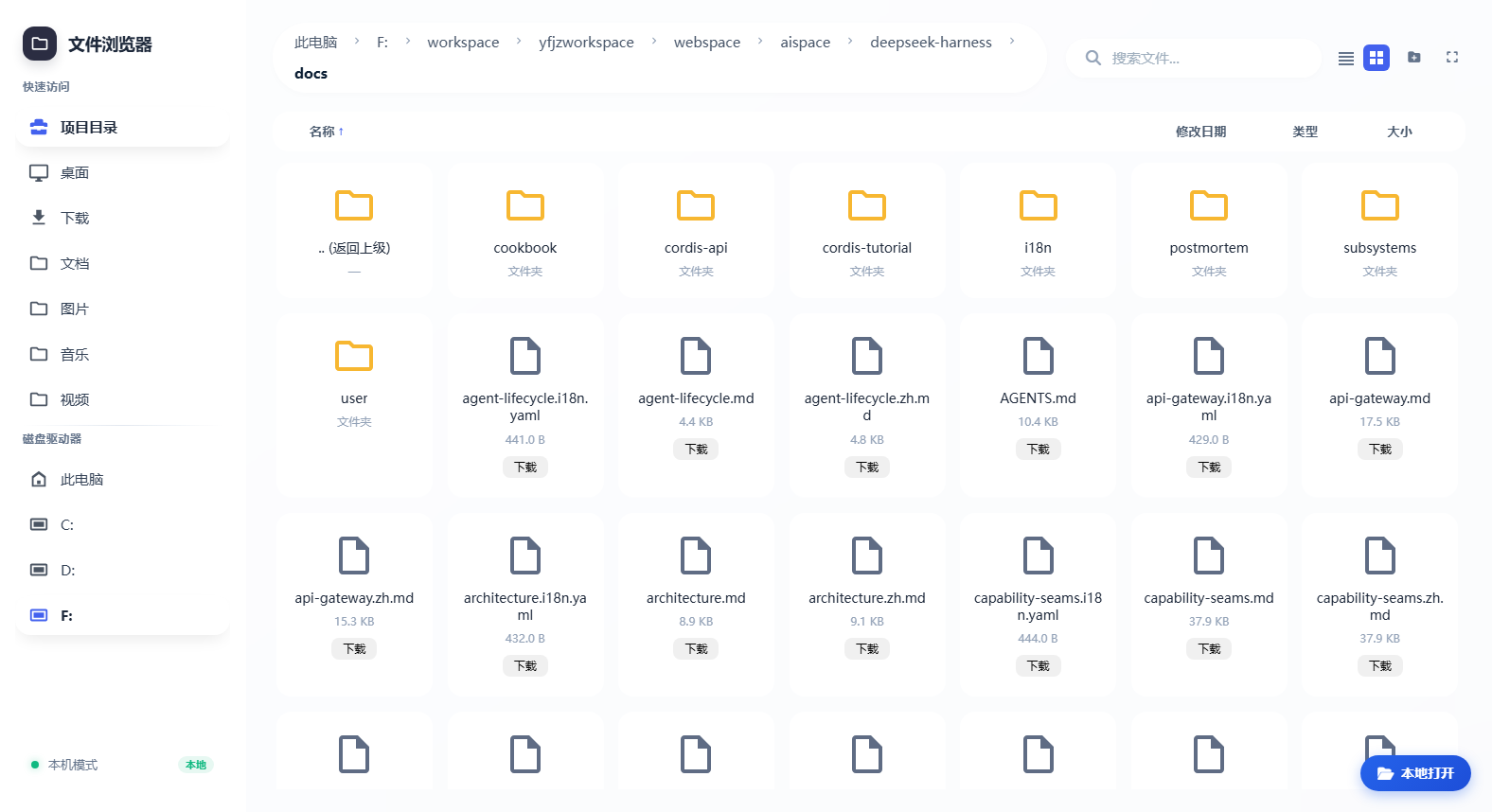
In DeepSeek Harness, file management is often a bottleneck, especially when handling large projects or working remotely. The dsh-agfs plugin solves this by providing an integrated file-browser web app, allowing users to easily browse, search, and manage files without leaving the Harness environment. Core capabilities include multi-view navigation (list and grid views), quick search, sidebar quick access, one-click AI analysis (automatically creating sessions to analyze directories), and full file operation features. It also supports model tools like browse_files and read_file, enabling AI models to directly access file contents and enhance automated workflows. This plugin is ideal for developers, data analysts, and researchers using DeepSeek Harness, who need an efficient and secure file management tool and want to leverage AI for automated file analysis and processing tasks to boost productivity.
Screenshots
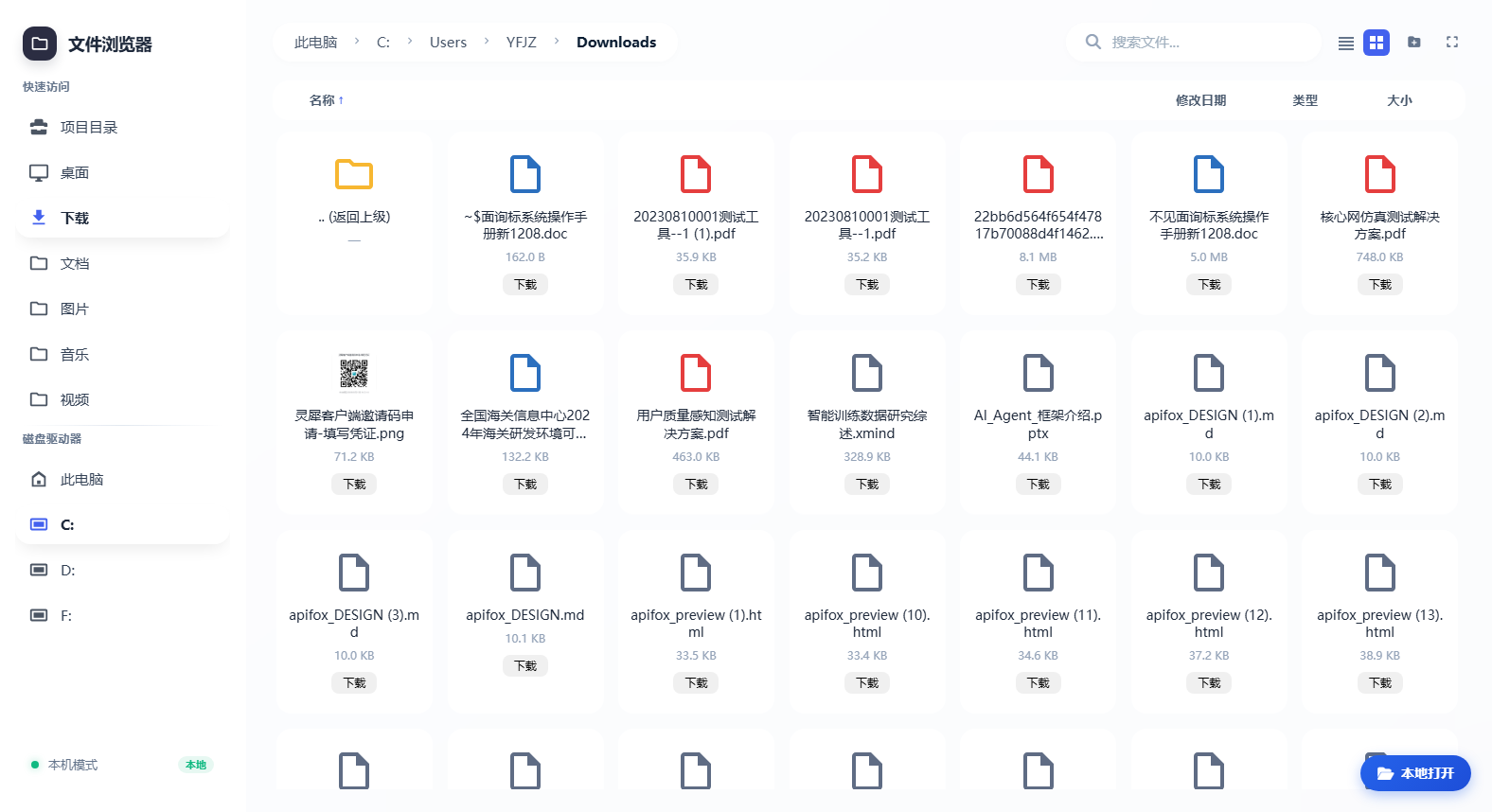
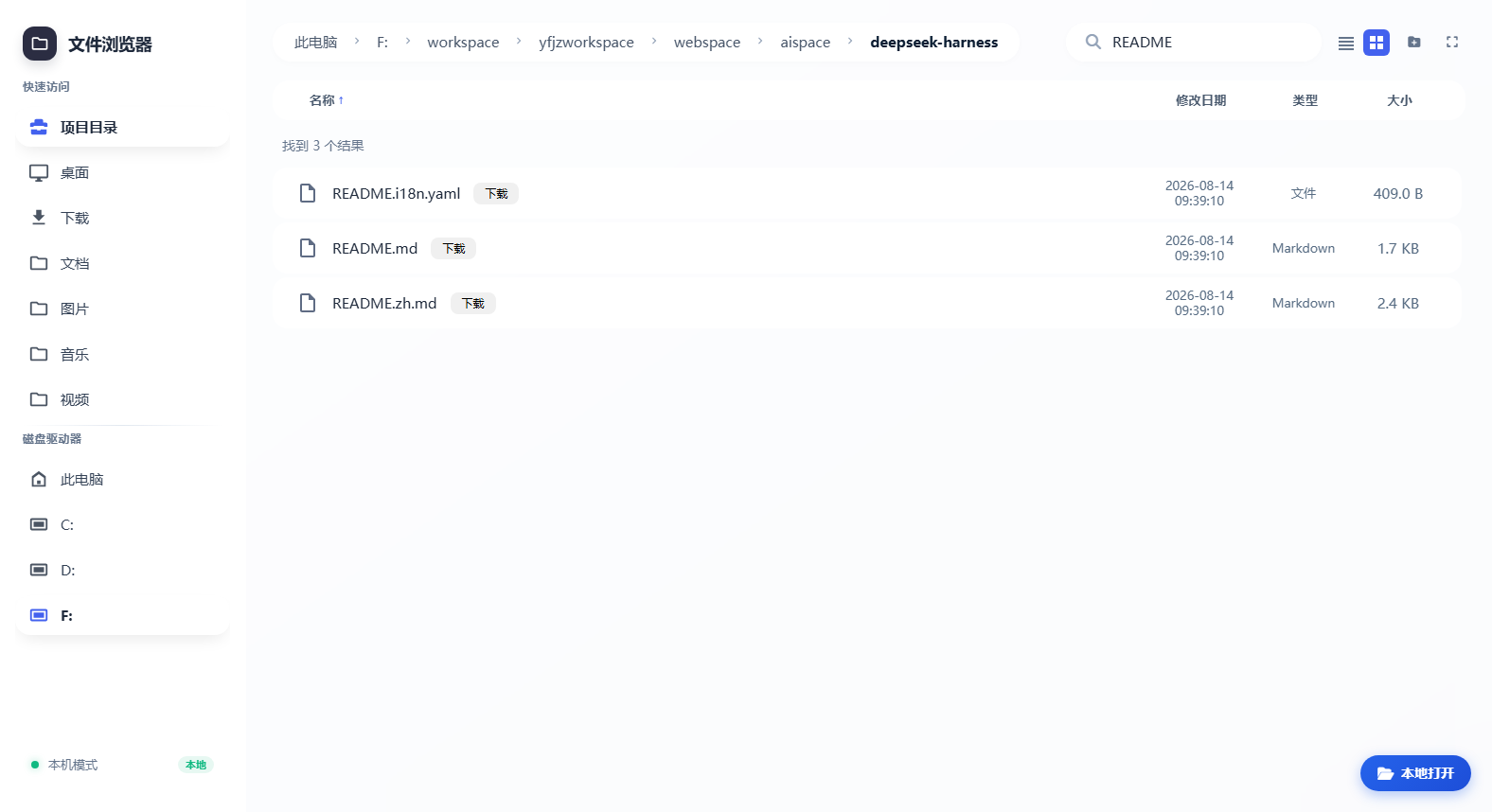
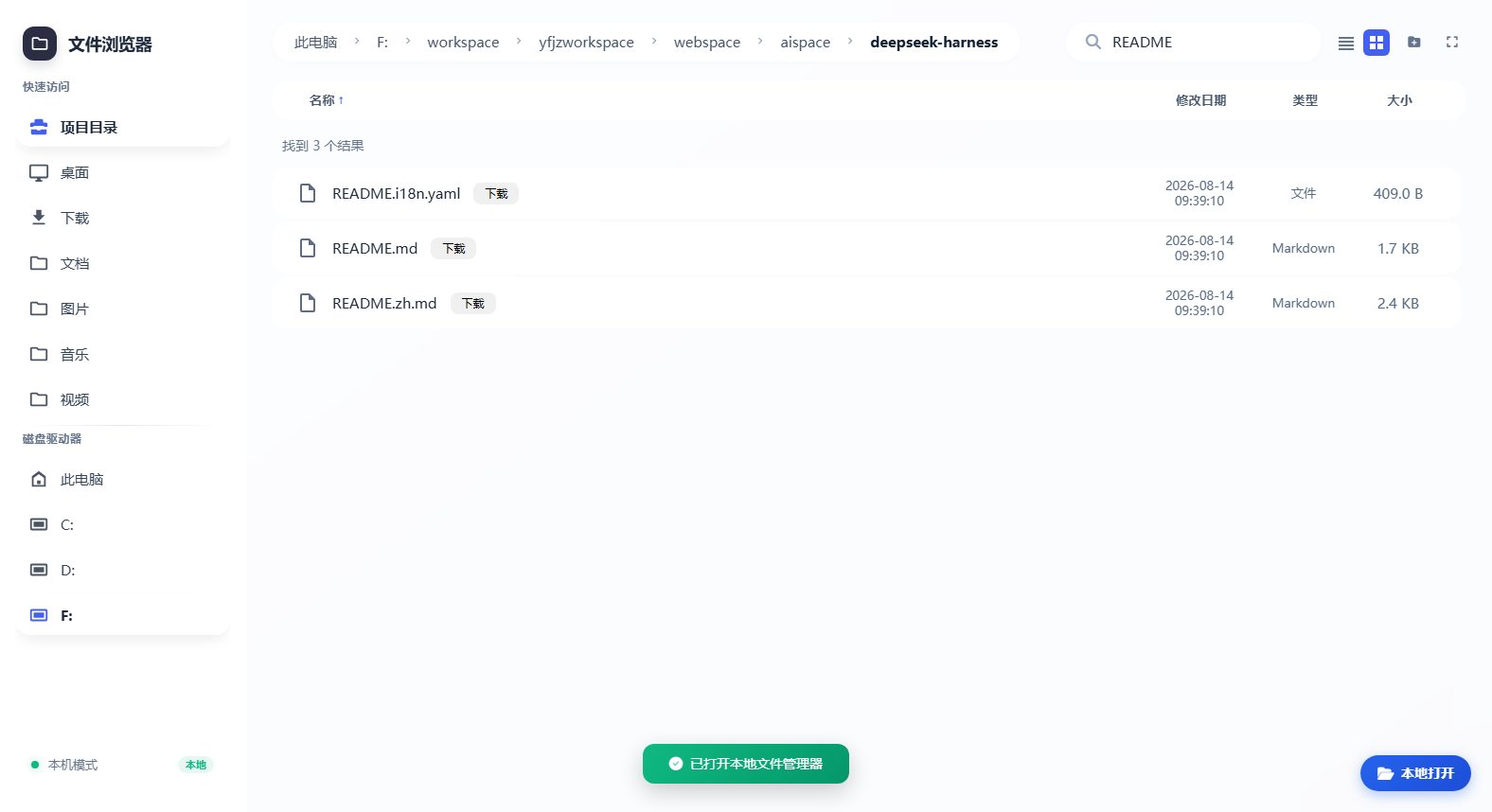
Use Cases
- Easily browse and manage project files through a web interface.
- Automatically analyze file directories with one-click AI analysis.
- Securely access and operate files in remote work environments.
Best For
- Developers and data analysts using DeepSeek Harness.
- Researchers needing file management and AI analysis.
- Professionals handling large projects in team collaborations.
Related Plugins

A method pack that makes AI coding agents plan against your real baseline, prove completion with fresh evidence, and reduce reworks and unsafe changes.

Turns the DeepSeek Harness session into a captain that builds a durable sub-agent team, splits goals into dependency-aware tasks, and coordinates work via direct messages and a live Web UI.
Gives coding agents design judgment, letting Claude Code, Cursor, and 70+ agents generate and iterate high-quality UI, presentations, and graphics right from the terminal.
Run the Pi ecosystem's plugins on DeepSeek Harness, unmodified, via a compatibility layer that implements Pi's public extension ABI on DSH's native services.