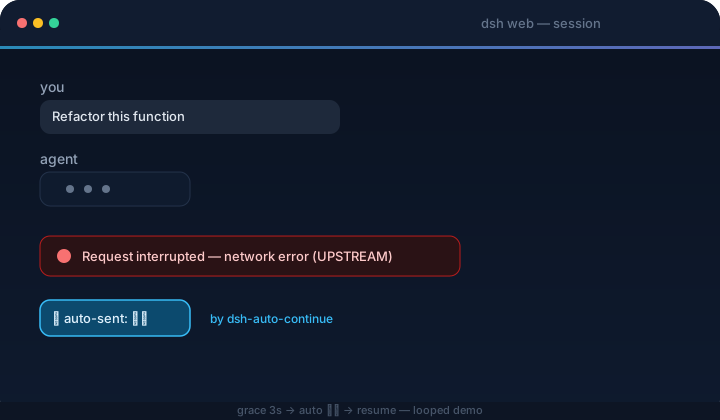
dsh-auto-continue
Run the following command in DeepSeek Harness:
dsh plugin install HsiangNianian/dsh-auto-continue
Paste the following prompt into your AI chat to install this plugin:
To install this plugin in DeepSeek Harness, run dsh plugin install HsiangNianian/dsh-auto-continue, or get it from the source repository at https://github.com/HsiangNianian/dsh-auto-continue.
About this plugin
When running long-lived agent tasks in DeepSeek Harness Web, interruptions from network jitter, timeouts, or upstream 5xx errors frequently break the session, forcing users to stay by the screen and manually type “continue” — a drain on both focus and effort. dsh-auto-continue eliminates this repetitive chore: it lives inside the host process, listens to the session event stream in real time, and automatically sends a configurable continue message whenever it detects a non-human interruption, letting the agent seamlessly resume its work with no manual intervention.
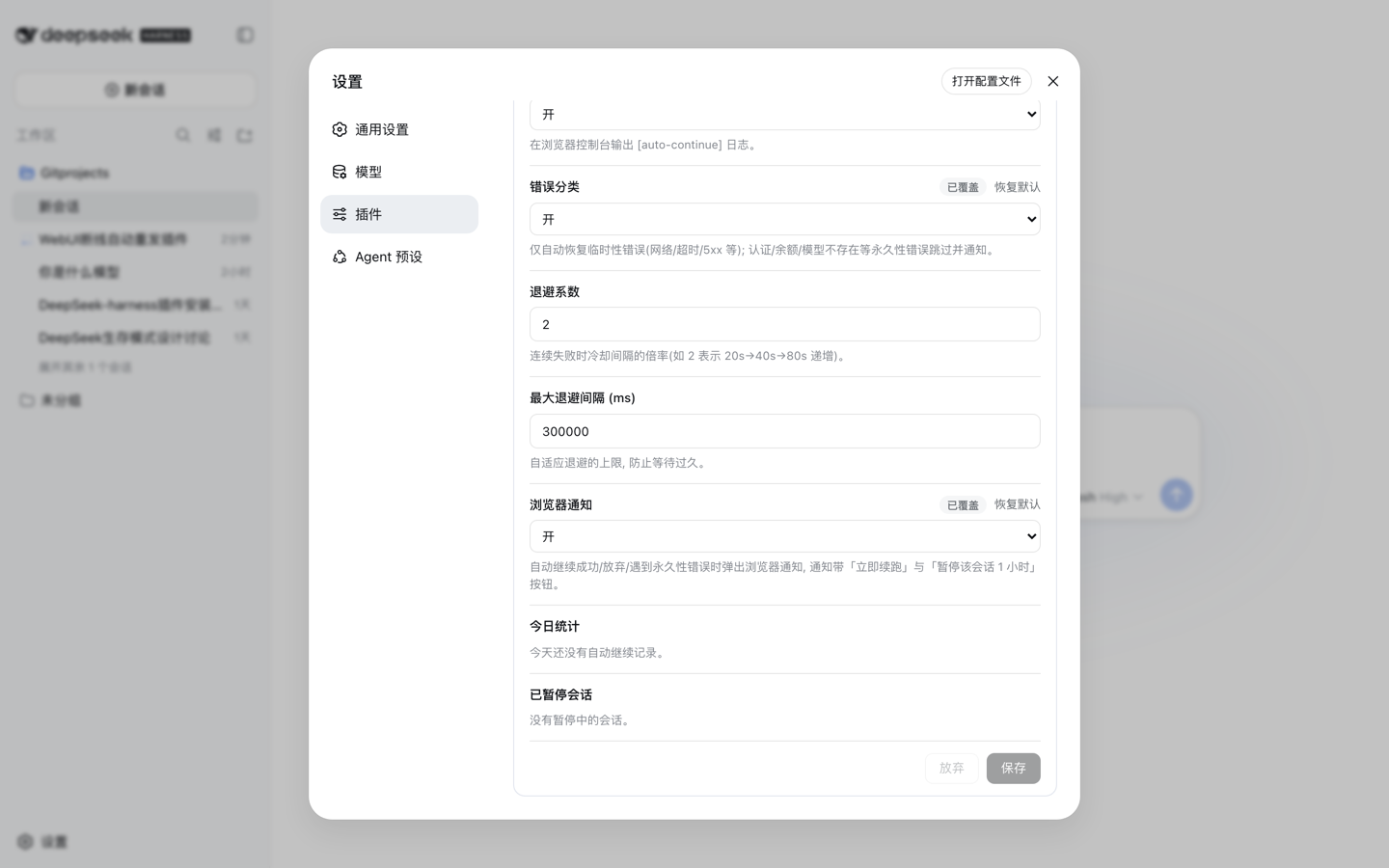
This plugin goes far beyond sending a single phrase. It features smart error classification that distinguishes transient failures (network timeouts, 429) from permanent ones (auth errors, insufficient balance, unknown model) — only the former get auto-resumed, while the latter are skipped and notified to avoid futile retries. An adaptive backoff strategy gradually lengthens the wait after consecutive failures, protecting struggling upstreams. An idempotency guard inspects the last tool call before resuming and instructs the model to verify state first, preventing duplicate execution of operations that may have already succeeded. A loop guard watches running turns and restarts them with a prompt to try a different approach when it detects repetitive output or spinning behavior.
The plugin also offers rich customization: continue text supports placeholders to carry failure context, a dedicated template handles max-token interruptions, global and per-session pause controls give you back command at any time, and browser notifications plus a live stats panel keep you informed of every auto-recovery. For developers, researchers, and automation-heavy users who need long-running agent tasks without being derailed by network hiccups, dsh-auto-continue is a reliable and thoughtful guardian.
Screenshots


Use Cases
- Automatically sends "continue" to resume agent tasks interrupted by network fluctuations
- Handles transient errors automatically during unattended long-running tasks
- Restarts the turn automatically when detecting repetitive output or loop behavior
Best For
- Developers who run long-lived agent tasks
- Researchers who rely on stable automation workflows
- Power users who don't want network interruptions to break their flow
Related Plugins

A method pack that makes AI coding agents plan against your real baseline, prove completion with fresh evidence, and reduce reworks and unsafe changes.

Turns the DeepSeek Harness session into a captain that builds a durable sub-agent team, splits goals into dependency-aware tasks, and coordinates work via direct messages and a live Web UI.
Gives coding agents design judgment, letting Claude Code, Cursor, and 70+ agents generate and iterate high-quality UI, presentations, and graphics right from the terminal.
Run the Pi ecosystem's plugins on DeepSeek Harness, unmodified, via a compatibility layer that implements Pi's public extension ABI on DSH's native services.